Blog

Financial Firm Disposal for Retired IT Assets

Financial Firm Disposal for Retired IT Assets

A retired laptop in a records room can carry more risk than a new workstation on an employee’s desk. Financial firms often retain customer data, account information, employee records, internal reports, credentials, and system configurations across far more devices than expected. That includes not only computers and servers, but also backup drives, networking equipment, printers, phones, tablets, and removable media.

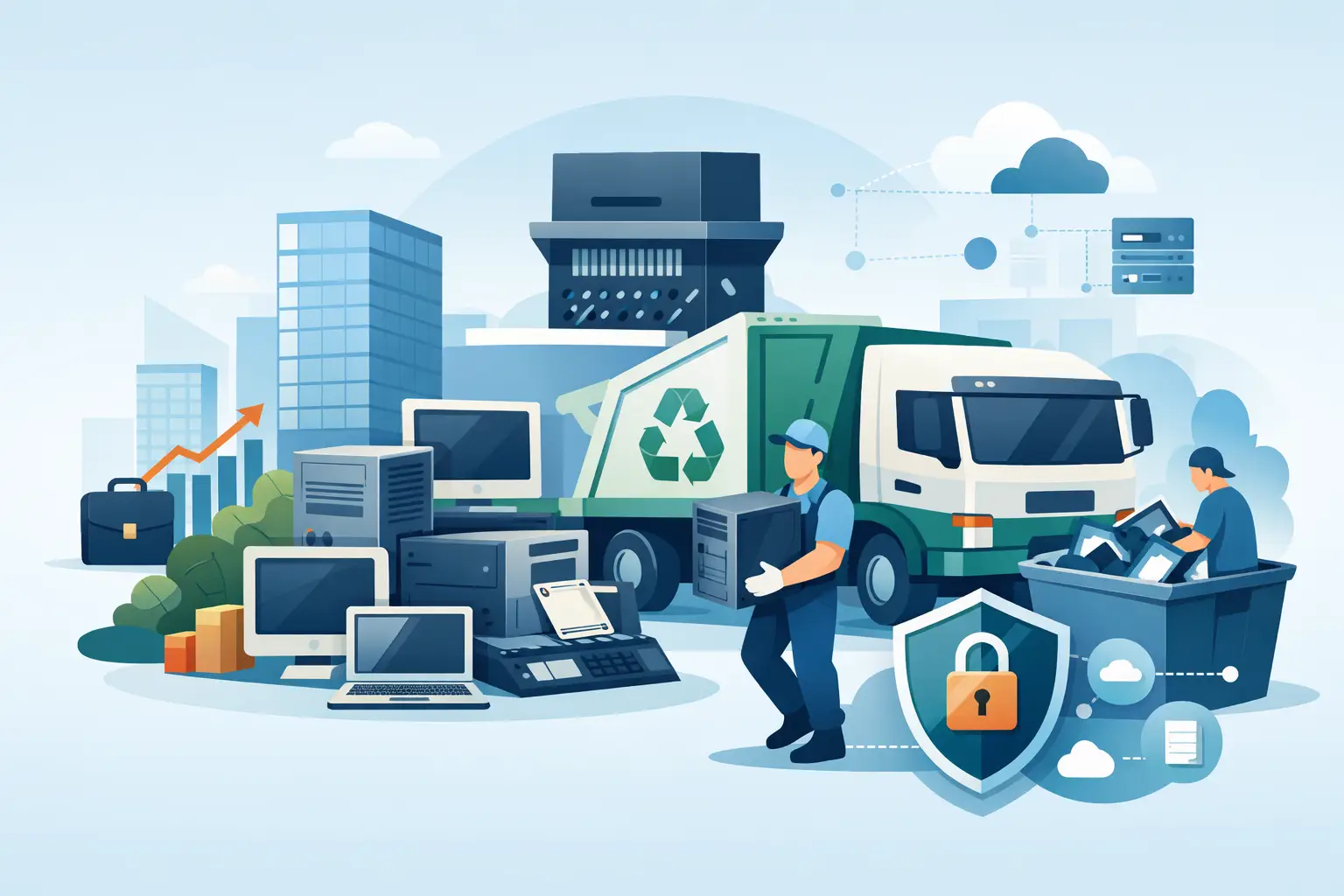
Financial firm disposal is therefore not a routine cleanout. It is a controlled asset-disposition process that must protect sensitive data, support internal policies, and keep electronic materials out of landfills. For banks, investment firms, insurance offices, accounting organizations, fintech companies, and related institutions, the right process starts well before a recycling truck arrives.

Financial Firm Disposal Starts With Asset Control

The first challenge is visibility. Many organizations know what is in active use but have less certainty about equipment stored in IT closets, branch offices, conference rooms, off-site storage, or former employee work areas. Those devices may be outdated, nonfunctional, or no longer connected to the network, but they can still contain recoverable data.

Before scheduling a pickup, identify the equipment being removed and separate assets that may require special handling. A practical inventory should capture the device type, asset tag or serial number when available, location, assigned department, and whether the item contains internal storage. This does not need to delay a disposal project, but it gives IT, compliance, and facilities teams a clear record of what left the organization.

This step also prevents a common mistake: treating all electronics as equal. A monitor and a desktop computer may both be obsolete, but the computer’s solid-state drive or hard drive requires a defined data-destruction process. A multifunction copier may retain scanned documents, email settings, and address books on an internal drive. Network appliances can hold saved credentials, configuration files, VPN settings, and logs.

Define the Data-Destruction Standard Before Pickup

Financial services organizations should decide how data-bearing devices will be handled before equipment is staged for removal. The appropriate method depends on the media type, the sensitivity of the data, the organization’s retention obligations, and whether an asset has resale value.

For equipment intended for reuse or resale, validated data wiping may be appropriate when the drive is functional and the organization’s policy permits it. The wiping process should be documented, and failed drives should be moved to physical destruction rather than being set aside for later review.

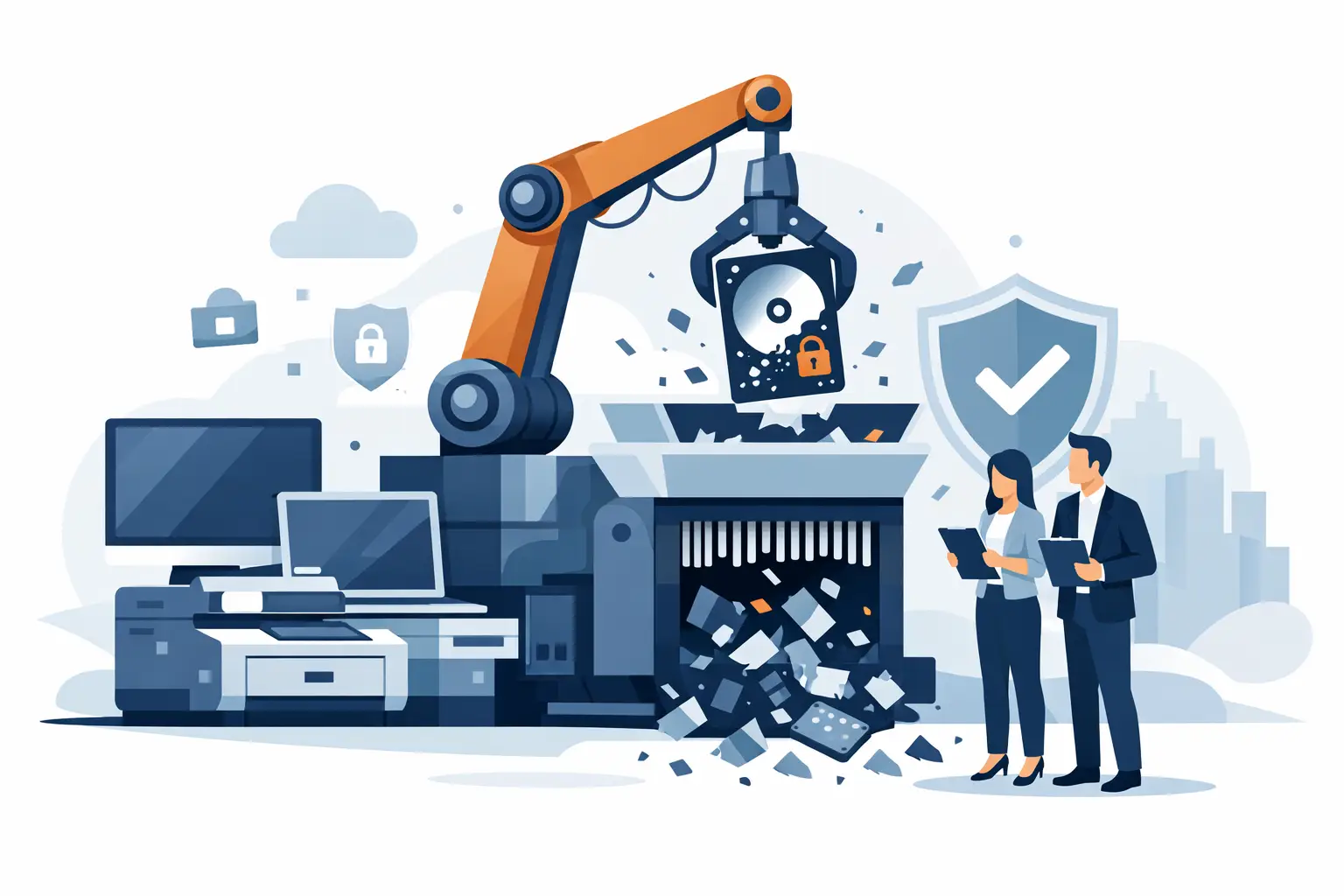
For damaged drives, highly sensitive assets, or equipment that cannot be confidently wiped, physical hard drive shredding provides a more direct result. It is also often the better choice when a firm needs an unambiguous record that the storage media was destroyed. This can include hard drives removed from desktops, laptops, servers, storage arrays, and certain copiers.

Mobile devices deserve the same attention. A factory reset alone may not satisfy an organization’s internal requirements, particularly if the device was used for email, authentication, document access, customer communication, or mobile device management. Confirm that devices are removed from management platforms, accounts are disabled as required, and the selected disposition method matches the firm’s policy.

Maintain a Clear Chain of Custody

A secure disposal process is not only about what happens at the end. It also depends on how equipment is handled from the moment it leaves a desk, rack, or storage room.

Designate a staging area that is accessible to authorized staff but not open to general traffic. Equipment should not sit unattended in a loading dock, hallway, or unsecured common area while waiting for pickup. If a project includes multiple offices or floors, establish who is responsible for moving assets into the staging area and who signs them over to the disposal provider.

At pickup, request documentation that identifies the date, location, general equipment categories, and transfer of custody. For data-bearing media that is shredded, retain the destruction documentation with the asset-disposition records. The level of detail should match your organization’s policy and audit needs. Some firms need serial-number-level reporting for certain device classes, while others document loads by asset category and use internal asset records to reconcile the transfer.

The key is consistency. A certificate is useful only when it is tied to a process your team can explain: what was collected, how it was secured, what destruction or recycling method was used, and where the records are stored.

Separate Reuse, Liquidation, and Recycling Decisions

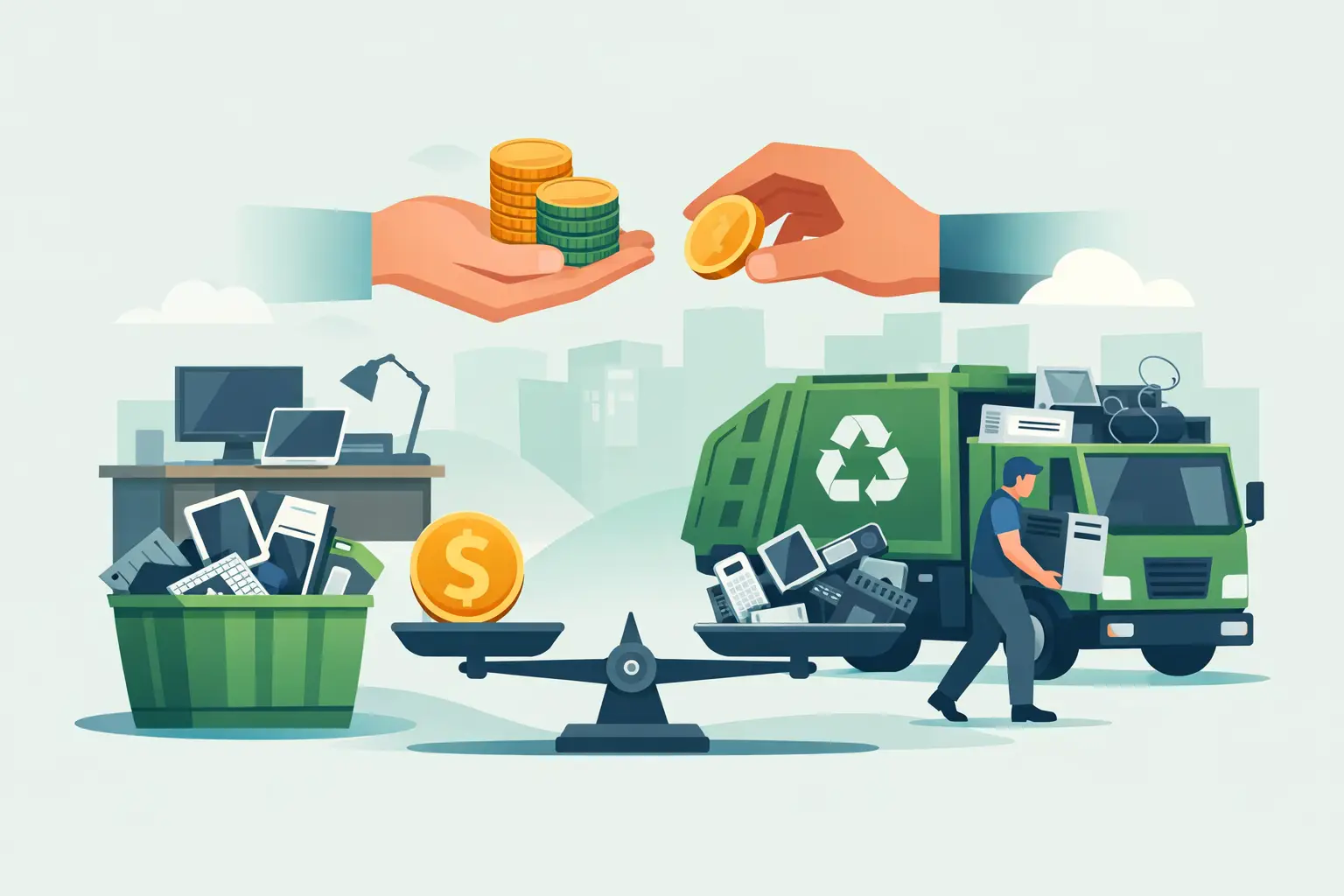
Not every retired asset belongs in the same stream. Functional business-grade laptops, desktops, servers, and networking equipment may have remaining value. Depending on age, condition, specifications, and market demand, equipment buyback or IT asset liquidation can help offset replacement costs.

However, resale value should never override data security. An asset is not ready for remarketing until its storage has been processed under the firm’s approved destruction or sanitization standard. Firms should also consider the administrative cost of extracting a small amount of value from equipment that is difficult to test, transport, or track.

Equipment with little or no resale value should be sent for responsible electronics recycling. This includes obsolete computers, monitors, peripherals, cables, servers, switches, batteries, and other business electronics. Proper recycling keeps regulated and hazardous materials out of the waste stream while allowing recoverable materials to be processed appropriately.

Large-format printers, copy machines, and similar equipment may require special arrangements. They can be heavy, difficult to move, and may contain toner, internal drives, or components that affect disposal cost. Confirm those details early rather than assuming they qualify for standard pickup.

Plan the Pickup Around Operations

A disposal project should reduce clutter without creating an operational disruption. For an office manager, that may mean coordinating access to a secure storage room and an elevator. For an IT manager, it may mean confirming that decommissioned servers are disconnected, labeled, and cleared for removal. For a facilities team, it may mean reserving a loading area and identifying any equipment that requires pallet-jack or dock access.

Qualified commercial loads may be eligible for free e-waste pickup, while smaller quantities or specialized items can involve service charges. Ask about pickup minimums, accepted items, and any fees before scheduling. Clear expectations prevent last-minute changes when the crew arrives.

Organizations with recurring technology refreshes benefit from a repeatable schedule rather than waiting until a storage room is full. Quarterly, semiannual, or annual pickups can keep inactive equipment from accumulating. A routine program also makes it easier to assign ownership, maintain documentation, and avoid rushed disposal decisions during an office move, merger, or system replacement.

For Bay Area organizations, I Got E-Waste provides commercial electronics recycling, secure data destruction, and qualified pickup service for common business technology assets. The service is designed for organizations that need a practical way to remove obsolete equipment while maintaining documented, responsible handling.

Watch for the Gaps That Create Risk

The most serious disposal failures often happen in ordinary places. An employee takes home an old laptop for later drop-off. A department gives away surplus monitors and includes a desktop that was never cleared. A copier is removed by a moving company without anyone checking for an internal drive. A server is stored for years because no one is certain who owns it.

These situations are avoidable when financial firm disposal has a written path. Staff should know where to send retired equipment, who approves removal, what must be documented, and why personal or informal disposal is not permitted. The policy does not need to be complicated, but it must be specific enough to follow under normal working conditions.

Legal holds and record-retention requirements can change the normal process. If equipment or data may be relevant to litigation, an investigation, an audit, or a contractual obligation, do not wipe, shred, recycle, or release it until the responsible legal, compliance, or records team has cleared the action. Disposal vendors handle the physical process, but the organization remains responsible for deciding whether assets are eligible for destruction.

A defensible program is built on simple habits: identify assets, secure them while waiting, select the right data-destruction method, document custody, and use a recycler equipped for commercial electronics. When the next refresh cycle or office cleanout arrives, the work should feel like a controlled handoff, not a risk-management emergency.

How to Remove Data From Retired Tablets Safely

How to Remove Data From Retired Tablets Safely

A tablet left in a storage room can still hold far more than a few old emails. It may contain saved passwords, employee or student records, customer files, cloud-session tokens, Wi-Fi credentials, photos, and access to business applications. To remove data from retired tablets safely, an organization needs more than a quick factory reset and a recycling box.

For IT managers, office managers, schools, and public agencies, the right process depends on the tablet’s condition, ownership status, management settings, and intended disposition. A working tablet with resale value requires a different approach than a damaged device with a swollen battery or a tablet that cannot be powered on. The common requirement is the same: data must be handled deliberately, documented when necessary, and kept out of unauthorized hands.

Start With an Asset and Data Review

Before anyone erases a device, identify what it is and who controls it. Record the manufacturer, model, serial number or asset tag, assigned department, condition, and whether the device powers on. This creates a usable chain of information for your asset records and helps prevent a retired tablet from being mistaken for an active one.

Also determine what data could be present. Tablets used for field service, healthcare, education, retail point-of-sale, sales presentations, or executive travel can retain sensitive information even when staff believe everything was stored in the cloud. Cached documents, offline files, downloaded attachments, browser data, messaging history, and app data may remain on local storage.

For larger retirement projects, separate tablets into practical groups before scheduling disposal: devices that can be redeployed, devices that may qualify for resale or buyback, devices that require wiping and recycling, and damaged units that require secure destruction. This step keeps usable equipment from being destroyed unnecessarily while giving high-risk devices the appropriate level of control.

Remove Accounts Before Resetting the Tablet

A factory reset does not always remove account-based locks. This is one of the most common problems organizations encounter when they retire Apple iPads, Android tablets, Microsoft Surface devices, and similar mobile equipment. If an Apple ID, Google account, mobile device management profile, or enrollment lock remains attached, the next owner may be unable to activate the device. More importantly, the organization may retain an avoidable connection to the device after it leaves the premises.

Before erasing, remove the tablet from the applicable management and account systems. That may include unassigning it from your mobile device management platform, removing it from Apple Business Manager or Android enterprise enrollment, revoking certificates, withdrawing application licenses, and removing it from carrier or device inventory records. If a tablet has an eSIM or physical SIM card, deactivate service and remove the SIM card where applicable.

Do not rely on a former employee or teacher to remember their personal account credentials after they have left. If personally owned accounts were used on company devices, resolve that access issue before the retirement date. A device that is activation-locked after pickup can create extra cost and reduce its resale value, even if its storage was erased successfully.

Use the Correct Method to Remove Data From Retired Tablets

The correct erasure method depends on the operating system, encryption status, and whether the device is functioning. Modern tablets typically encrypt user data by default. When encryption is active, a properly completed factory reset or cryptographic erase can make the stored data inaccessible by deleting the encryption keys. That is usually suitable for a functioning, managed device when the reset can be verified.

However, a reset screen alone is not proof that the process worked. The device should restart to its initial setup screen without an existing user profile, business apps, locally stored files, or account association. Your team should confirm the reset for each tablet, then update the asset record with the date, technician or custodian, method used, and final disposition.

For tablets that contain regulated, confidential, or unusually sensitive information, your data-retention policy may require a higher standard. This can include documented data destruction or physical destruction of the storage media or entire device. A secure destruction provider can help determine whether software erasure, device shredding, or another approved method fits your organization’s policy and compliance obligations.

When a Factory Reset Is Not Enough

A factory reset is not the right answer for every tablet. If the device does not power on, has a failed screen, is heavily damaged, cannot be unlocked, or cannot complete a reset, you cannot verify software-based sanitization. Physical destruction is often the more defensible option for these devices.

The same may be true when tablets held protected health information, financial records, legal case files, confidential government data, or proprietary business information. Requirements vary by organization and industry. The key question is not whether the tablet appears old or unusable. It is whether your organization can reasonably demonstrate that the information is no longer recoverable.

Do not try to open tablets in-house to remove batteries or storage components unless your staff is trained and equipped to do so. Lithium-ion batteries can be damaged during disassembly and may create a fire hazard. Damaged, swollen, or leaking batteries need specialized handling through an electronics recycler that accepts them.

Do Not Forget Removable Media and Accessories

Some older Android tablets and specialty field tablets use microSD cards for photos, documents, maps, application files, or exported reports. Removing data from retired tablets should include checking every device for removable media. A factory reset may not erase a microSD card, and an overlooked card can leave sensitive data exposed.

Collect and inventory memory cards separately. If they are reusable, sanitize them using an approved method and verify the result. If they are no longer needed, send them for secure media destruction. Check protective cases, keyboards, charging carts, and storage cabinets as well. Asset tags, printed labels, handwritten notes, and device assignment stickers can reveal internal information that should be removed before equipment leaves your facility.

Maintain Control Until Final Disposition

Data security does not end when a device is reset. Retired tablets should be kept in a controlled area with limited access until pickup. Avoid leaving them in an open loading dock, hallway, donation pile, or general recycling bin. A device that has not been erased can be lost, and even erased equipment may still expose asset tags, user information, or account locks if it is handled carelessly.

For organizations disposing of multiple tablets, maintain a clear handoff record. At minimum, it should identify the pickup date, the vendor, the quantity and general device type, and any serial-number list your organization requires. If data destruction is part of the service, retain the destruction documentation with your IT asset records. This is especially useful for audits, internal security reviews, insurance questionnaires, and regulated disposal policies.

A qualified electronics recycling partner should also handle tablets in accordance with applicable recycling requirements. Sending devices to an unknown collector, especially one that offers no documentation or cannot explain its downstream process, creates unnecessary environmental and data-security risk. Business electronics should be managed through a recycler that keeps material out of landfills and avoids illegal overseas dumping.

Balance Reuse, Buyback, and Destruction

Not every retired tablet should be shredded. Recent, functioning devices may have remaining value after verified data removal and account release. Asset liquidation or buyback can help offset replacement costs, particularly when an organization is retiring a large, consistent group of business-owned iPads or Android tablets.

There is a trade-off. Reuse requires more careful testing, account removal, data sanitization, and documentation. Physical destruction provides a more direct end point for failed or high-risk devices, but it eliminates any resale value. Organizations often use both paths in the same project: working devices move through approved reuse channels, while damaged or sensitive units receive secure destruction.

Plan the Pickup Around Your Actual Volume

For Bay Area organizations clearing a storage room, closing an office, refreshing classroom devices, or replacing field tablets, pickup logistics matter. Consolidate tablets with other eligible business electronics such as laptops, desktops, monitors, servers, network equipment, phones, cables, and peripherals. This can make collection more efficient and may help meet pickup-volume requirements.

Before pickup, label containers by status rather than putting everything into one box. For example, keep wiped devices intended for recycling separate from devices awaiting destruction and from reusable units being evaluated for buyback. Give your internal point of contact a final device count and keep any serial-number report with the disposal documentation.

I Got E-Waste provides commercial electronics recycling and secure data destruction services for organizations throughout the San Francisco Bay Area. The practical goal is straightforward: remove devices from your space without creating a gap in data security, compliance, or environmental responsibility.

A retired tablet should leave your organization only after its accounts are released, its data is erased or destroyed using an appropriate method, and its handoff is recorded. That discipline turns a cluttered shelf of old devices into a completed asset-disposition task rather than a lingering security risk.

Are Data Destruction Certificates Required for IT?

Are Data Destruction Certificates Required for IT?

A box of retired laptops is not just e-waste. It may contain employee records, customer data, financial files, saved passwords, device identifiers, and licensed software. That is why organizations often ask, are data destruction certificates required before they schedule an electronics pickup or release equipment to a recycler?

The short answer is: not in every situation. No single U.S. law generally requires every organization to obtain a document specifically titled a “data destruction certificate” for every retired device. But a certificate or comparable written record is often the practical evidence an organization needs to meet contractual, regulatory, audit, insurance, and internal policy obligations.

For Bay Area businesses, schools, nonprofits, and public agencies, the better question is not simply whether a certificate is legally required. It is whether your organization can prove that data-bearing equipment was handled securely and disposed of according to its obligations.

Are Data Destruction Certificates Required by Law?

Requirements depend on the type of data, your industry, the terms of your contracts, and the policies your organization has adopted. Privacy and security laws typically require reasonable safeguards for sensitive information. They may not prescribe a particular certificate format, but they can create serious consequences if a retired hard drive, server, mobile device, or backup device exposes protected information.

For example, healthcare organizations and their service providers must protect electronic protected health information. Financial services organizations may have information-security obligations for customer data. Educational institutions, government departments, and companies handling payment information can also face specific retention, privacy, or security rules. A certificate may not be named in the statute, yet it can provide useful documentation that the organization followed a controlled disposal process.

California organizations should also consider their broader responsibility to protect personal information. A recycler’s verbal assurance that drives were destroyed is difficult to use during an audit, a vendor review, or an incident investigation. Written documentation is far more defensible.

A certificate is most likely to be expected when your organization is subject to a regulated program, follows a recognized information-security framework, works under a client contract with disposal requirements, or has a written IT asset disposition policy. It may also be required by your insurer, legal department, procurement rules, or parent organization.

When a Certificate Is the Practical Requirement

Even where no law uses the phrase “certificate of destruction,” records matter because equipment changes hands. Your organization remains responsible for making reasonable decisions about its data until the information is securely erased or the media is physically destroyed.

Consider an office manager clearing out 40 old desktop computers. If those systems were used only for public presentations and were professionally wiped before disposal, an itemized recycling receipt may be enough for the organization’s internal records. If the same computers processed payroll files, donor information, student records, patient information, or customer account data, a more detailed destruction record is the safer approach.

Certificates are especially useful for servers, hard drives, solid-state drives, network appliances, copier hard drives, phones, tablets, and removable media. These items can retain data even when the equipment no longer powers on or has been removed from active service. A failed drive should not be treated as harmless simply because it cannot be accessed through normal use.

There is also a difference between recycling equipment and destroying data. A computer may be repaired, resold, harvested for parts, or recycled responsibly. Those are valid disposition paths when data has been securely removed. But if your policy requires physical destruction of the media, the documentation should reflect that specific service, not merely state that the electronics were recycled.

What a Useful Data Destruction Certificate Should Show

A certificate has value only if it gives your records team enough information to connect the service to a real shipment, date, and set of assets. A generic letter stating that “all data was destroyed” may be better than nothing, but it can leave gaps when questions arise later.

For a commercial pickup, ask for documentation that clearly identifies the service provider, the customer organization, the service date, and the destruction method. It should also identify the assets or media covered by the certificate at the level your policy requires.

For many organizations, the most useful record includes:

  • A certificate number or other unique reference number
  • The pickup or destruction date and the customer location
  • The destruction method, such as secure erasure, degaussing, shredding, or physical destruction
  • An asset list, quantity count, or serial-number report when required
  • A statement that the work was completed and an authorized provider signature or attestation

The right level of detail depends on risk. A serial-number report takes more time than a simple quantity-based certificate, but it provides a stronger asset-to-record connection. That can matter when a hospital, financial firm, government office, or enterprise customer needs to reconcile individual drives against an asset inventory.

For a lower-risk cleanup of keyboards, monitors, cables, empty printer cartridges, and non-data-bearing equipment, serial-level data destruction documentation may add little value. The key is to separate devices that can store information from equipment that cannot.

Certificates Do Not Replace Secure Handling

A certificate is evidence of a process. It is not the process itself.

Before equipment leaves your office, the vendor should have clear procedures for pickup, transport, storage, data destruction, downstream recycling, and record delivery. If equipment waits in a hallway, loading dock, or unsecured storage room before pickup, the risk begins before the destruction service does.

Chain of custody is particularly relevant for organizations with sensitive information. It documents who had possession of the equipment and when it transferred from your organization to the service provider. Depending on the project, this may include a pickup receipt, bill of lading, signed inventory, secure transport record, and final certificate.

Ask how devices are identified at pickup, whether they are kept in secured containers or vehicles, where destruction occurs, and how long records are retained. A responsible vendor should be able to explain the process plainly. Vague answers about “taking care of it” are not enough for regulated or security-conscious organizations.

Choose the Right Destruction Method for the Media

The certificate should match the method used, because not all data-bearing devices respond to the same treatment.

Traditional hard disk drives can often be securely erased when they are operational and the erasure process is verified. Physical shredding is appropriate when the drive has failed, cannot be reliably overwritten, or your policy requires media destruction. It also supports a clear final disposition when equipment is not being reused.

Solid-state drives require extra attention. Their storage architecture can make certain overwrite approaches less reliable than they are for conventional hard drives. When verified erasure is not appropriate or cannot be confirmed, physical destruction may be the better choice. Mobile devices, USB drives, and memory cards should also be included in the scope rather than being overlooked in desk drawers or IT storage bins.

There is a trade-off. Reuse and resale can recover value from working equipment and extend its useful life, but only after data has been properly removed and verified. Physical destruction eliminates the media from reuse. Your organization’s data sensitivity, asset value, and written policy should determine which path is appropriate.

Build Certificates Into Your IT Asset Disposition Process

Do not wait until a storage room is full of obsolete technology to decide what documentation you need. Set the requirement when devices are retired. IT can identify assets and storage media, facilities can coordinate access and staging, and finance or procurement can retain records needed for audit and vendor management.

A practical internal policy should define which equipment requires destruction, whether serial-number tracking is necessary, who approves exceptions, and how long certificates and pickup records are retained. It should also address remote offices and employees who may have retired laptops or mobile devices outside the main facility.

When arranging commercial e-waste pickup, provide a clear count of computers, servers, drives, networking equipment, copiers, and other electronics. Flag data-bearing items separately. This helps the vendor scope the service correctly and helps your team receive documentation that matches the actual material collected.

I Got E-Waste provides commercial electronics recycling and secure data destruction services for organizations throughout the San Francisco Bay Area. For qualified pickups, the most efficient projects are those where the asset mix, data destruction needs, and documentation expectations are identified before the scheduled collection.

A destruction certificate is not automatically required for every device your organization retires. But when the equipment held sensitive information, supporting the decision with clear records is usually the responsible choice. Treat the certificate as one part of a controlled disposition process: identify the media, secure it before pickup, use an appropriate destruction method, and retain the documentation where your organization can find it when it matters.

Equipment Buyback for Retired Business IT Assets

Equipment Buyback for Retired Business IT Assets

A storage room full of retired laptops, servers, switches, and mobile devices is not just taking up space. It may contain recoverable value, confidential data, and materials that require proper handling. Equipment buyback gives organizations a practical way to evaluate eligible business electronics before sending the remainder through compliant recycling.

For Bay Area offices, schools, nonprofits, government teams, and IT departments, the goal is not to hold onto old equipment indefinitely in case it becomes useful. The goal is to move retired assets out efficiently, protect data, document the process where needed, and recover value when the equipment still has a viable resale market.

What Equipment Buyback Means for Business Electronics

Equipment buyback is the purchase of eligible used IT assets based on their condition, age, specifications, quantity, and current market demand. It is most relevant for business-grade equipment that can be tested, resold, refurbished, or harvested for usable components.

A buyback assessment is not the same as a recycling pickup. Recycling is the responsible downstream process for equipment with little or no resale value. Buyback applies to assets that remain commercially useful. A mixed load may include both: newer laptops and servers that qualify for valuation, plus damaged monitors, outdated peripherals, cables, batteries, and obsolete hardware that should be recycled.

This distinction matters because organizations often assume every retired device has value, or that none of it does. Neither assumption is reliable. A three-year-old business laptop fleet may have meaningful resale potential. Ten-year-old desktop towers with failed hard drives may be more appropriate for secure destruction and recycling.

Which Assets May Qualify for Equipment Buyback?

Eligibility depends on the condition of the equipment and the market at the time of evaluation. Business IT assets typically have the strongest potential when they are current enough to support modern operating systems, are functional, and are available in useful quantities.

Common assets that may be considered include laptops, desktops, servers, network switches, firewalls, wireless access points, tablets, smartphones, enterprise storage equipment, and certain higher-value components. Brand, model, processor generation, memory, storage capacity, configuration, cosmetic condition, and included power adapters can all affect value.

For example, a standardized group of recent business laptops is generally easier to evaluate and process than a collection of unrelated consumer devices. Equipment from a company refresh project may have asset tags, serial numbers, chargers, and consistent configurations. That organization has already done much of the work needed to identify and prepare the assets.

Older CRT monitors, damaged equipment, low-end peripherals, broken printers, empty toner cartridges, and mixed cables rarely drive buyback value. They may still be accepted for e-waste recycling, subject to pickup qualifications and any applicable disposal charges. Large-format printers and copy machines, for example, can require specialized handling because of their size and components.

Quantity and consistency affect the result

A single high-specification laptop can have value, but an organized group of comparable assets is more practical for a business buyback program. Volume helps offset testing, transportation, inventory, data-handling, and resale processing costs.

Consistency also helps. Fifty similar laptops from the same replacement cycle are easier to assess than fifty devices spanning multiple brands, ages, and conditions. That does not mean mixed loads cannot be collected. It means the buyback portion of a mixed load must be evaluated separately from the recycling portion.

Condition is more than cosmetic appearance

Working equipment generally receives stronger consideration than equipment with cracked screens, missing drives, liquid damage, locked BIOS settings, activation locks, or unknown power status. Cosmetic wear is often manageable, but functional defects can reduce value quickly.

Organizations should not spend excessive staff time repairing every device before requesting an evaluation. However, providing an accurate description of known issues helps set realistic expectations. A clear asset list is more useful than a vague statement that a room contains “old computers.”

Data Security Comes Before Resale Value

The resale value of a device should never outweigh the data security obligations attached to it. Retired computers, servers, network appliances, tablets, and phones can retain employee records, customer information, financial data, credentials, proprietary documents, or regulated information even after a user deletes files.

Before equipment enters a buyback or resale stream, organizations need a defined data-handling process. Depending on internal policy, regulatory requirements, and device type, that may involve verified data wiping, drive removal, or physical hard drive destruction. For assets that cannot be sanitized or that contain failed storage media, shredding may be the appropriate path.

This is especially relevant for IT managers and facilities teams coordinating a cleanup across multiple offices. Devices should not be placed in an unsecured loading area while awaiting pickup. Maintain custody, identify the equipment being transferred, and make sure staff understand which devices require special handling.

A practical asset disposition plan should address four questions: who approves the release of equipment, what data destruction method applies, how assets are tracked, and what documentation is required after service. The answers vary by organization. A small office may need a straightforward inventory and secure recycling record, while a healthcare provider, financial firm, school district, or public agency may have more detailed retention and audit requirements.

How to Prepare Assets for a Buyback Evaluation

Good preparation reduces delays and produces a more accurate assessment. Start by separating likely resale candidates from obvious recycling material. If possible, group equipment by type and model rather than stacking everything together in a storage room.

Create a basic inventory with manufacturer, model number, quantity, condition, and whether power adapters or accessories are included. Serial numbers can be useful for internal tracking, though the level of detail should match your organization’s process. Note any equipment that is damaged, locked, missing parts, or known to have failed drives.

Next, identify your data-security requirements before scheduling service. If drives will be removed internally, label and retain them according to policy. If secure wiping or destruction is needed, communicate that requirement in advance. This prevents a common operational mistake: treating data destruction as an afterthought once equipment has already been moved.

Finally, confirm the pickup environment. Identify where the equipment is located, whether there are stairs, elevators, loading docks, security check-in procedures, parking limitations, or palletized materials. A clear site description helps plan a pickup that does not disrupt daily operations.

When Buyback Is Not the Best Option

Buyback is useful, but it is not the right answer for every retirement project. An organization may prioritize speed over resale recovery when it needs to clear a leased office quickly. It may choose destruction and recycling when equipment carries sensitive data and the cost or uncertainty of sanitization outweighs the remaining market value.

The same applies to equipment that is too old, damaged, incomplete, or specialized for a secondary market. Trying to sell each item individually can consume staff time, create inconsistent data-security practices, and leave the least desirable material behind. For most organizations, a coordinated program that combines asset evaluation, data destruction, pickup, and responsible recycling is more efficient than piecemeal disposal.

There is also a timing factor. Used technology depreciates quickly. Holding retired assets for another year can reduce or eliminate their buyback value, particularly for laptops, phones, and network equipment that are replaced on regular cycles. Once a refresh is approved, it is usually better to begin disposition planning early instead of waiting until storage becomes a problem.

Equipment Buyback and Responsible Recycling

A responsible electronics disposition process should account for every category in the load, not only the items with resale value. Eligible assets may move through equipment buyback, while nonmarketable or end-of-life materials are directed to compliant recycling channels. Batteries, storage media, monitors, printers, and other specialized items may require different handling methods.

For organizations in the San Francisco Bay Area, I Got E-Waste can coordinate commercial e-waste pickup, secure data destruction, and evaluation of eligible IT assets. Qualified loads may be eligible for no-cost pickup, while small-quantity pickups and specialized items may involve service fees. Reviewing the equipment list before scheduling helps establish the appropriate service plan.

The most useful next step is simple: inventory what is in storage, identify the data-bearing devices, and separate assets with likely resale potential from material that has reached end of life. That gives your organization a clearer path to recover value where it exists and dispose of everything else responsibly.

Does E-Waste Pickup Cost Money for Businesses?

Does E-Waste Pickup Cost Money for Businesses?

A storage room full of retired laptops and monitors is not just taking up space. It can create data-security, environmental, and logistical problems that someone on your team eventually has to solve. So, does e-waste pickup cost money for a business? Sometimes. The answer usually depends on the volume, type, condition, and location of the equipment, plus whether the pickup requires specialized handling or data destruction.

For many organizations, commercial e-waste pickup can be free when the load meets a recycler’s minimum quantity and contains equipment with recoverable value. Smaller collections, certain difficult-to-recycle items, and specialized services may carry a charge. Knowing the difference before scheduling helps your team avoid surprises and choose a disposal plan that meets both budget and compliance requirements.

When e-waste pickup may be free

Free pickup is commonly available for qualified commercial loads. A qualified load generally means there is enough material to justify the truck, labor, sorting, and downstream recycling process. Businesses replacing an office’s computers, clearing a server room, consolidating locations, or completing an IT refresh are often in the best position to meet minimum volume requirements.

The items in the load matter as much as the quantity. Computers, laptops, servers, network equipment, monitors, mobile devices, and many standard peripherals are commonly accepted as part of commercial recycling pickups. Equipment that can be repaired, reused, harvested for parts, or processed efficiently helps offset the cost of collection and recycling.

Free pickup does not mean the material is handled casually. A responsible provider should transport electronics through established recycling channels and follow applicable state and federal requirements. For Bay Area organizations, that includes avoiding landfill disposal and ensuring material is not improperly exported or abandoned by an unqualified downstream vendor.

Why some e-waste pickups cost money

Pickup fees are usually based on real handling and processing costs, not an arbitrary charge. When a recycler cannot recover enough value from the material to cover transportation, labor, and responsible recycling, a fee may be necessary.

Small-quantity pickups are one common example. Sending a vehicle and crew for a few devices can cost more than the recyclable value of those items. If your office has only several laptops or a small stack of monitors, a paid pickup may be the practical option unless you can combine the material with other retired equipment or wait until your next refresh cycle.

Certain items also require extra labor, special processing, or separate disposal procedures. Large-format printers, copy machines, and similar equipment can be heavy, difficult to move, and expensive to dismantle. Batteries, damaged equipment, and devices containing specialized components may require additional handling as well.

Access conditions can affect the quote, too. Equipment spread across multiple floors, secured facilities, limited loading access, after-hours requirements, or multiple service locations can add time and labor. That does not mean a fee will always apply, but it is why an accurate description of the pickup is useful from the start.

Data destruction is a separate service decision

Recycling an old computer is not the same as proving its data was destroyed. If your retired hard drives, solid-state drives, servers, or mobile devices contain confidential records, the question is not only what pickup costs. It is also what level of data protection your organization needs.

Secure data destruction may include documented wiping, physical hard-drive shredding, serialized asset tracking, or a certificate of destruction. The appropriate method depends on your internal policy, customer obligations, regulatory requirements, and the sensitivity of the data involved. These services can add cost, particularly when equipment must be tracked by serial number or drives need to be removed and processed individually.

For many IT managers, that added cost is justified. A free pickup is not a savings if a retired drive later creates an avoidable data exposure. Ask upfront whether your selected service includes data destruction, what method is used, and what documentation your organization will receive.

How to find out whether your pickup qualifies

The fastest way to determine whether e-waste pickup is free is to provide a clear equipment inventory. It does not have to be perfect, but it should be specific enough for the recycler to assess the load.

Include approximate quantities of desktops, laptops, servers, monitors, printers, networking equipment, phones, batteries, and other electronics. Identify items that may require special handling, such as copiers, large-format printers, broken screens, swollen batteries, or equipment stored in difficult-to-access areas. If the equipment is spread across offices or campuses, note each pickup location.

It also helps to state whether you need hard-drive shredding, certificates of destruction, asset reports, or equipment buyback evaluation. These details allow the provider to distinguish between standard recycling, a qualified free pickup, and a project that requires a custom quote.

Photos can be helpful when your team is unsure how to describe a large amount of equipment. They give the recycler a realistic view of volume, palletization, access, and unusual items before a truck arrives.

The cost of choosing the wrong recycler

The lowest pickup price is not always the lowest-risk option. Businesses and institutions are still responsible for selecting vendors carefully, especially when the load includes devices that store employee, customer, student, patient, financial, or operational data.

A recycler that offers vague answers about downstream handling, data destruction, or documentation may create more risk than savings. Improper disposal can lead to data loss, compliance issues, environmental harm, and reputational damage. It can also leave your staff with incomplete records when an auditor, customer, or internal stakeholder asks what happened to retired assets.

A qualified commercial provider should be able to explain what it accepts, which items may require fees, how data-bearing equipment is handled, and what records are available after service. Clear terms are a good sign. So is a willingness to identify items that are outside a free-pickup program before scheduling.

Ways to reduce e-waste pickup costs

The simplest cost-control strategy is to plan disposal as part of your asset lifecycle instead of treating it as an emergency cleanup. Hold retired equipment in a secure, organized staging area until you have enough volume for a qualified pickup. Combining equipment from several departments can also help meet minimum requirements.

Before scheduling, separate standard IT equipment from items likely to require special handling. Keep batteries contained and identified. If possible, place smaller electronics in boxes or on pallets, and make sure the pickup team has a clear path to the loading area. Better preparation can reduce labor time and prevent delays.

Organizations with reusable equipment should also ask whether asset liquidation or buyback is available. Newer, working laptops, desktops, servers, and network equipment may have residual value. That value may help offset service costs, although condition, age, specifications, and market demand all affect the outcome.

Do not delay data decisions until the truck arrives. Determine whether each device will be wiped, shredded, retained, redeployed, or sold before pickup day. This reduces last-minute handling changes and helps preserve a clean chain of custody.

What Bay Area organizations should expect

For commercial clients in the San Francisco Bay Area, I Got E-Waste provides free e-waste pickup for qualified loads and fee-based options for smaller quantities or items requiring specialized disposal. The practical next step is to request service with an item list, estimated quantities, pickup address, access details, and any data-destruction requirements.

A clear inventory turns a general question about cost into a workable plan. Whether your pickup qualifies for free service or requires a quoted fee, the goal is the same: move retired technology out of your workspace, protect sensitive information, and document responsible recycling without creating another operational task for your team.

Data Destruction for Retired Business Equipment

Data Destruction for Retired Business Equipment

A retired laptop in a storage room can still contain employee records, customer information, saved passwords, financial files, and access to business systems. Data destruction is the control that prevents those assets from becoming a security incident after they leave daily use. For organizations replacing equipment in volume, the process needs to be planned before devices are stacked for pickup or sent to a recycler.

The objective is not simply to make files hard to find. It is to permanently remove data from every applicable storage component while maintaining a documented chain of custody. That requires knowing what equipment you have, selecting a destruction method that fits the media, and retaining records that support your internal security and disposition requirements.

Why Data Destruction Needs an Asset-Level Plan

Businesses often focus on desktop computers and overlook the other equipment that stores information. Servers, network appliances, phones, tablets, external drives, multifunction printers, copiers, and backup devices may all retain data. A device can be powered off, disconnected, or broken and still hold recoverable information.

Storage media may also be hidden inside equipment that does not look like a traditional computer. A firewall can retain configuration files and credentials. A copier may store scanned documents on an internal drive. A failed laptop may have an intact solid-state drive even when the display, battery, or motherboard no longer works. Treating all retired electronics as equal creates gaps in the process.

An asset-level plan identifies which items contain media, who approves their release, and which method will be used for each type of media. It also separates devices intended for reuse or resale from devices that require physical destruction. That distinction matters because an organization may recover value from suitable equipment, but only after data has been addressed appropriately.

Start With an Inventory Before Pickup

A complete inventory does not need to slow down a cleanout. It should give your IT, facilities, and security teams a practical record of what is leaving the site. At minimum, record the device type, manufacturer, model, asset tag or serial number when available, storage-media type, assigned location, and final disposition.

For a small office, a spreadsheet and labeled staging area may be enough. For a school district, multi-site business, or government department, the inventory may need to match an existing asset-management system. The right level of detail depends on internal policy, the sensitivity of the information involved, and any contract or regulatory obligations your organization carries.

Before equipment is moved, remove it from active management systems only after confirming that needed data has been migrated and that the device is no longer required for operations. This prevents a rushed disposal project from creating an avoidable service interruption. It also gives IT staff time to identify encrypted devices, damaged equipment, and assets with unusual media configurations.

Choosing the Right Data Destruction Method

There is no single method that fits every device. The correct approach depends on the type and condition of the storage media, whether the equipment has resale value, and the assurance level your organization requires.

Verified data wiping

Software-based wiping can be appropriate for functional hard disk drives and supported solid-state drives that will be reused, redeployed, or liquidated. A proper process should verify completion and create a record tied to the device or drive. Simply deleting files, emptying a recycle bin, or performing a basic factory reset is not the same as verified wiping.

Wiping preserves the possibility of reuse, which can reduce disposal costs or support equipment buyback. The trade-off is that the device must be accessible and the storage media must respond reliably. A failed drive, locked device, or unsupported media type may not be a good candidate for this method.

Physical hard drive shredding

Physical shredding reduces hard drives into small pieces, making the media unusable and preventing recovery through normal forensic methods. It is often selected for failed drives, highly sensitive records, and organizations whose policy requires physical destruction rather than reuse.

Shredding is direct and final. The trade-off is equally direct: once the drive is shredded, the device cannot be resold with that original storage media. Organizations should confirm that required files, licenses, and configuration information have already been transferred before authorizing destruction.

Solid-state drive and flash media destruction

Solid-state drives, USB drives, memory cards, and embedded flash storage require special attention. Their data may be distributed across multiple chips, and methods designed for magnetic hard drives may not provide the same result. Physical destruction must reduce the storage components effectively, not merely damage the outer casing.

This is one reason an equipment list matters. A mixed load may include conventional hard drives, SSDs, phones, tablets, and network gear. Each category should be identified so the destruction process matches the media inside.

Mobile device processing

Phones and tablets should be removed from mobile-device management only after required retention steps are complete. Accounts, activation locks, and device enrollment status can affect whether a device can be reused. If reuse is not appropriate, the device and its embedded storage should be handled through a secure destruction process.

Chain of Custody Begins at Your Site

Security is not limited to the point where a drive is wiped or shredded. It starts when equipment is staged for disposal. Retired devices should be kept in a controlled area, away from public access, general recycling bins, and loading docks where items can be removed without authorization.

Assign a contact who can release equipment to the pickup team and verify the load before it leaves. For larger projects, use counted containers, labeled pallets, or sealed bins. If multiple departments are contributing equipment, have each department provide its asset list before consolidation. These controls make discrepancies easier to identify while the equipment is still on site.

Secure transport and documented receiving are equally important. Your organization should be able to show when assets left its possession, who handled them, and what happened next. That record helps satisfy internal audit requests and demonstrates that retired electronics were managed through an accountable process rather than informal disposal.

Documentation That Supports Compliance

A certificate of destruction is useful when it identifies the service performed, the date, the responsible provider, and the applicable assets or media. For sensitive projects, organizations may need more detailed reporting, such as serial-number-level records, destruction logs, or reconciliation against an asset list.

Documentation should also distinguish data destruction from general electronics recycling. Recycling addresses responsible material recovery and keeps electronics out of landfills. Data destruction addresses the information stored on those electronics. A compliant disposition program needs both controls, particularly when handling computers, servers, and other IT assets that contain confidential information.

Retention periods for records vary. Your legal, compliance, procurement, or information-security team should determine how long certificates and asset disposition reports must be kept. Do not rely on a generic retention schedule if your organization handles regulated records, protected customer information, or government data.

Build Data Destruction Into Your Refresh Cycle

The easiest time to manage retired equipment is before the storage room is full. Include disposition planning in desktop refreshes, server replacements, office moves, lease returns, and department closures. A scheduled process reduces the temptation to place obsolete devices in unsecured corners until someone has time to deal with them.

For Bay Area organizations with recurring volumes of retired electronics, a commercial pickup plan can combine collection, secure data destruction, and responsible recycling in one coordinated service. Free pickup may be available for qualified business loads, while smaller quantities or specialized items may require a fee. Confirm accepted items, volume requirements, and any charges for equipment such as large-format printers or copiers before scheduling.

Prepare the load in advance by separating loose batteries, identifying equipment that requires destruction, and keeping devices accessible for pickup. Do not dismantle equipment unless your vendor specifically instructs you to do so. Internal drives can be difficult to locate, and incomplete disassembly can complicate both asset tracking and safe handling.

The strongest disposal programs are routine, documented, and easy for staff to follow. When a device reaches end of life, employees should know where it goes, who authorizes release, and how data destruction will be verified. That clarity keeps a forgotten drive from becoming the most expensive item in the storage room.