

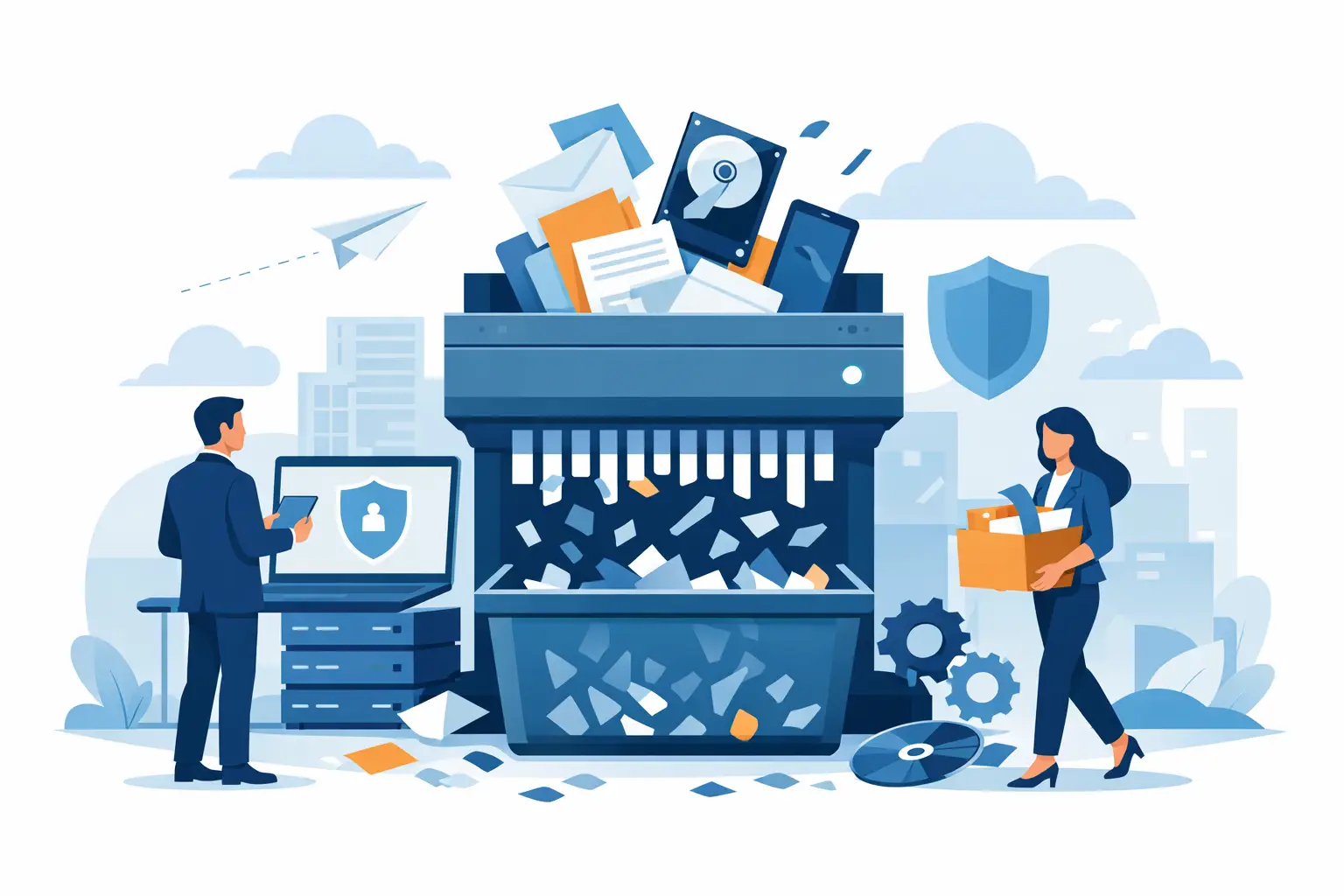
A retired laptop in a storage room is not harmless. Neither is a decommissioned server waiting for pickup, a box of old phones from a device refresh, or a copier hard drive nobody remembered was inside the machine. Business data destruction starts long before equipment leaves the building, and most avoidable risk comes from assets that were set aside with good intentions but no clear chain of custody.
For organizations managing end-of-life technology, the issue is not just deleting files. It is deciding what needs to be destroyed, how that destruction is verified, and whether the process stands up to internal policy, vendor review, and regulatory scrutiny. If your team handles employee data, customer records, financial information, healthcare information, student data, or confidential internal files, disposal is a security function, not a cleanup task.
What business data destruction actually includes
At a practical level, business data destruction means rendering stored information permanently unreadable on devices and media your organization no longer uses. That can include desktop computers, laptops, servers, mobile phones, tablets, hard drives, solid-state drives, backup media, network equipment, and multifunction printers with internal storage.
The details matter because not all devices store data in obvious ways. IT teams usually account for computers and servers, but offices often overlook copiers, external drives, legacy backup tapes, and phones kept in drawers after upgrades. A facilities team may be focused on clearing space. An office manager may be coordinating a move. Procurement may be replacing equipment in phases. Each handoff creates a chance for assets to become untracked.
That is why business data destruction should be treated as part of asset disposition, not as a separate afterthought. The process works best when inventory control, secure handling, destruction method, and final recycling or remarketing are aligned.
Why simple deletion is not enough
Deleting files or reformatting a drive does not reliably eliminate data. In many cases, it removes access through the operating system while leaving recoverable information on the media. That may be acceptable for low-risk personal use, but it is not an appropriate standard for organizations disposing of business equipment.
There is also a difference between overwriting and physical destruction. Software-based data wiping can be valid in some situations, especially when an organization plans to remarket or redeploy devices. But it depends on the media type, the device condition, the required standard of verification, and the sensitivity of the data involved. A failed drive cannot always be wiped. Some solid-state drives behave differently from traditional hard disk drives. Encrypted devices may reduce risk, but they do not remove the need for a documented disposition process.
Physical destruction provides a clearer answer when the priority is certainty. Shredding or otherwise destroying storage media reduces the chance of recovery and simplifies decision-making for organizations that do not want retired assets circulating with residual risk attached.
The biggest mistakes organizations make
The most common problem is delay. Equipment gets stacked in a back office because no one has time to coordinate disposal, or because teams are waiting until there is enough volume to schedule pickup. During that delay, custody weakens. Devices get moved, mixed with non-sensitive electronics, or forgotten entirely.
A second issue is incomplete scoping. Organizations may arrange to remove towers and monitors but miss the server closet, old phones, loose hard drives, or a retired copier in another department. That creates a partial cleanup and leaves the highest-risk items behind.
The third mistake is relying on informal disposal. A staff member takes devices to a local drop-off site. A recycler collects mixed electronics without discussing data-bearing assets. A liquidation vendor handles resale without clear destruction terms for non-reusable media. Those choices may appear convenient, but convenience without documentation creates exposure.
How to evaluate a business data destruction process
A sound process is easy to explain and hard to break. Your team should know what items are in scope, where they are collected, who handles them, what destruction method applies, and what documentation is issued afterward.
Start with chain of custody. If devices are sitting unsecured in hallways, receiving areas, or unlocked storage rooms, your process already has a gap. Collection should be controlled from the moment assets are retired. For larger organizations, that may mean tagging, segregating, and staging equipment by site or department. For smaller offices, it may be as simple as having one designated secure accumulation area until pickup.
Next, confirm how media is handled once collected. Ask whether data-bearing devices are separated from general electronics, whether destruction occurs in a secure workflow, and whether downstream handling is documented. If your organization needs physical shredding, that expectation should be established upfront, not assumed.
Documentation matters just as much as the physical act itself. Internal stakeholders may need proof for audits, legal review, procurement files, or information security records. If a vendor cannot clearly document what was received and how data-bearing materials were destroyed, the process is incomplete.
Physical destruction versus reuse
Not every retired asset should automatically be shredded. There is a trade-off between maximum data certainty and asset recovery value. If devices still have resale potential, certified wiping and remarketing may make financial sense. That approach can offset refresh costs and reduce waste, especially for newer laptops, desktops, and some mobile devices.
But the decision depends on risk tolerance. Organizations with stricter data handling obligations often prefer physical destruction for failed drives, storage media removed from servers, and devices with unknown histories. In some environments, preserving resale value is secondary to eliminating any question about data remnants.
This is where policy should guide practice. If your organization has not defined when wiping is acceptable and when physical destruction is required, staff will make inconsistent decisions. Those inconsistencies show up later, usually when someone asks for records.
What regulated and institutional clients should require
Schools, healthcare-related operations, nonprofits handling donor records, financial offices, and public entities usually need more than a pickup receipt. They need a process that matches their internal obligations. That means secure handling, documented destruction, and compliant recycling of the remaining materials.
It also means understanding the full asset mix. A technology refresh rarely involves just computers. It often includes networking gear, phones, batteries, docking stations, UPS units, printers, scanners, and peripheral equipment spread across departments or campuses. If the service provider only wants the easiest items, your team is left managing the complicated remainder.
For Bay Area organizations, logistics can be part of compliance. Multi-site pickups, loading dock coordination, school calendar restrictions, and office-building access rules all affect how securely assets move from your premises into a controlled disposal stream. A provider that handles commercial pickups routinely will usually create less disruption and fewer custody gaps than a consumer-oriented drop-off model.
Business data destruction and environmental responsibility
Secure disposal should not end with shredding. Once data-bearing materials are destroyed, the remaining electronics still need to be processed responsibly. That includes proper handling of metals, plastics, circuit boards, batteries, and regulated components.
This matters for two reasons. First, environmental noncompliance is still a business risk. Second, many organizations do not want end-of-life electronics exported or dumped through informal channels after sensitive media has been removed. A secure data destruction program should fit inside a broader recycling process that keeps materials in appropriate downstream systems.
That combination – data security plus responsible recycling – is what most organizations actually need. Security teams care about destruction. Operations teams care about clearing space. Sustainability teams care about landfill diversion and lawful processing. Procurement cares about documentation and service reliability. A vendor should be able to support all four.
When to schedule disposal instead of waiting
If retired devices are accumulating in offices, closets, or IT rooms, waiting usually increases cost and risk. The better time to schedule business data destruction is when equipment is formally removed from service, during a refresh cycle, before a move, after a lease return, or as part of a recurring cleanout plan.
Regular pickups are often easier to manage than occasional large purges. They reduce storage pressure, keep inventory from becoming stale, and make it more likely that your asset records match what has actually left the building. For organizations with recurring turnover in laptops, phones, and networking gear, a scheduled process is more reliable than an annual scramble.
A practical standard is simple: if you would not be comfortable explaining where a retired device has been for the last six months, it should have been processed sooner.
Good disposal work is not flashy. It is controlled, documented, and easy for your team to repeat. When business data destruction is built into your equipment lifecycle instead of postponed until storage fills up, you reduce risk, protect sensitive information, and make the next refresh far easier to manage.
