

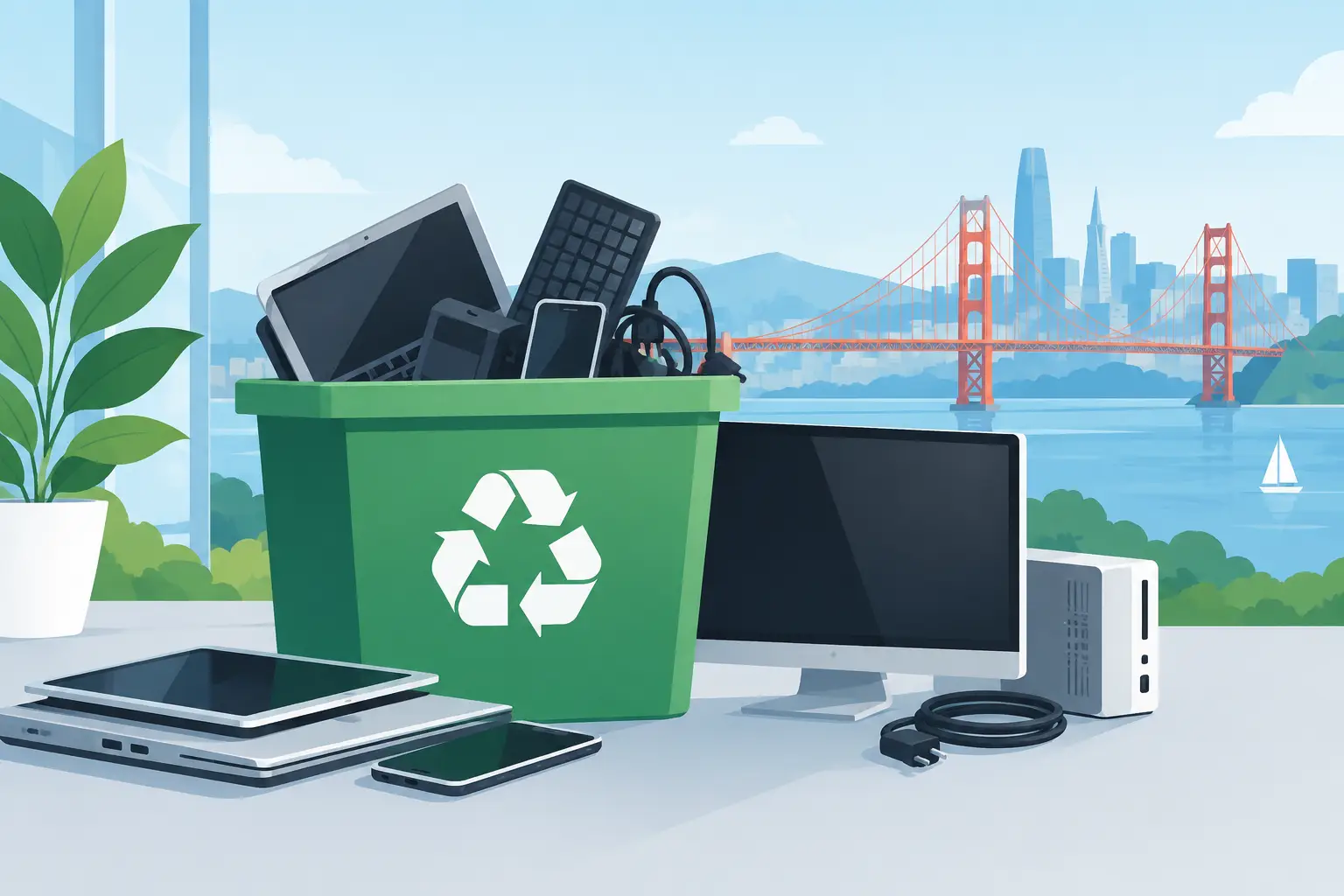
A retired server in a storage room is not just clutter. It may contain confidential data, lithium-ion batteries, regulated materials, and components that cannot legally go into a dumpster. Electronics disposal regulations affect how Bay Area organizations store, transport, document, and recycle end-of-life equipment – especially when a load includes computers, displays, network hardware, batteries, or mobile devices.
For office managers, IT teams, facilities staff, schools, and public agencies, the practical question is not simply, “Who will take this?” It is whether the equipment will be handled in a way that protects organizational data, meets California requirements, and keeps recyclable materials out of landfills and improper export channels.
Electronics Disposal Regulations: What Applies to Your Equipment
Electronics disposal is governed by a mix of federal, state, and local requirements. The rules that apply depend on the device, its condition, what it contains, and where it is going next. California has some of the country’s most established e-waste rules, and organizations should not assume that business electronics can be discarded with ordinary trash or mixed recycling.
At the federal level, hazardous-waste requirements can apply when electronic equipment or components contain materials regulated under the Resource Conservation and Recovery Act. California adds its own requirements through the Department of Toxic Substances Control and CalRecycle, including rules for universal waste and covered electronic devices.
In practical terms, this means old monitors, televisions, laptops, desktop computers, servers, printers, phones, batteries, and other IT assets need to be reviewed before disposal. A device that appears harmless can contain leaded glass, mercury-containing lamps, rechargeable batteries, toner, or sensitive storage media.
Covered Electronic Devices and Universal Waste
California’s Electronic Waste Recycling Act regulates certain covered electronic devices, commonly including video display devices such as computer monitors, laptops with screens, televisions, and similar equipment. These items should be routed through an appropriate e-waste recycling process rather than placed in a landfill-bound waste stream.
Other electronic materials may fall under California universal waste rules. Batteries, fluorescent lamps, mercury-containing equipment, and certain electronic components require separate handling. The exact classification can vary by item and condition, so a mixed office cleanout should be sorted before pickup whenever possible.
A practical example: a pallet of desktop computers is not the same as a pallet containing computers, loose lithium-ion batteries, damaged monitors, and leaking toner cartridges. The first may be straightforward for a qualified recycler to collect. The second needs more careful packaging, segregation, and instructions before transport.
Data Security Is Part of Responsible Disposal
Environmental compliance is only one part of the job. For most organizations, the greater immediate risk is data left on hard drives, solid-state drives, servers, phones, copiers, and multifunction printers.
Deleting files, reformatting a drive, or removing a user account does not necessarily make data unrecoverable. Equipment may contain employee records, financial data, patient information, client files, login credentials, intellectual property, or regulated records. A copier’s internal drive can hold scanned documents long after the machine has been taken out of service.
The disposal method should match the device and the risk level. Some equipment can be sanitized through verified data wiping when the device remains functional and resale or reuse has value. Physical destruction is often the better choice for failed drives, highly sensitive media, or equipment that cannot be reliably wiped.
Organizations subject to HIPAA, financial privacy requirements, contractual security obligations, public-records rules, or internal information-security policies should document their process. A certificate of data destruction, serialized asset reporting, and a clear chain of custody can help demonstrate that sensitive equipment was handled as directed.
Keep Records That Match the Risk
A recycler’s verbal assurance is not a compliance program. Before arranging a pickup, determine what records your organization needs to retain and who is responsible for approving the disposition.
For a small batch of low-risk peripherals, an invoice and itemized pickup record may be sufficient. For servers, employee laptops, network appliances, and storage devices, stronger documentation is usually appropriate. Many organizations maintain an asset list showing the make, model, serial number, assigned location, and final disposition method.
The goal is traceability. If a device later becomes the subject of an audit, a security investigation, or an internal question, your team should be able to show when it left the premises, who handled it, whether data was destroyed or sanitized, and where the material was sent for recycling or reuse.
Retention periods vary by industry, contract, and internal policy. Legal, privacy, and IT security teams should set the retention standard for their organization rather than relying on a one-size-fits-all schedule.
How to Prepare Equipment for Compliant Pickup
Good preparation reduces delays, lowers the chance of damage, and makes the pickup process safer. Start by separating equipment that contains data from general electronics. Servers, computers, hard drives, phones, tablets, network storage, and copier hard drives should be clearly identified for wiping or destruction.
Next, separate batteries from the devices when it is safe to do so. Do not place loose batteries in random boxes with metal parts, cables, or tools. Battery terminals can create a fire risk if they contact other conductive materials. Damaged, swollen, hot, or leaking batteries need special handling and should be reported before collection.
Keep equipment indoors and protected from weather while awaiting pickup. Water damage can complicate material recovery, create safety issues, and make asset identification more difficult. Stack devices carefully, avoid breaking screens, and use pallets or sturdy boxes for larger loads when available.
For organizations clearing a storage room or closing an office, create a simple inventory before equipment begins moving. Even a basic count by category – such as 40 laptops, 12 servers, 18 monitors, and three network racks – helps the recycler plan transportation and lets your team verify what left the site.
Questions to Ask an Electronics Recycler
Choosing a vendor based only on whether pickup is free can create unnecessary risk. Free pickup may be available for qualified commercial loads, but the service scope, accepted materials, data-handling process, and documentation should be clear before collection is scheduled.
Ask whether the provider handles the types of equipment you have, including large-format printers, copy machines, UPS units, batteries, and damaged devices. Some items carry specialized disposal charges because of their size, weight, batteries, toner, or regulated components.
You should also confirm how data-bearing devices are managed, whether destruction or wiping is available, what documentation will be provided, and whether the vendor uses downstream recyclers that follow applicable environmental requirements. If your organization needs serialized reporting or a certificate of destruction, state that requirement before pickup rather than after the equipment has left the building.
For organizations with resale-value equipment, ask about IT asset liquidation or buyback options. Reuse can reduce disposal costs and extend the useful life of working devices, but it must be paired with verified data sanitization and a clear process for evaluating condition and value.
Common Compliance Mistakes to Avoid
The most common mistake is treating obsolete electronics as ordinary office waste. Dumpsters and landfill-bound trash containers are not appropriate for many electronics and can expose an organization to environmental, contractual, and reputational problems.
Another mistake is waiting until storage areas are full before evaluating the equipment. When a project becomes urgent, devices are more likely to be moved without inventory controls or clear data-destruction instructions. Regular disposition cycles are easier to manage than emergency cleanouts.
Organizations also underestimate peripheral equipment. A phone system, router, firewall, external drive, badge reader, copier, or UPS unit may contain data, batteries, or components requiring separate handling. Include these items in the same review as computers and servers.
Finally, do not assume a recycler can make compliance decisions for your organization. A qualified provider can explain its services and handling procedures, but the generator remains responsible for identifying internal data requirements, approvals, and any industry-specific obligations.
For Bay Area organizations managing recurring technology turnover, a scheduled, documented process is usually more reliable than ad hoc disposal. I Got E-Waste can coordinate commercial e-waste pickup, secure data destruction, and responsible recycling for qualifying loads, helping teams clear equipment without losing control of the chain of custody.
The best time to address electronics disposal regulations is while the equipment is still organized, powered down, and inside your control. Set the disposition plan before the storage room becomes a problem, and every later step becomes easier to document and manage.
