

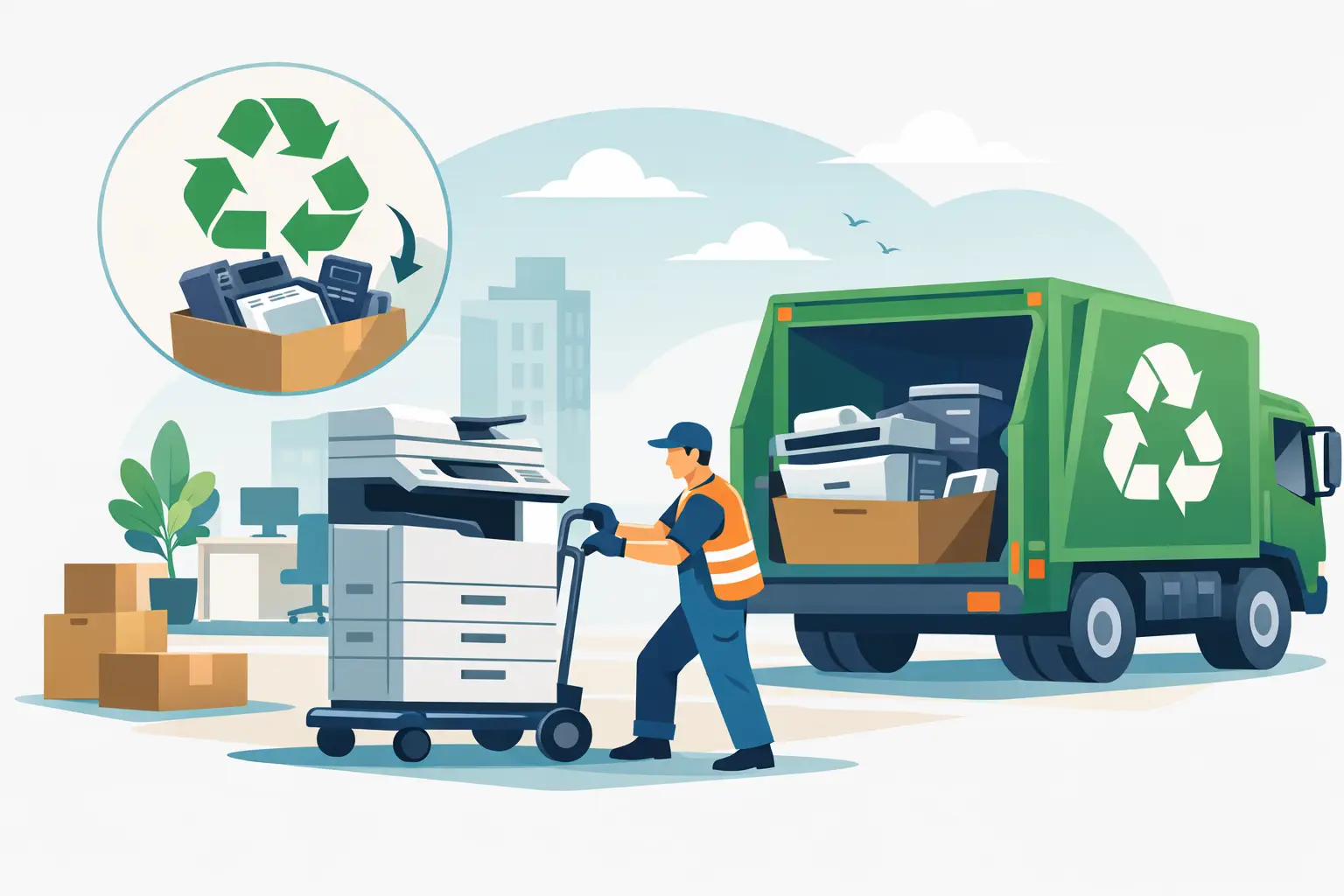
A copier parked in a storage room is not just an oversized piece of office equipment. It may still hold scanned documents, employee records, customer files, email settings, network credentials, and hard-drive data. Proper copier disposal for businesses starts with treating the machine as both an electronic asset and a potential data-security obligation.
For Bay Area organizations, the practical challenge is usually not deciding that the copier needs to go. It is coordinating removal without blocking hallways, disrupting staff, exposing sensitive information, or sending regulated electronic material to the wrong outlet. A sound process separates data handling, asset ownership, pickup logistics, and recycling documentation before the machine leaves the premises.
Why Copier Disposal Requires More Than a Haul-Away
Modern multifunction copiers often include internal hard drives, solid-state storage, or removable memory. These components can retain copies of printed, scanned, faxed, or emailed documents. Even if staff members no longer use the copier, the data may remain accessible unless it has been properly cleared or the storage device has been destroyed.
The size and construction of copiers create a separate issue. Floor-standing copy machines can be heavy, difficult to move through elevators or tight corridors, and costly to transport. They also contain circuit boards, wiring, plastics, metals, glass, and components that should be handled through an appropriate electronics recycling process rather than placed in a dumpster.
A basic junk removal service may be able to remove a machine, but removal alone does not answer the questions a business should be asking: Was data destroyed? Was the copier recycled responsibly? Is there a record of what happened to the asset? For organizations with privacy obligations, internal IT policies, or audit requirements, those details matter.
Start With Ownership and Lease Status
Before scheduling copier disposal, confirm whether your organization owns the equipment. Many office copiers are leased, and the lease agreement may require the machine to be returned to a specific provider at the end of the term. Removing a leased copier through an outside recycler without authorization could result in replacement charges or other disputes.
If the machine is owned, determine whether it still has resale, buyback, or parts value. A newer commercial copier in working condition may have value to a reseller or refurbisher, while an older unit with mechanical problems is more likely to be recycled. This decision depends on model, age, service history, toner availability, and local demand. Do not assume every copier qualifies for free pickup or asset recovery – large, heavy, or single-item pickups may involve a service charge.
It also helps to identify accessories and related supplies. Paper trays, finishers, stands, external fax units, and spare toner should be evaluated separately. Toner cartridges should not be poured out or placed in regular trash. Keep them contained and ask the disposal provider whether they can be included in the pickup.
Secure Copier Data Before Pickup
The safest approach is to involve IT before facilities or office administration arranges removal. IT can identify the copier’s storage type, disconnect it from the network, remove device certificates, and confirm that any address books, scan-to-folder settings, and stored jobs have been cleared.
A factory reset may remove visible settings, but it is not always sufficient for sensitive information. The right method depends on the device, its storage media, your organization’s security policy, and the sensitivity of the data involved. For some machines, secure overwrite procedures may be appropriate. For others, physical hard-drive destruction is the stronger option.
Ask the recycling or data destruction provider what documentation is available. A certificate of data destruction or recycling record can support internal asset-disposition files, vendor management requirements, and compliance reviews. If the copier contains a hard drive, get clarity on whether the drive will be wiped, removed for destruction, or left inside the equipment for processing.
Do not overlook other data-bearing items in the copier area. Old laptops used for print management, network switches, external drives, mobile devices, and retired servers often accumulate in the same room. Combining these items into one scheduled commercial e-waste pickup can reduce handling time, provided the load meets the provider’s requirements.
Prepare the Copier for Safe Removal
Once ownership and data security are addressed, prepare the equipment for pickup. This keeps the removal efficient and reduces the chance of damage to your office or building.
First, disconnect power and network cables. Remove loose paper, originals from the scanner bed, and any documents left in output trays or internal compartments. Take out personal labels or office signage that may reveal unnecessary information. If the copier has removable hard drives or memory modules, only remove them if your IT team has a documented plan for secure handling.
Next, provide the pickup team with accurate access information. A floor-standing copier may require a loading dock, freight elevator, parking coordination, building approval, or a route clear of stairs. Mention the approximate size, floor location, and whether the unit is operational. These details affect staffing, equipment, and pickup pricing.
For organizations with several sites, create a simple inventory that lists the asset type, manufacturer, model, serial number, location, and data-destruction requirement. This is especially useful for schools, government offices, healthcare-adjacent organizations, and companies with formal fixed-asset records.
Choose a Provider That Handles Commercial E-Waste Correctly
Copier disposal is not a one-size-fits-all service. A provider that focuses on commercial electronics recycling should be able to explain accepted equipment, minimum pickup volumes, service charges for large equipment, and how data-bearing devices are handled.
When evaluating a vendor, confirm four operational points: whether they serve your location, whether your quantity qualifies for pickup, whether copy machines or large-format printers carry special fees, and what records you receive after service. A clear answer before scheduling prevents surprises on pickup day.
Responsible recycling also means considering downstream handling. Businesses should avoid disposal arrangements that provide no visibility into where equipment goes or how usable materials are managed. The goal is to keep electronic materials out of landfills and avoid improper export or dumping practices while recovering materials through appropriate channels.
For qualified commercial loads in the San Francisco Bay Area, I Got E-Waste can coordinate electronics recycling pickup and secure data destruction services. Organizations with a small number of items or unusually large equipment should expect that pickup eligibility and disposal charges may vary by item and access conditions.
Build Copier Retirement Into Your Asset Process
The best time to plan copier disposal is before the replacement unit arrives. Waiting until the old machine becomes an obstacle often leads to rushed decisions, unsecured storage, and duplicate handling. Add copier retirement to your procurement or lease-end checklist so IT, facilities, and finance know their responsibilities.
A workable internal process can be straightforward. Finance verifies ownership or lease return terms. IT handles data clearing and records the device status. Facilities confirms access and staging. The designated recycling provider performs pickup and supplies the agreed documentation. One owner should retain the final records in the same place as other asset-disposition documents.
This process does not need to be complicated, but it should be consistent. The risk profile changes based on the copier’s age, the information it processed, and the organization’s recordkeeping obligations. A copier used only for general office printing may require a different approach than one used for payroll, student records, legal files, or patient-related paperwork.
A Clear Exit Plan Protects More Than Floor Space
Removing an old copier frees up a room, but the more meaningful result is a controlled end-of-life process. When data is addressed first, access conditions are planned, and the equipment goes to a commercial electronics recycling provider, the organization avoids turning a routine office task into a security or compliance problem.
Before the next copier replacement, assign ownership, document the data-destruction requirement, and schedule disposal while the details are still easy to verify. That small amount of planning keeps the last step of the copier’s life as orderly as the first day it entered the office.
