

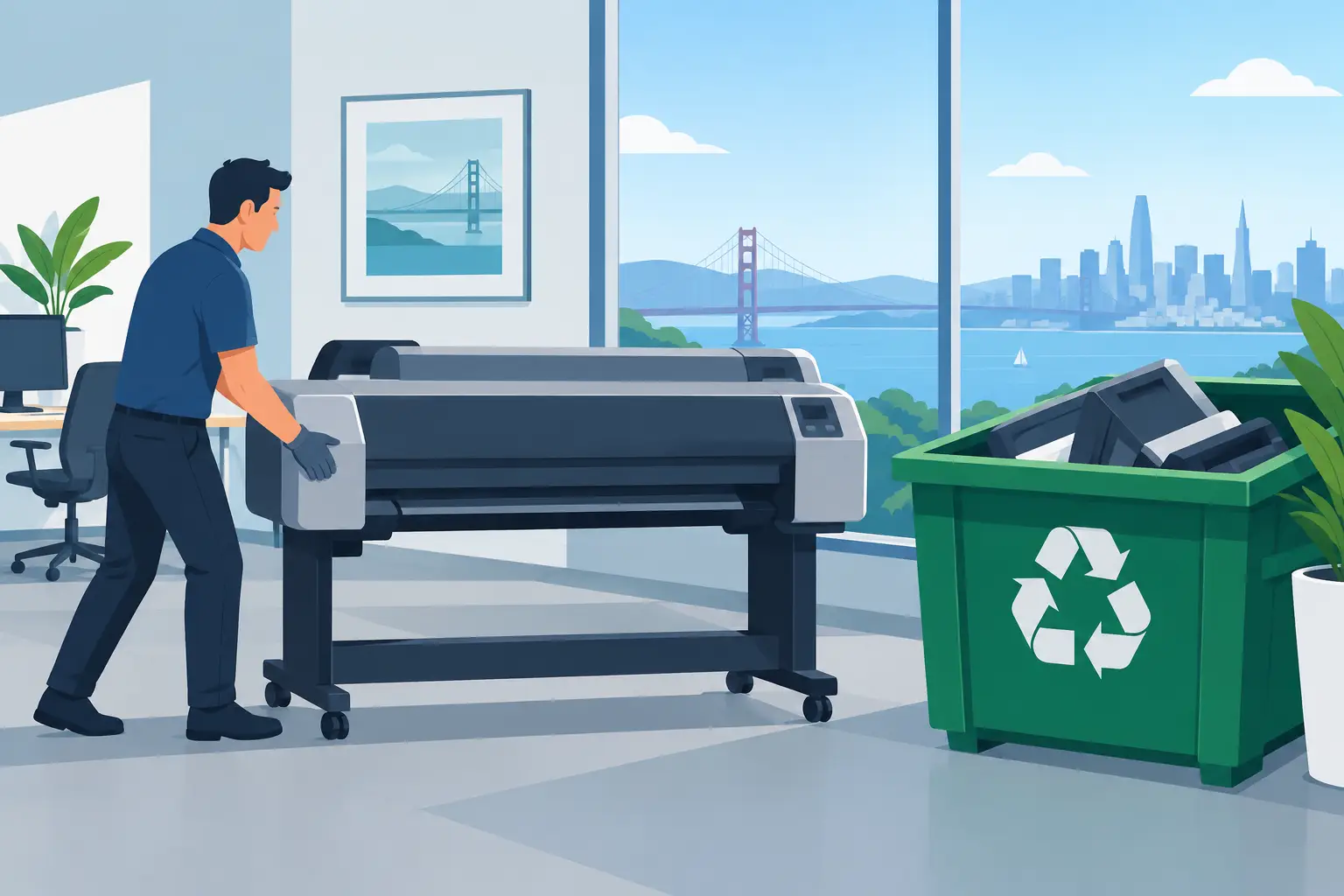
A retired plotter or wide-format printer can occupy an entire corner of a storage room, but moving it out is rarely a simple junk-removal task. Large format printer disposal requires planning for size, weight, consumables, electronic components, possible stored data, and building access. For Bay Area organizations, the right process keeps the equipment out of the landfill while giving facilities and IT teams a clear record of where it went.
Why Large Format Printers Need Specialized Handling
Large format printers are built for long production cycles, not easy removal. A unit used for engineering drawings, signage, maps, retail graphics, or architectural plans may contain heavy metal frames, rollers, circuit boards, power supplies, printheads, ink systems, and plastic housings. Many models are too large for ordinary office recycling bins or standard curbside collection.
Their condition also changes the disposal plan. A working printer may have resale or parts value, particularly when it is a current model with usable printheads and accessories. An older, nonworking machine may be best handled as e-waste. The distinction matters because a recycler needs accurate information to schedule the right labor, vehicle space, and downstream processing.
Large units can also contain residual ink or toner. Ink cartridges, maintenance tanks, and toner bottles should not be treated as ordinary trash. They need to be identified before pickup so the collection team can determine the appropriate handling method. If the printer has a battery backup, scanner attachment, or other separate component, those items should be noted as well.
Start Large Format Printer Disposal With an Asset Review
Before requesting pickup, identify the manufacturer, model number, approximate dimensions, and whether the printer is operational. A few clear photos can help a recycler assess the equipment, especially when the model is no longer listed on the manufacturer’s current product pages.
This review is also the time to determine what is included. A large format printer is often surrounded by media stands, take-up reels, extra paper rolls, RIP workstations, external controllers, replacement printheads, and unopened or partially used ink. Some of these materials may be accepted with the printer, while others may need separate handling. Do not assume a recycler can take every supply simply because it is stored next to the equipment.
For facilities teams, access details are just as significant as the model number. Confirm whether the unit is on a ground floor, behind a loading dock, in a suite with elevator access, or in a location that requires stairs. Measure doorways and note tight turns, parking limitations, freight elevator rules, and any building-required certificates of insurance. A 60-inch plotter on a rolling stand is very different from an industrial flatbed printer that may require a specialized move.
Check for Data Before the Printer Leaves
Many office printers and multifunction devices store more information than users expect. Depending on the model and configuration, internal storage may retain scanned documents, print jobs, user credentials, address books, network settings, or logs. A dedicated large format printer may have limited storage, but it should still be reviewed rather than assumed to be data-free.
IT should check the device documentation and administration menu for internal hard drives, solid-state storage, removable media, and memory modules. If data-bearing storage is present, follow the organization’s media sanitization policy before release. When internal media cannot be removed or securely cleared on site, arrange documented data destruction through a qualified provider.
Simply factory-resetting equipment may be appropriate for certain devices, but it is not automatically the same as verified data sanitization. The right approach depends on the storage type, the sensitivity of the information processed, contractual obligations, and your organization’s retention and destruction policies. Schools, healthcare organizations, law firms, government offices, and companies handling customer records should be particularly careful.
Maintain an asset record that identifies the printer, its serial number, disposition date, and the disposal vendor. If storage media is destroyed, retain the corresponding destruction documentation with your IT asset records. This is a practical control for audits, internal security reviews, and future questions about an asset’s chain of custody.
Prepare the Equipment for Pickup
Do not attempt to dismantle a large printer just to make it easier to dispose of unless a qualified technician has instructed you to do so. Improper disassembly can cause ink spills, damage to the premises, and injury from heavy or unstable components. Keeping the unit intact is often safer and more efficient.
Before the scheduled pickup, power down the printer according to the manufacturer’s normal shutdown procedure and disconnect it from electrical and network connections. Remove loose paper, active print jobs, and personal items from cabinets or accessory trays. Keep ink, toner, and maintenance containers upright and separate them from general office waste.
A useful pickup preparation check includes these items:
- Record the make, model, serial number, dimensions, and operating condition.
- Identify internal drives, removable media, network modules, and any required data-destruction service.
- Separate ink cartridges, toner, maintenance tanks, batteries, and other consumables.
- Confirm the pickup path, loading access, elevator requirements, parking, and building contact.
- Tell the recycler about stands, scanners, finishing equipment, or other oversized accessories.
This information prevents a common problem: a pickup crew arrives for a standard office printer and finds a machine that requires additional labor, a pallet jack, a freight elevator reservation, or a different vehicle. Clear details upfront reduce delays and avoid unexpected service changes.
Understand Cost, Pickup Eligibility, and Equipment Value
Organizations often assume that all electronics recycling pickups are free. That is not always the case, especially for large format printers and copiers. These machines are bulky, labor-intensive to move, and may have limited commodity value after processing. Their transportation and handling costs can exceed the value of recoverable materials.
Free commercial e-waste pickup may be available when a load meets a recycler’s minimum volume requirements and includes enough qualifying equipment. A single large printer, a small quantity of electronics, or equipment located in a difficult-access area may involve a pickup or specialized disposal charge. That is not a red flag by itself. It reflects the actual logistics required to collect and process the asset responsibly.
The best way to control cost is to consolidate equipment where possible. If an office is replacing a plotter, use the same project to clear obsolete desktops, laptops, monitors, servers, networking equipment, mobile devices, and peripherals that are already sitting in storage. Consolidation can improve pickup eligibility, reduce repeat scheduling, and give the organization a cleaner asset-disposition record.
Working units may qualify for evaluation under an equipment buyback or IT asset liquidation program, but condition and demand matter. Age, model, print quality, service history, available accessories, and current market demand all affect value. Do not plan a replacement budget around resale proceeds until the equipment has been assessed.
Choose a Recycler That Can Document the Process
For business equipment, disposal should be more than a promise that a truck will remove the printer. Ask how the vendor handles collection, transportation, sorting, downstream recycling, and data-bearing components. The provider should be able to explain what documentation is available for the equipment and any media destruction service.
A responsible electronics recycler should also distinguish between general e-waste, data destruction, reusable assets, and items that require special handling. That separation is especially useful when a printer pickup is part of a larger office cleanout. It keeps IT security requirements from being lost inside a facilities project.
California organizations have additional reason to use a compliant e-waste provider. Electronics contain materials that should be managed through proper recycling channels rather than mixed with landfill-bound waste. Responsible processing helps reduce illegal dumping risks and supports organizational environmental commitments without creating extra work for office staff.
Plan Disposal Around the Replacement Project
The cleanest printer retirement happens before the replacement unit arrives. Set a pickup date that aligns with the new installation, then assign one owner from facilities or IT to confirm the asset list, data requirements, and building access. If the old printer must remain operational until cutover, identify exactly when it can be powered down and released.
For organizations in San Francisco, Oakland, San Jose, and surrounding Bay Area communities, I Got E-Waste can coordinate commercial e-waste collection and secure data destruction based on the equipment list and pickup conditions. Large format printers may require specialized disposal charges, while qualified mixed electronic loads may be eligible for no-cost pickup.
A little preparation turns an oversized, inconvenient asset into a controlled disposal project. Document the printer, secure any stored information, describe access honestly, and schedule with a recycler that is prepared for the equipment in front of them.
