

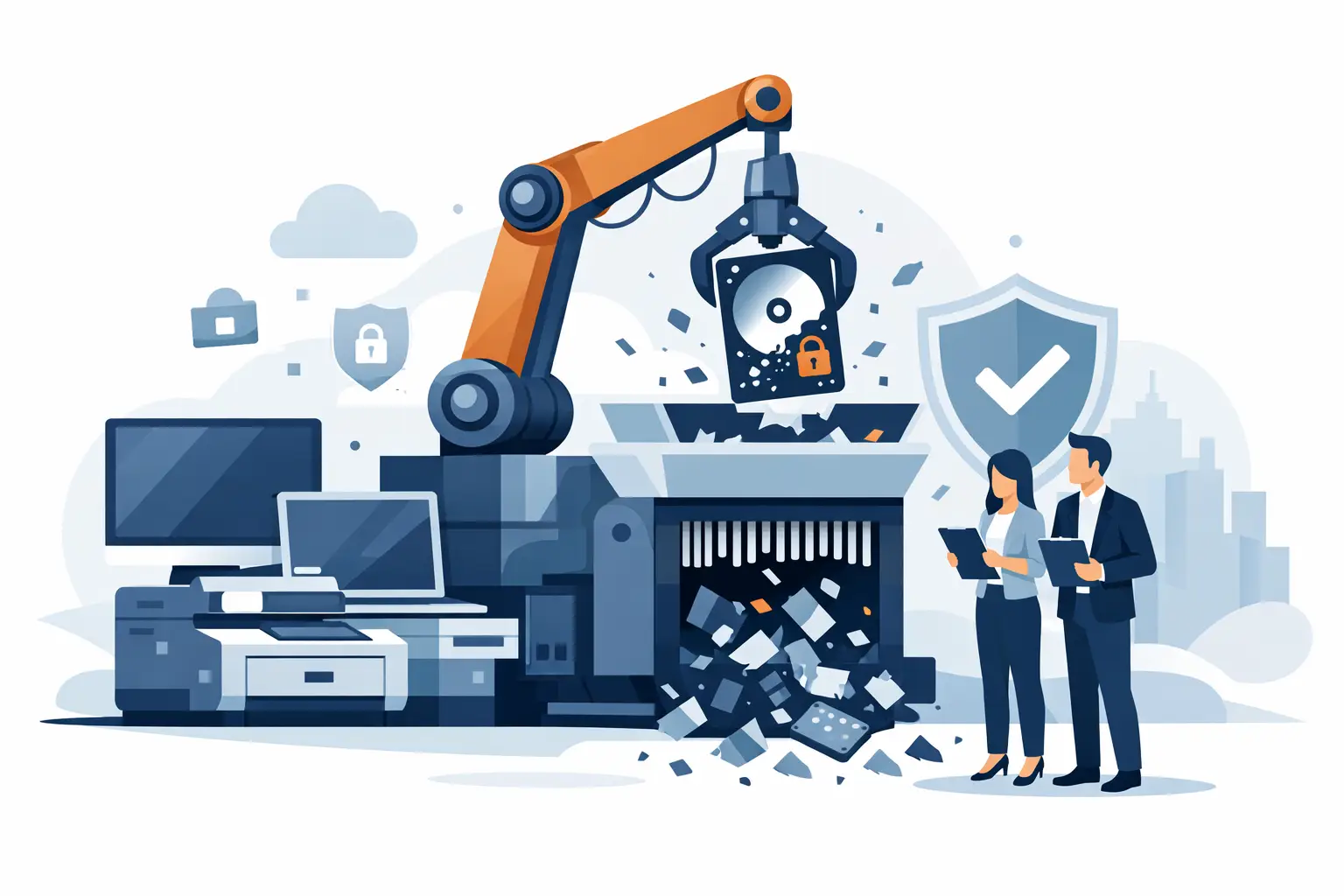
A retired laptop in a storage room can still contain employee records, customer information, saved passwords, financial files, and access to business systems. Data destruction is the control that prevents those assets from becoming a security incident after they leave daily use. For organizations replacing equipment in volume, the process needs to be planned before devices are stacked for pickup or sent to a recycler.
The objective is not simply to make files hard to find. It is to permanently remove data from every applicable storage component while maintaining a documented chain of custody. That requires knowing what equipment you have, selecting a destruction method that fits the media, and retaining records that support your internal security and disposition requirements.
Why Data Destruction Needs an Asset-Level Plan
Businesses often focus on desktop computers and overlook the other equipment that stores information. Servers, network appliances, phones, tablets, external drives, multifunction printers, copiers, and backup devices may all retain data. A device can be powered off, disconnected, or broken and still hold recoverable information.
Storage media may also be hidden inside equipment that does not look like a traditional computer. A firewall can retain configuration files and credentials. A copier may store scanned documents on an internal drive. A failed laptop may have an intact solid-state drive even when the display, battery, or motherboard no longer works. Treating all retired electronics as equal creates gaps in the process.
An asset-level plan identifies which items contain media, who approves their release, and which method will be used for each type of media. It also separates devices intended for reuse or resale from devices that require physical destruction. That distinction matters because an organization may recover value from suitable equipment, but only after data has been addressed appropriately.
Start With an Inventory Before Pickup
A complete inventory does not need to slow down a cleanout. It should give your IT, facilities, and security teams a practical record of what is leaving the site. At minimum, record the device type, manufacturer, model, asset tag or serial number when available, storage-media type, assigned location, and final disposition.
For a small office, a spreadsheet and labeled staging area may be enough. For a school district, multi-site business, or government department, the inventory may need to match an existing asset-management system. The right level of detail depends on internal policy, the sensitivity of the information involved, and any contract or regulatory obligations your organization carries.
Before equipment is moved, remove it from active management systems only after confirming that needed data has been migrated and that the device is no longer required for operations. This prevents a rushed disposal project from creating an avoidable service interruption. It also gives IT staff time to identify encrypted devices, damaged equipment, and assets with unusual media configurations.
Choosing the Right Data Destruction Method
There is no single method that fits every device. The correct approach depends on the type and condition of the storage media, whether the equipment has resale value, and the assurance level your organization requires.
Verified data wiping
Software-based wiping can be appropriate for functional hard disk drives and supported solid-state drives that will be reused, redeployed, or liquidated. A proper process should verify completion and create a record tied to the device or drive. Simply deleting files, emptying a recycle bin, or performing a basic factory reset is not the same as verified wiping.
Wiping preserves the possibility of reuse, which can reduce disposal costs or support equipment buyback. The trade-off is that the device must be accessible and the storage media must respond reliably. A failed drive, locked device, or unsupported media type may not be a good candidate for this method.
Physical hard drive shredding
Physical shredding reduces hard drives into small pieces, making the media unusable and preventing recovery through normal forensic methods. It is often selected for failed drives, highly sensitive records, and organizations whose policy requires physical destruction rather than reuse.
Shredding is direct and final. The trade-off is equally direct: once the drive is shredded, the device cannot be resold with that original storage media. Organizations should confirm that required files, licenses, and configuration information have already been transferred before authorizing destruction.
Solid-state drive and flash media destruction
Solid-state drives, USB drives, memory cards, and embedded flash storage require special attention. Their data may be distributed across multiple chips, and methods designed for magnetic hard drives may not provide the same result. Physical destruction must reduce the storage components effectively, not merely damage the outer casing.
This is one reason an equipment list matters. A mixed load may include conventional hard drives, SSDs, phones, tablets, and network gear. Each category should be identified so the destruction process matches the media inside.
Mobile device processing
Phones and tablets should be removed from mobile-device management only after required retention steps are complete. Accounts, activation locks, and device enrollment status can affect whether a device can be reused. If reuse is not appropriate, the device and its embedded storage should be handled through a secure destruction process.
Chain of Custody Begins at Your Site
Security is not limited to the point where a drive is wiped or shredded. It starts when equipment is staged for disposal. Retired devices should be kept in a controlled area, away from public access, general recycling bins, and loading docks where items can be removed without authorization.
Assign a contact who can release equipment to the pickup team and verify the load before it leaves. For larger projects, use counted containers, labeled pallets, or sealed bins. If multiple departments are contributing equipment, have each department provide its asset list before consolidation. These controls make discrepancies easier to identify while the equipment is still on site.
Secure transport and documented receiving are equally important. Your organization should be able to show when assets left its possession, who handled them, and what happened next. That record helps satisfy internal audit requests and demonstrates that retired electronics were managed through an accountable process rather than informal disposal.
Documentation That Supports Compliance
A certificate of destruction is useful when it identifies the service performed, the date, the responsible provider, and the applicable assets or media. For sensitive projects, organizations may need more detailed reporting, such as serial-number-level records, destruction logs, or reconciliation against an asset list.
Documentation should also distinguish data destruction from general electronics recycling. Recycling addresses responsible material recovery and keeps electronics out of landfills. Data destruction addresses the information stored on those electronics. A compliant disposition program needs both controls, particularly when handling computers, servers, and other IT assets that contain confidential information.
Retention periods for records vary. Your legal, compliance, procurement, or information-security team should determine how long certificates and asset disposition reports must be kept. Do not rely on a generic retention schedule if your organization handles regulated records, protected customer information, or government data.
Build Data Destruction Into Your Refresh Cycle
The easiest time to manage retired equipment is before the storage room is full. Include disposition planning in desktop refreshes, server replacements, office moves, lease returns, and department closures. A scheduled process reduces the temptation to place obsolete devices in unsecured corners until someone has time to deal with them.
For Bay Area organizations with recurring volumes of retired electronics, a commercial pickup plan can combine collection, secure data destruction, and responsible recycling in one coordinated service. Free pickup may be available for qualified business loads, while smaller quantities or specialized items may require a fee. Confirm accepted items, volume requirements, and any charges for equipment such as large-format printers or copiers before scheduling.
Prepare the load in advance by separating loose batteries, identifying equipment that requires destruction, and keeping devices accessible for pickup. Do not dismantle equipment unless your vendor specifically instructs you to do so. Internal drives can be difficult to locate, and incomplete disassembly can complicate both asset tracking and safe handling.
The strongest disposal programs are routine, documented, and easy for staff to follow. When a device reaches end of life, employees should know where it goes, who authorizes release, and how data destruction will be verified. That clarity keeps a forgotten drive from becoming the most expensive item in the storage room.
