

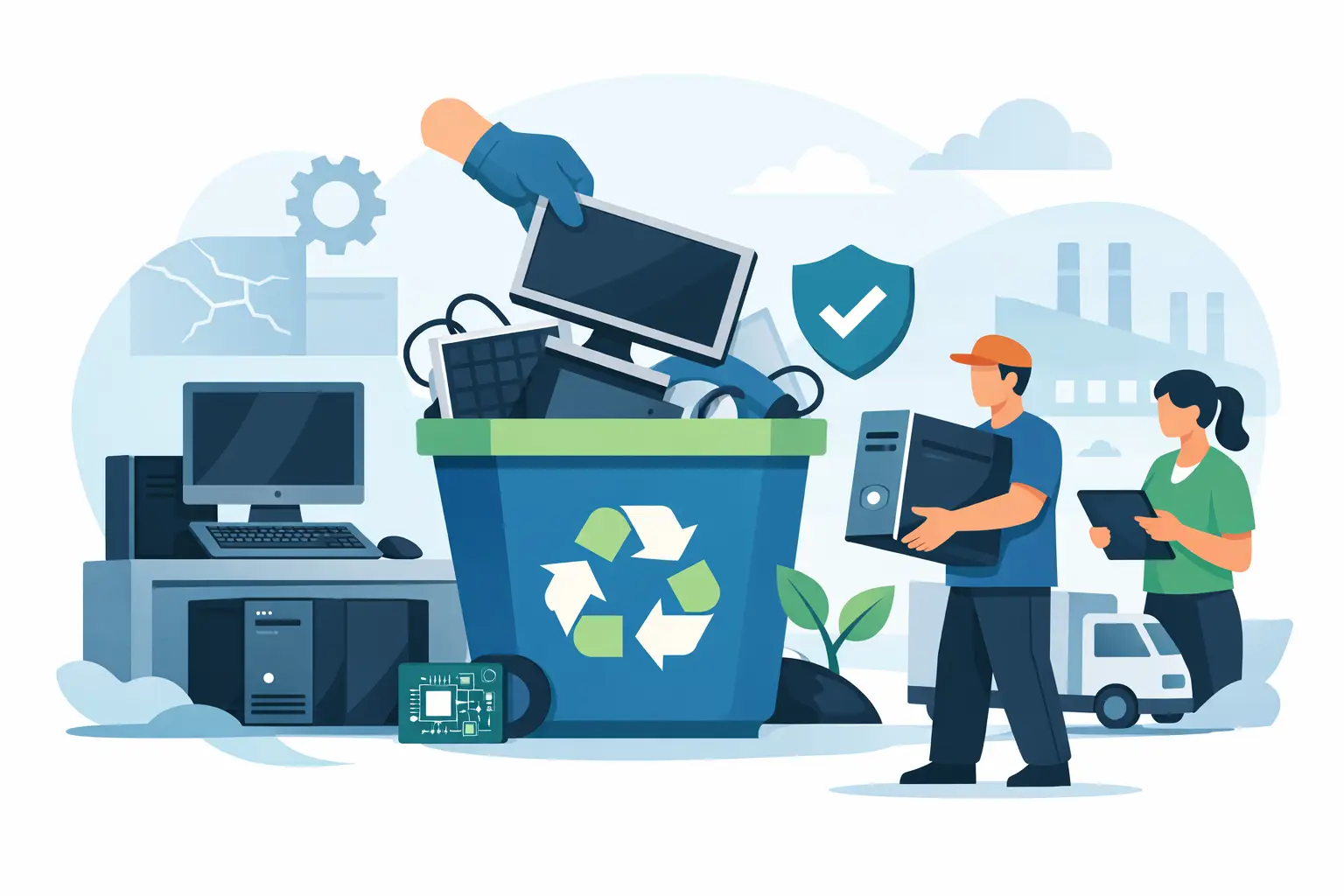
A workstation refresh can leave an office with rows of retired desktops, monitors, docks, keyboards, cables, and laptop accessories in a matter of days. The best ways to dispose of workstations protect company data, keep regulated materials out of the landfill, and clear the space without creating an administrative project for IT or facilities.
For Bay Area organizations, the right process is rarely as simple as placing equipment in a recycling bin. A workstation may contain customer records, employee data, licensed software, asset tags, batteries, and components with resale value. Treating disposal as an organized IT asset disposition process helps reduce risk and control cost.
Start With a Workstation Inventory
Before scheduling pickup or moving equipment to a loading area, create a basic inventory. It does not need to be overly complicated, but it should identify what is leaving the organization and whether any devices stored data.
Record the asset tag or serial number for desktops, laptops, tablets, servers used as workstations, external drives, phones, and removable storage. Group non-data-bearing items separately, including monitors, keyboards, mice, docking stations, cables, printers, and peripherals. This distinction matters because a keyboard can be sent directly to electronics recycling, while a computer or external drive needs a documented data-handling decision first.
The inventory is also useful when equipment belongs to multiple departments, locations, or cost centers. IT can confirm that devices have been removed from management systems, while finance or procurement can identify equipment that has not yet been fully depreciated. For larger projects, label pallets or boxes by department so the chain of custody stays clear from the storage room to pickup.
Make Data Destruction the First Disposal Decision
A workstation is not ready for disposal merely because an employee has signed out. Local files, cached credentials, browser sessions, saved passwords, email archives, and encrypted data may remain on its drive. Even a damaged or nonworking computer can contain readable data.
The appropriate destruction method depends on the device, its condition, the type of information it held, and your organization’s security requirements. Functional drives may be wiped using a verified process when the equipment is being prepared for reuse or resale. Physical hard drive shredding is often the better choice for failed drives, sensitive records, regulated information, or equipment that will not be reused.
Do not assume that deleting files, reinstalling an operating system, or formatting a drive is sufficient. Those actions can leave data recoverable. Likewise, removing a hard drive from a computer does not complete the job unless the removed drive is securely stored and included in the destruction process.
Ask the recycler or data destruction provider what documentation is available. A certificate of data destruction can support internal records, audit requirements, and vendor-management procedures. If your organization handles health information, financial records, student data, legal files, or government information, document the method used and retain the paperwork according to your records policy.
Do Not Overlook Modern Storage Locations
Desktop towers and laptops are not the only workstation components that can retain data. Solid-state drives may be installed in laptops, all-in-one computers, and small-form-factor desktops. External backup drives, USB flash drives, mobile phones, multifunction printers, and some network-connected devices can also hold information.
Printers deserve extra attention. Office copiers and multifunction printers can store scans, print jobs, address books, and documents on internal hard drives. Their disposal may require a separate service plan, particularly for large-format printers and copy machines that are difficult to move or have specialized disposal charges.
Decide What Can Be Reused, Sold, or Recycled
The most responsible destination for a workstation depends on its age, condition, specifications, and remaining market value. Reuse generally extends the life of equipment and can reduce the volume headed to material recycling. However, reuse should not override security, reliability, or operational needs.
Recent laptops, desktops, monitors, and business-grade networking equipment may qualify for asset liquidation or equipment buyback if they are functional, complete, and in demand. A recycler can review the equipment mix and determine whether a resale option is realistic. This can be helpful after a large refresh, but it is not guaranteed. Older devices, damaged equipment, low-value peripherals, and obsolete monitors may have little or no resale value.
When resale is not practical, use a qualified electronics recycler that processes equipment responsibly. Workstations contain recoverable metals, plastics, glass, circuit boards, and other materials. They can also contain lead, mercury, batteries, and other components that should not enter ordinary trash or landfill waste streams.
Avoid informal disposal methods such as giving devices away without documented wiping, placing electronics in a dumpster, or using a vendor that cannot explain where materials go. Low-cost disposal can become expensive if data is exposed or equipment is handled through improper downstream channels.
Choose a Commercial Recycler With Clear Terms
For a business, school, nonprofit, or government office, pickup logistics can be as significant as the recycling process itself. Select a provider that can clearly state what items it accepts, whether the load meets free pickup requirements, how data destruction is handled, and whether any items carry fees.
A qualified commercial e-waste recycler should be comfortable discussing desktops, laptops, monitors, servers, networking gear, mobile devices, batteries, peripherals, and mixed office electronics. It should also explain exceptions up front. Large copy machines, oversized printers, CRT equipment, or small-quantity loads may require special handling or an additional charge.
Compliance language should be specific rather than vague. Ask how the vendor follows applicable state and federal recycling requirements, how it prevents illegal overseas dumping, and whether it provides records of data destruction or recycling services. The goal is not simply to remove equipment from your site. It is to maintain accountability after the truck leaves.
For organizations across the San Francisco Bay Area, I Got E-Waste provides commercial pickup, electronics recycling, secure data destruction, and asset disposition support for qualifying business loads. Confirm pickup eligibility and equipment details before scheduling so there are no surprises on service day.
Prepare the Workstations for Pickup
A little preparation prevents delays and reduces the chance that equipment is misplaced. Keep devices in a secure, access-controlled area until pickup. Do not leave computers, drives, or phones outside, in an open lobby, or on an unsecured loading dock.
Remove personal belongings, paper records, USB drives, security tokens, and proprietary labels that are not needed for asset tracking. If IT has already removed drives for separate destruction, label the computer clearly so it is not mistaken for a complete unit. Keep power supplies, docks, and cables with reusable laptops when possible, since complete equipment may be easier to evaluate for resale.
For larger volumes, stack and stage equipment safely. Place monitors upright or in protective packaging where practical, avoid overloading boxes with heavy electronics, and keep batteries separate from general equipment if requested. Identify the loading entrance, elevator restrictions, parking requirements, and any building check-in rules before the pickup crew arrives.
Coordinate IT, Facilities, and Security
Workstation disposal works best when each team has a defined role. IT verifies the asset list and data status. Facilities coordinates staging and building access. Security manages access to restricted areas and confirms the authorized pickup team. Finance or procurement can retain records associated with write-offs, liquidation, or vendor approval.
This coordination is especially valuable during office moves, mergers, campus cleanouts, and large technology refreshes. Waiting until the final day of a move often creates rushed decisions and unsecured piles of equipment. Schedule disposition early enough that data destruction and pickup happen under normal operating controls.
Match the Method to the Volume
A single retired workstation and a room full of equipment require different disposal plans. Small loads may involve a pickup fee or a drop-off arrangement, while qualified commercial volumes may be eligible for no-cost pickup. The threshold, accepted items, and service area vary by provider, so confirm details before committing staff time to staging.
If your organization has recurring retirements, establish a regular process rather than treating each device as an exception. Maintain a locked collection area, set a quarterly or semiannual pickup schedule, and use the same inventory and approval steps each time. This keeps obsolete equipment from accumulating in closets and reduces the risk that an untracked device disappears.
The practical standard is simple: no workstation should leave your control without a data decision, a documented destination, and a responsible handler. Set those three requirements before the next refresh cycle, and disposal becomes a routine operational task instead of a last-minute security concern.
