

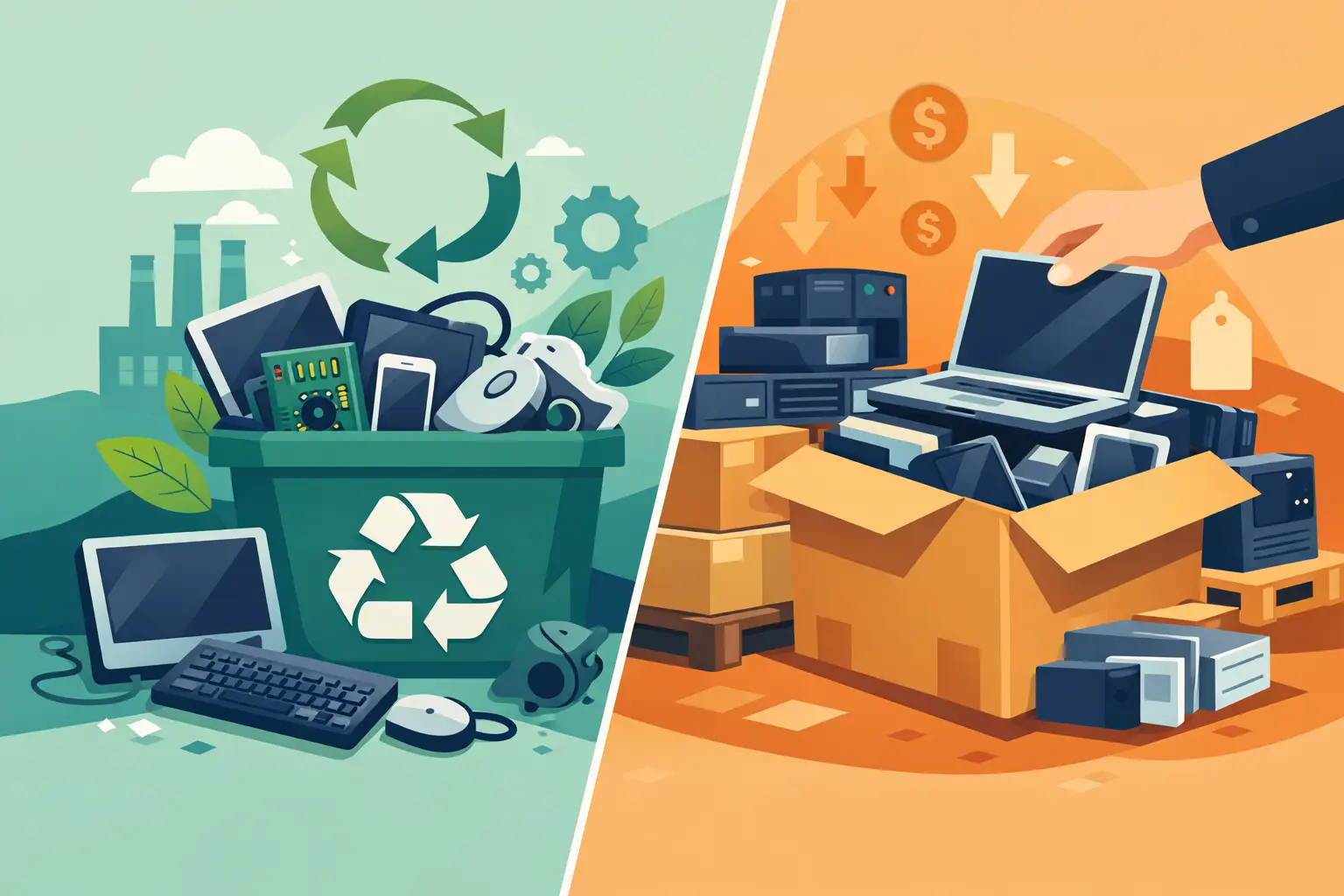
A storage room full of retired laptops, servers, switches, and mobile devices is not just an operations problem. It is a data-security, compliance, and space-management decision. Electronic recycling versus liquidation is the choice organizations face when equipment reaches the end of its useful life internally: recover remaining market value, or move assets directly into responsible recycling.
The right answer is often not one or the other. A practical disposition plan separates equipment with legitimate resale value from equipment that is obsolete, damaged, unsupported, or too costly to prepare for sale. The key is making that decision before equipment sits for another year, loses value, or creates unnecessary data exposure.
Electronic Recycling Versus Liquidation: The Core Difference
Electronic recycling is the process of responsibly dismantling and processing unwanted electronics so recoverable materials can be reclaimed and regulated components stay out of landfills. For businesses, schools, nonprofits, and public agencies, recycling is usually the right path for aging or nonfunctional equipment, mixed peripheral loads, broken displays, batteries, and devices with little to no resale demand.
Liquidation, sometimes called IT asset resale or remarketing, focuses on selling equipment that still has market value. This can include newer business laptops, servers, network hardware, tablets, smartphones, storage equipment, and certain enterprise-grade components. The goal is to recover value from usable assets after they have been properly evaluated and their data has been addressed.
The distinction matters because a device can be recyclable and still have resale potential. It can also be functional but not worth liquidating once testing, data handling, storage, transport, and administrative time are considered. The best route depends on asset age, condition, quantity, configuration, and current demand.
Start With Data Security, Not Resale Value
A device does not become safe to sell or recycle simply because it has been unplugged. Hard drives, solid-state drives, mobile phones, USB media, and many network appliances can retain sensitive information. That can include employee records, customer data, financial documents, credentials, student information, or regulated data.
Before any equipment leaves your control, establish how data-bearing media will be handled. In some cases, verified data wiping may support resale. In others, physical destruction is the more appropriate choice, particularly for failed drives, older media, equipment with unknown ownership history, or assets subject to strict internal policies.
A sound process documents the chain of custody from pickup through final disposition. Organizations should know which assets were collected, how data-bearing media was sanitized or destroyed, and whether a certificate or other record is available for their files. For regulated organizations and public entities, this documentation may be as important as the disposition method itself.
Do not allow a potential resale payment to override data requirements. A laptop with residual value is not a good liquidation candidate if its drive cannot be securely processed, tracked, and cleared under your organization’s standards.
When Liquidation Makes Financial Sense
Liquidation generally works best when equipment is relatively current, complete, functional, and available in enough volume to justify processing. A recent fleet refresh can create a strong liquidation opportunity because the devices are similar, easier to test, and more attractive to secondary buyers.
Common candidates include business-class laptops and desktops that are still supported, current-generation smartphones and tablets, clean servers with desirable configurations, and branded networking equipment with an active resale market. Original power adapters, working batteries, asset details, and consistent configurations can improve recoverable value.
Timing has a direct effect on returns. Technology depreciates quickly, and resale markets move with new product releases, operating-system support dates, and changes in enterprise demand. Equipment held in storage for six to twelve months may be worth significantly less by the time it is evaluated.
Liquidation also requires realistic expectations. Not every working device produces a meaningful return. Older low-spec computers, damaged units, incomplete systems, consumer-grade accessories, outdated printers, and equipment with expensive shipping or testing requirements may have little value. A vendor should evaluate the load based on marketability, not simply label every working item as an asset recovery opportunity.
When Electronic Recycling Is the Better Operational Choice
Recycling is often the more efficient option for mixed, obsolete, broken, or low-value electronics. It clears space, supports environmental obligations, and avoids having staff spend hours sorting equipment that is unlikely to generate a return.
Organizations commonly choose recycling for older desktops, CRT monitors, damaged laptops, keyboards, mice, cables, printers, batteries, legacy servers, and equipment that no longer meets security or performance requirements. It is also a sensible choice after an office move, department consolidation, or data center cleanup where the priority is removing a large mixed load quickly and responsibly.
For Bay Area organizations, electronic recycling should mean more than moving unwanted equipment out of a building. The vendor’s process should align with applicable state and federal requirements and prevent illegal disposal or improper overseas dumping. Materials that contain hazardous components require responsible handling, and batteries should be managed separately from general office waste.
Recycling is not a lesser outcome simply because it does not produce resale revenue. When the alternative is long-term storage, unmanaged disposal, or a preventable data incident, responsible recycling can be the lower-risk and more cost-effective choice.
A Hybrid Program Is Often the Best Answer
Most business technology refreshes produce a mix of assets. A single pickup may include recent laptops suitable for resale, servers with reusable components, broken monitors, retired switches, cords, old phones, and boxes of miscellaneous peripherals. Treating all of it as liquidation can slow the project. Treating all of it as scrap can leave recoverable value on the table.
A hybrid approach separates the load after collection and evaluation. Marketable equipment moves through an approved asset liquidation process. Nonmarketable and damaged equipment is directed to compliant recycling. Data-bearing assets are handled under the agreed security process before either path continues.
This approach is especially useful for organizations with recurring refresh cycles. Instead of waiting for a storage room to overflow, establish a regular review of surplus equipment. Assets with resale potential can be identified while they are still current, while older and peripheral equipment can be removed through recycling without delaying the project.
Questions to Ask Before Choosing a Vendor
The vendor relationship should be built around controls, not just pickup availability. Before scheduling service, confirm how the provider handles security, logistics, downstream processing, and documentation.
Ask whether the provider can identify equipment that may qualify for buyback or liquidation, and how that determination is made. Clarify whether data destruction, wiping, or shredding is available for hard drives and other media. Confirm what records you will receive after pickup and whether the provider accepts the full range of equipment in your load, including batteries, monitors, printers, and network equipment.
It also helps to understand pickup requirements early. Qualified commercial loads may be eligible for no-cost pickup, while smaller quantities, specialty equipment, or certain large-format items can involve service charges. Clear requirements prevent scheduling delays and help facilities teams prepare equipment for efficient removal.
For organizations managing multiple offices, ask about consolidation. Collecting equipment at one accessible location, labeling departments or asset groups, and separating data-bearing devices can make a pickup faster and simplify records afterward.
Build a Repeatable Asset-Disposition Process
A reliable process begins well before the pickup date. Maintain an asset list for higher-value equipment and identify devices that contain storage media. Remove equipment from active accounts and management systems according to your IT policy, but do not assume account removal erases local data.
Next, separate likely resale candidates from clearly obsolete material where practical. There is no need for staff to perform a complete market analysis, but grouping recent laptops, servers, phones, and networking equipment can make evaluation easier. Keep loose batteries, toner, and specialty items identified so they receive appropriate handling.
Finally, schedule pickup with a provider equipped to handle both electronics recycling and data destruction. I Got E-Waste supports commercial organizations across the San Francisco Bay Area with collection, secure destruction, recycling, and IT asset liquidation services designed for mixed technology loads.
The useful question is not whether liquidation is better than recycling. It is whether each asset is being routed through the method that best protects your data, meets your compliance obligations, clears your space, and makes financial sense before its value disappears.
