

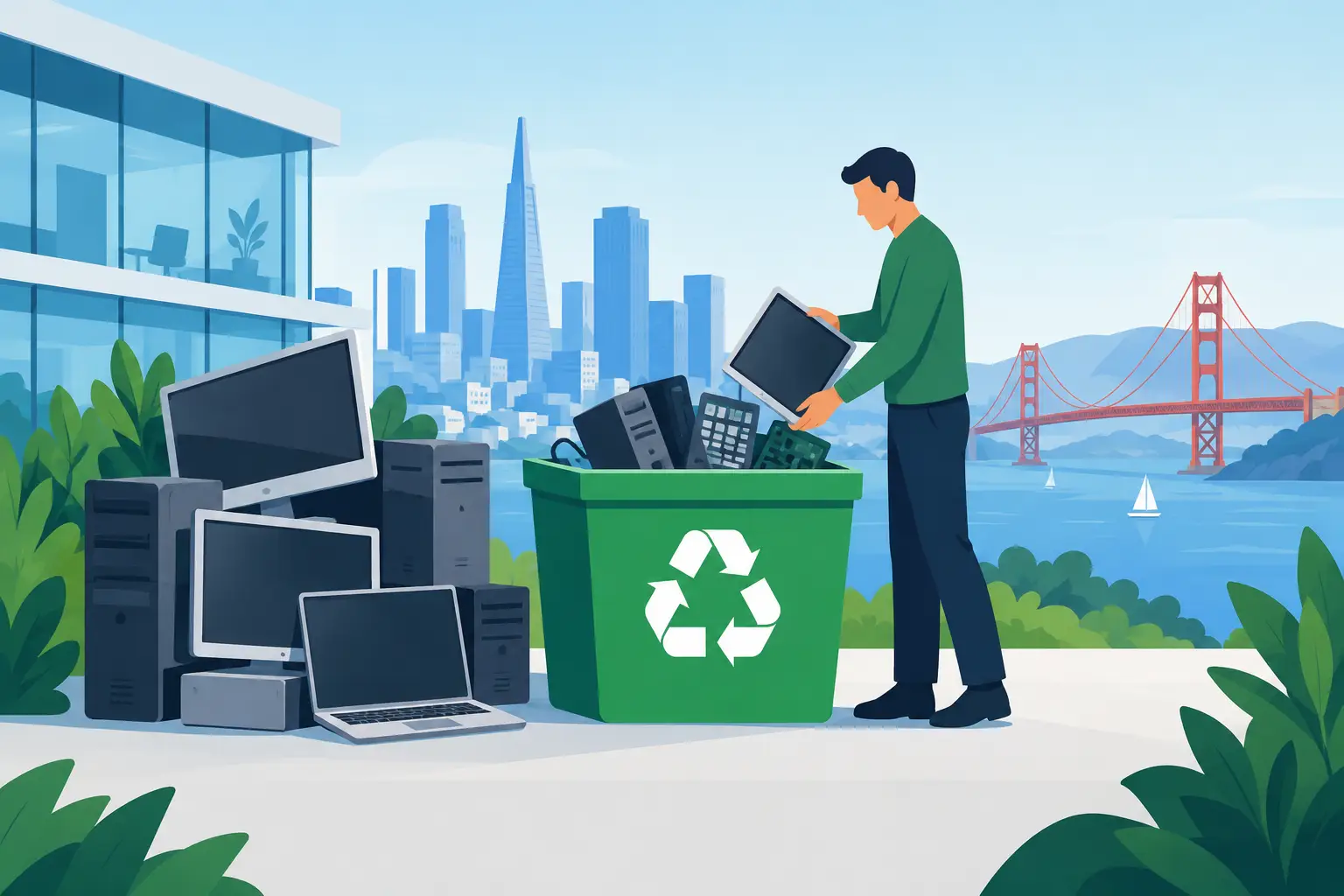
A storage room full of retired laptops, desktop towers, monitors, and servers is not just an operations problem. It is a data-security, compliance, and space-management problem. Computer recycling gives organizations a controlled way to remove obsolete IT equipment while keeping sensitive information and regulated materials out of the wrong hands.
For businesses, schools, nonprofits, government offices, and facilities teams, the goal is not simply to get old equipment out the door. The goal is to document where it went, determine what still has value, destroy data when required, and ensure the remaining materials are handled through responsible recycling channels.
What computer recycling should accomplish
Commercial computer recycling is the managed collection, evaluation, data handling, and recycling of retired technology assets. A proper program accounts for the entire load, whether it consists of a few aging workstations or multiple pallets of servers, networking equipment, displays, mobile devices, and peripherals.
The process should address three separate needs. First, equipment must be removed without creating unnecessary disruption for staff. Second, storage media and devices that may hold confidential data need an appropriate destruction or sanitization plan. Third, equipment and components must be routed for reuse, recovery, or compliant recycling rather than being discarded with general trash.
These requirements matter because a computer is not one material. It may contain recoverable metals, plastics, circuit boards, glass, batteries, and components that require specialized handling. Sending it to a landfill or leaving it in an unsecured loading area creates avoidable environmental and security exposure.
Start with an inventory, not a pickup request
Before scheduling computer recycling, identify what is actually being retired. This does not need to become a weeks-long asset audit, but a basic inventory makes collection, pricing, and data handling more accurate.
Separate equipment by category where practical: laptops, desktop computers, servers, monitors, printers, network switches, phones, tablets, external drives, batteries, and loose peripherals. Note whether equipment is working, damaged, locked, missing parts, or stored in multiple locations. For larger IT refreshes, serial numbers and asset tags may also be needed for internal records.
This review helps determine whether some equipment may qualify for IT asset liquidation or buyback. Newer, working business-grade laptops, desktops, servers, and networking equipment can sometimes retain resale value. Older, damaged, incomplete, or obsolete items are generally better routed directly to recycling.
The trade-off is straightforward. Recovering value often requires more evaluation, testing, and asset documentation. Recycling may be the faster route for equipment with little resale potential. Organizations can use both approaches in the same project when the load includes a mix of usable and end-of-life assets.
Data security must be planned before equipment moves
The most significant risk in computer disposal is often the data, not the hardware. Employee records, customer information, financial documents, intellectual property, email archives, passwords, and system credentials can remain on hard drives, solid-state drives, servers, mobile devices, and removable media.
Deleting files, removing user accounts, or performing a standard factory reset may not meet an organization’s internal security requirements. Data can remain recoverable, especially when devices are not properly sanitized or when storage media is overlooked during a rushed office move.
A clear data-destruction plan should identify which assets contain storage media and how each will be handled. Depending on the device, this may involve documented data wiping, physical hard-drive shredding, or another approved destruction method. The appropriate method depends on the organization’s policies, contractual obligations, regulatory requirements, and whether the asset is intended for reuse.
For example, a working laptop with a properly sanitized drive may be suitable for resale or redeployment. A failed server drive holding sensitive records may require physical destruction instead. There is no single method that fits every device, but there should be no uncertainty about the chain of custody.
Ask the recycling provider what documentation is available after service. Organizations commonly need pickup records, certificates of data destruction, asset lists, or recycling documentation for internal audits and vendor management. Confirm these details before the pickup, particularly when disposing of equipment from healthcare, financial, legal, education, or public-sector environments.
What belongs in a commercial computer recycling load
Most business recycling projects involve more than computers alone. Combining related electronics into one planned pickup can clear storage space quickly and reduce the need for separate disposal arrangements.
Common equipment includes:
- Desktop computers, laptops, workstations, thin clients, and all-in-one systems
- Servers, storage arrays, rack equipment, switches, routers, firewalls, and cabling
- Monitors, docking stations, keyboards, mice, printers, scanners, and office peripherals
- Tablets, smartphones, desk phones, chargers, external drives, and other mobile equipment
- UPS units, batteries, power supplies, circuit boards, and electronic accessories
Some items need additional review. Large-format printers, copiers, and certain specialty equipment may involve handling or disposal charges because of their size, toner systems, components, or logistics requirements. Batteries should also be identified separately, since they require dedicated processing and should not be mixed casually with general office waste.
Compliance is about the downstream path
A pickup alone does not make a disposal program compliant. Organizations should understand what happens after equipment leaves the site. Responsible computer recycling prioritizes reuse when appropriate, material recovery when reuse is not possible, and handling practices designed to prevent landfill disposal and illegal overseas dumping.
California organizations also need to consider the broader e-waste environment. Electronics contain materials that cannot be treated as ordinary garbage, and businesses may have internal environmental policies, lease obligations, sustainability commitments, or procurement rules that require documented disposition.
The right vendor should be able to explain accepted material categories, data-destruction options, pickup qualifications, and any fees that apply. Vague assurances are not enough when your organization is accountable for the equipment. Clear service terms help facilities managers, IT teams, and procurement staff make decisions without guessing.
Make pickup day easy on your team
A well-prepared pickup reduces delays and limits disruption. Consolidate equipment in a ground-floor staging area, loading dock, or other location that is reasonably accessible to the collection crew. If equipment is spread across floors, departments, or campuses, communicate that before scheduling so labor and access needs can be planned correctly.
Remove personal items and non-electronic trash from boxes and equipment carts. Keep equipment designated for destruction separate from assets being considered for resale or reuse. If your team has tagged devices, preserve those tags until the asset information has been recorded.
Access details matter. Let the provider know about freight elevators, stairs, security check-in procedures, parking restrictions, dock hours, and required certificates of insurance. These operational details can determine whether a pickup stays simple or turns into an unexpected facilities project.
For recurring technology turnover, establish a regular collection process instead of waiting for a storage room to overflow. A scheduled quarterly, semiannual, or annual review gives IT and facilities teams a predictable way to manage retired assets. It also reduces the chance that an old laptop or server is set aside without being included in the organization’s data-disposition process.
When free pickup may apply
Many commercial recyclers offer no-cost pickup for qualified loads that meet minimum volume requirements. This can be a practical option for organizations clearing multiple computers, servers, monitors, and other standard electronics at one time.
Eligibility depends on the quantity, equipment mix, access conditions, and service location. A large, consolidated office load is different from a small pickup requiring significant labor, stairs, or specialized handling. Smaller quantities, difficult access, and equipment with extra disposal requirements may involve a service fee.
That is not a reason to delay disposal. It is a reason to request clear terms up front. Knowing whether a load qualifies for free pickup, what items are accepted, and which materials carry charges allows the organization to budget correctly and avoid last-minute surprises.
A practical standard for computer recycling
The best computer recycling plan is one that your staff can repeat. It identifies retired assets, protects data before transfer, separates equipment with resale potential, documents the pickup, and uses a recycler that can explain the final handling path.
For Bay Area organizations, I Got E-Waste provides commercial electronics pickup, secure data destruction, recycling, and asset-disposition support for qualifying business loads. The key is to address aging equipment before it becomes an unmanaged pile. A clear inventory and a defined disposition process turn a cluttered room into a controlled, defensible part of IT operations.
