

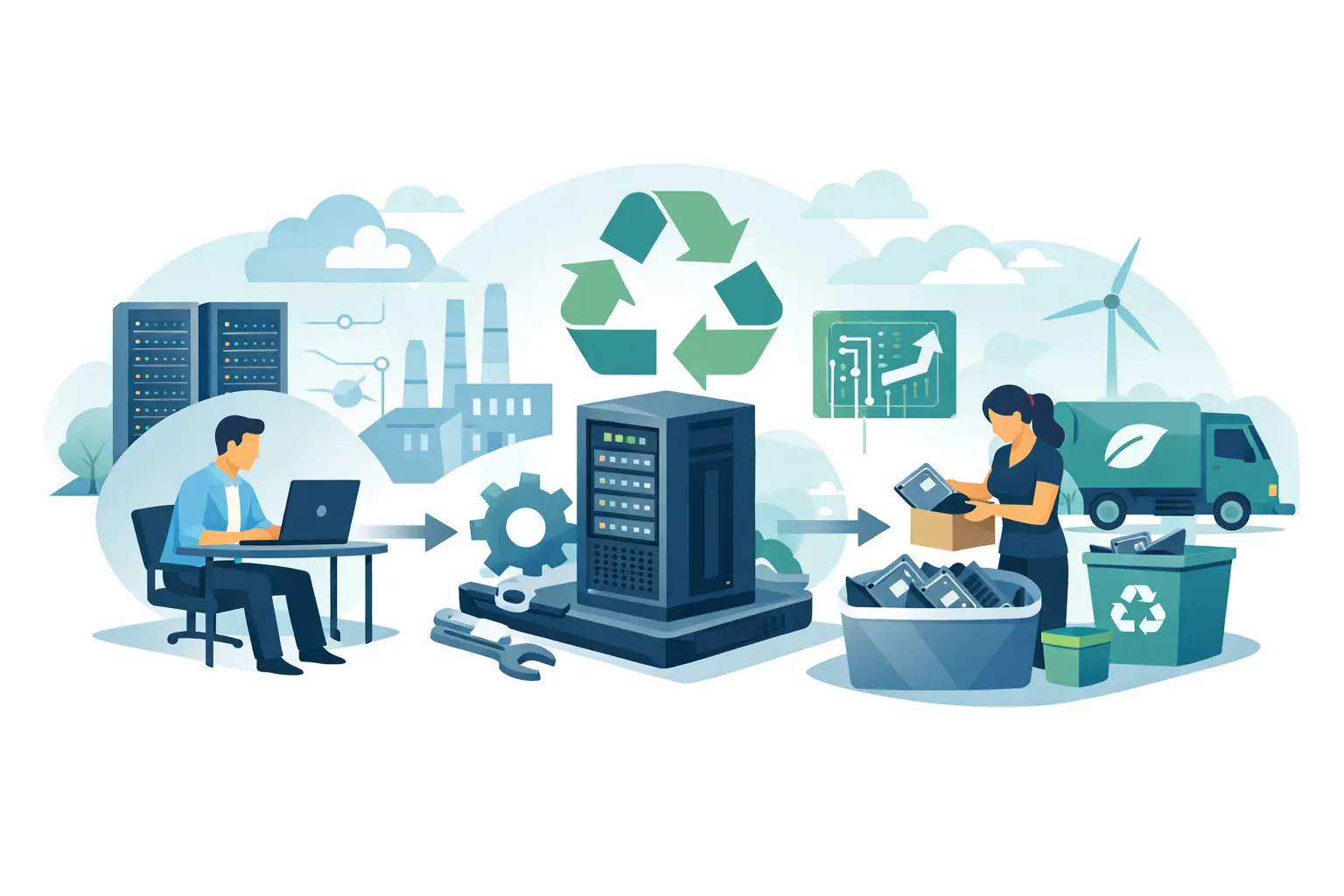
A server closet usually becomes a storage problem before it becomes a disposal project. Retired rack units sit on shelves because no one wants to be the person who sends out equipment with sensitive data still on it, or sends it to the wrong downstream vendor. That is usually the real answer to what businesses do with old servers: they hold them longer than they should, then look for a process that protects data, satisfies compliance requirements, and clears space without creating new risk.
What businesses do with old servers depends on condition and risk
There is no single end-of-life path for servers. A three-year-old server that still has market value should not be handled the same way as a damaged unit with failed drives and no resale potential. Most organizations sort old servers into a few practical categories: redeploy, liquidate, destroy and recycle, or hold temporarily for legal or operational reasons.
That decision usually starts with two questions. First, does the server or any of its components still have usable value? Second, what level of data destruction is required based on the drives, the organization’s policies, and any applicable regulations?
If the hardware is relatively current, some businesses move it into a lower-priority role. A production server might become a test environment, lab unit, or backup appliance. This can stretch the original investment, but it only makes sense if the equipment still supports business needs and does not increase maintenance costs or security exposure.
If the server is no longer useful internally but still has residual value, businesses may pursue IT asset liquidation or buyback. In that case, the focus shifts to data-bearing components. Drives are wiped, removed for destruction, or handled under a documented chain of custody before the remaining equipment is resold or remarketed.
When the equipment is obsolete, broken, or too old to justify remarketing, the standard path is responsible electronics recycling. That means separating components for proper downstream processing rather than sending the server to a landfill or an unverified exporter.
Data destruction is usually the first priority
For most organizations, the server itself is not the main concern. The drives are. Even when a unit has been powered off for years, it may still contain client files, financial records, employee information, access credentials, logs, emails, databases, or proprietary code.
That is why businesses typically start with secure data destruction before they think about recycling value or pickup logistics. Depending on internal policy and regulatory obligations, this can mean software wiping, physical destruction of hard drives, or drive shredding. The right method depends on the media type, the required level of assurance, and whether the asset will be reused.
Physical destruction is often preferred when an organization needs a high-confidence result with a simple audit trail. It removes uncertainty, especially for equipment that has changed hands internally or sat in storage without clear records. The trade-off is obvious: once drives are physically destroyed, they cannot be remarketed.
Software wiping can preserve resale value, but only if it is done correctly and documented. That requires process discipline. If a company lacks the time, staff, or chain-of-custody controls to manage that internally, outsourcing to a qualified electronics recycler and data destruction provider is often the cleaner option.
Some old servers are sold, but only after careful screening
A common assumption is that all retired servers are worthless. That is not always true. Enterprise hardware can retain value if it is from a current generation, in working condition, and equipped with components that remain in demand, such as memory, CPUs, rails, or power supplies.
This is where asset disposition becomes more than simple disposal. Businesses may recover some value through resale, parts harvesting, or buyback programs. That can help offset refresh costs, especially for organizations decommissioning multiple racks or upgrading across several offices.
Still, resale is not automatic. It depends on age, brand, specifications, cosmetic condition, and market demand. A server that looks substantial in a storage room may have little resale value if support has ended or energy use is high compared with newer models. In those cases, chasing resale can waste time and delay proper removal.
For that reason, many organizations use a blended approach. Viable assets are evaluated for remarketing, while non-viable units go straight to recycling after data destruction. That approach tends to be more efficient than trying to force every item into a resale channel.
Compliance matters more than many teams expect
Old servers are easy to classify as surplus equipment, but they often fall into a more sensitive category in practice. They may contain regulated data, licensed software, or components that require proper environmental handling. Once a business decides to dispose of them, documentation and vendor choice matter.
This is especially relevant for schools, healthcare groups, financial firms, public agencies, and companies with formal information security policies. These organizations often need records showing what was picked up, how data-bearing devices were handled, and whether the material entered a compliant recycling stream.
The environmental side matters too. Servers contain metals, circuit boards, plastics, and other materials that should be processed through legitimate electronics recycling channels. The risk is not only local disposal violations. Poor downstream handling can also lead to illegal dumping or export practices that expose an organization to reputational damage.
A practical vendor review should include data destruction methods, chain-of-custody controls, acceptable item categories, pickup requirements, and how the company handles non-reusable materials. The point is not paperwork for its own sake. It is reducing exposure while keeping the project moving.
What businesses do with old servers on the operational side
The disposal decision is only part of the job. The harder part is often organizing the pickup without disrupting staff, access, or security. In office buildings, campuses, and multi-floor facilities, server disposal can quickly become a coordination problem.
Most businesses start by identifying what is actually leaving the site. That sounds basic, but server rooms and storage areas often contain mixed equipment: rack servers, tower servers, switches, UPS units, cables, batteries, monitors, desktop PCs, and loose drives. A clear inventory helps determine whether the load qualifies for pickup, whether any items carry separate handling requirements, and how much labor is needed on site.
Timing also matters. Some teams prefer to schedule removal after a migration is complete and retention policies have been checked. Others bundle server disposal with a larger office cleanout or refresh cycle to reduce internal handling. If the load is large enough, pickup is generally more practical than asking staff to transport heavy equipment themselves.
For Bay Area organizations managing recurring IT turnover, this is where a commercial e-waste partner can simplify the process. Qualified bulk pickups, secure drive destruction, and mixed-equipment handling reduce the burden on IT and facilities teams that already have other priorities.
Why old servers often sit too long
If the process is straightforward, why do so many businesses keep old servers for years? Usually because several departments own small pieces of the decision. IT may sign off on decommissioning, legal may define retention needs, facilities may control access, and finance may still be tracking the assets. Until those pieces line up, the equipment stays put.
There is also a psychological factor. Servers feel different from commodity electronics. They are heavier, more expensive, and more likely to contain sensitive data. That makes organizations cautious, which is reasonable. But caution without a disposal plan turns into storage sprawl.
The cost of delay is not only square footage. Old equipment creates inventory confusion, increases the chance of undocumented disposal, and leaves data-bearing devices sitting in unsecured back rooms. A controlled pickup and destruction process is usually less risky than informal storage with no timeline.
A practical standard for deciding the next step
If a business wants a workable rule, it is this: old servers should be evaluated for data risk first, reuse or resale second, and recycling logistics third. That order prevents the most common mistakes.
If drives are present, define the destruction method before anything leaves the building. If the hardware still has value, determine whether remarketing is worth the added handling. If it does not, move it into a compliant recycling stream without letting it occupy storage for another budget cycle.
The right answer is not always the same. A startup clearing one server cabinet may prioritize speed. A hospital network may prioritize documented destruction above all else. A school district may need a mixed pickup covering servers, desktops, and peripherals across multiple sites. The operational details change, but the underlying goals stay consistent: protect data, meet compliance requirements, recover value where it is realistic, and remove equipment responsibly.
When old servers are treated as an asset disposition project instead of a storage problem, the process gets much easier to manage. The best next step is usually the simplest one – identify the equipment, confirm the data destruction requirement, and schedule removal before the server room becomes long-term storage again.
