

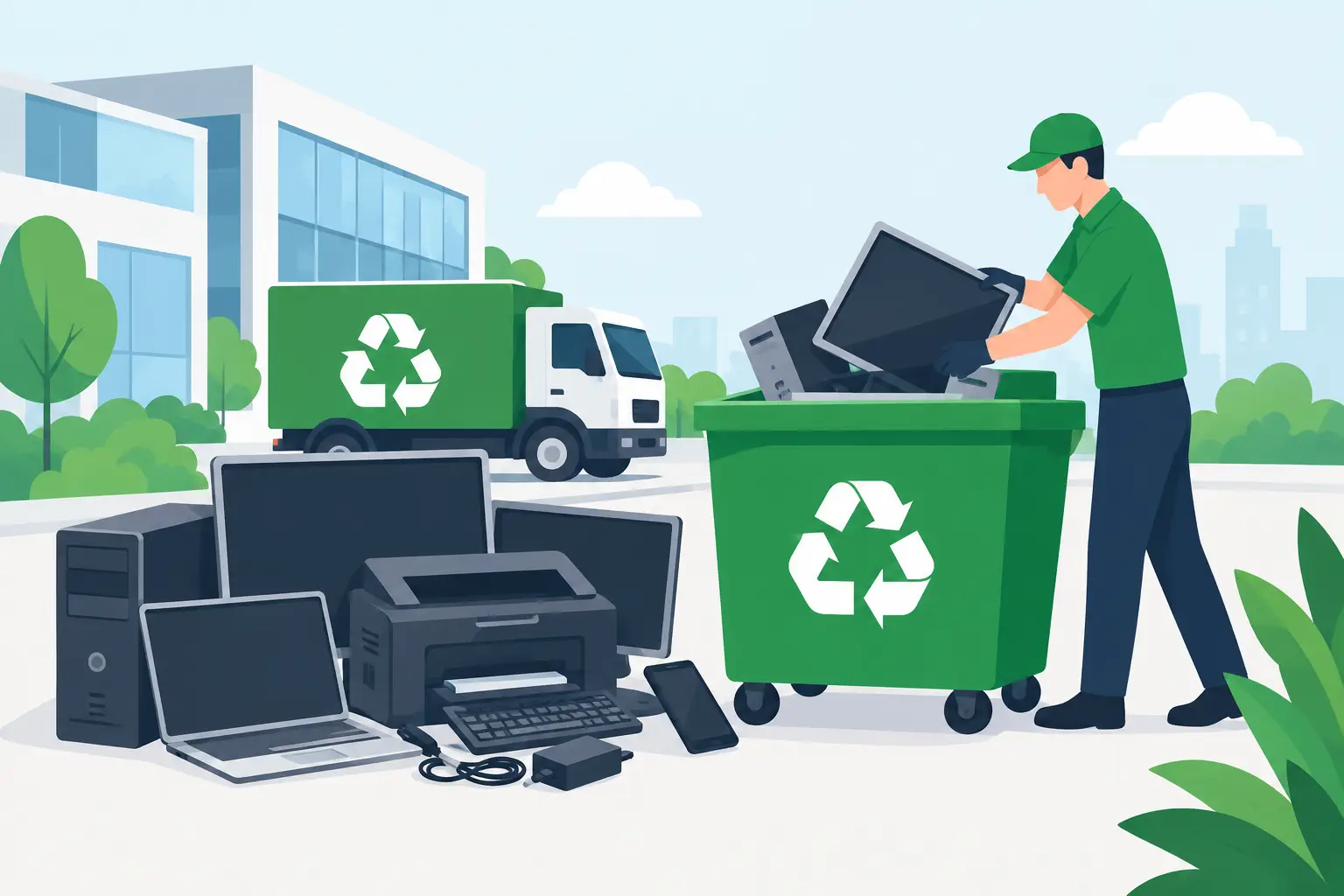
A storage room full of retired laptops, monitors, cables, and networking gear creates more than a space problem. It can leave an organization holding sensitive data, regulated batteries, and equipment that cannot go into the trash. Knowing the top items accepted in e-waste pickup helps IT, facilities, and office teams separate recyclable assets from equipment that requires special handling before scheduling service.
For most commercial cleanouts, the highest-volume categories are computers, servers, network equipment, displays, mobile devices, and peripherals. Acceptance can vary by condition, quantity, and local recycling requirements, particularly for batteries, large equipment, and items containing hazardous materials. A clear inventory before pickup prevents delays and helps determine whether a load qualifies for no-cost collection.
Top Items Accepted in E-Waste Pickup
Computers, laptops, and workstations
Desktop towers, all-in-one computers, laptops, thin clients, and workstation PCs are among the most common business electronics collected for recycling. Even nonworking systems have recoverable materials, including circuit boards, metals, plastics, and power supplies. Organizations should treat every computer as a potential data-bearing device, whether it is ten years old or simply no longer supported.
Before pickup, identify whether hard drives, solid-state drives, or embedded storage remain in the equipment. A standard recycling pickup may address the equipment itself, but secure data destruction is a separate operational requirement. For organizations managing employee, customer, student, financial, or patient information, documented data destruction or physical drive shredding may be appropriate.
Laptops deserve the same attention as desktops. Their compact size makes them easy to store in bulk, but that often means retired devices sit unattended in cabinets long after their useful life. If batteries are swollen, damaged, or removed, disclose that condition when arranging service so they can be handled correctly.
Servers, storage hardware, and data center equipment
Retired servers are a priority category for commercial e-waste pickup because they are heavy, data-rich, and difficult to move through ordinary waste channels. Rack-mounted and tower servers, storage arrays, NAS devices, SAN equipment, backup appliances, and related hardware are commonly accepted.
These assets may still hold multiple drives, backup media, configuration files, and business records. Removing a server from a rack does not remove the data risk. IT teams should confirm how each device will be sanitized, destroyed, or retained for reuse before it leaves the premises.
Server racks, cabinets, power distribution units, and UPS systems may also be accepted, but they should be listed separately in the pickup request. Weight, access conditions, stairs, loading docks, and battery content can affect the logistics and cost of collection. A battery backup unit is not the same as an empty metal rack, even when both are part of the same decommissioning project.
Network and telecommunications equipment
Organizations frequently accumulate network equipment during office moves, upgrades, mergers, and infrastructure refreshes. Commonly accepted items include switches, routers, firewalls, wireless access points, modems, hubs, patch panels, VoIP phones, PBX systems, cable boxes, and related power supplies.
This category is easy to underestimate because individual devices are small. A few years of replacements across several closets can produce pallets of outdated equipment. Network hardware can also contain configuration data, credentials, certificates, and customer or employee information. Resetting devices may be useful, but it should not replace a documented disposition process where compliance requires proof of destruction.
Cables, adapters, chargers, and docking stations are generally appropriate to include with a mixed business electronics load. Sorting every cord by type is usually unnecessary, though keeping loose cables boxed or bagged makes pickup safer and more efficient.
Monitors, displays, and office screens
Flat-panel LCD and LED monitors are common e-waste items from office refresh projects. Desktop monitors, computer displays, televisions used in conference rooms, digital signage screens, and tablets may be accepted as part of a commercial pickup.
Condition matters less than safe handling. Cracked screens should be identified in advance and packed to avoid further breakage. Older CRT monitors and televisions require additional attention because they contain leaded glass and are heavier than modern displays. They may be accepted, but special recycling charges or handling requirements can apply.
Large-format displays create practical pickup issues as well. A 75-inch conference room screen requires different handling than a 24-inch desktop monitor. Provide screen sizes, quantities, and access details when requesting service, especially if equipment is located above ground level or inside a secured facility.
Printers, copiers, scanners, and related equipment
Office equipment often remains in place long after it has been replaced because it is bulky and inconvenient to move. Printers, multifunction devices, scanners, fax machines, label printers, and barcode equipment are common e-waste categories.
Small desktop printers are usually straightforward additions to a larger pickup. Large multifunction copiers and commercial printers are different. Their size, weight, toner residue, and internal components can require specialized disposal charges or separate logistics. The same applies to plotters and large-format printers.
Before releasing a printer or copier, remove paper, external media, and obvious consumables when possible. Some multifunction devices have internal storage that retains scanned documents, print jobs, address books, or user credentials. Check with the manufacturer or your IT team to determine whether the device has a hard drive or nonvolatile memory requiring data destruction.
Mobile devices and small electronics
Cell phones, smartphones, tablets, e-readers, handheld scanners, point-of-sale devices, and other small electronics are valuable to keep out of general waste. They contain recoverable materials, but they also commonly store account credentials, messages, contacts, photos, and authentication data.
For business-owned mobile devices, remove them from mobile device management platforms and perform the organization-approved reset process before recycling. If a device cannot be powered on or reset, it should still be handled as a data-bearing asset. Secure destruction can reduce the risk of a device moving through an uncontrolled resale or disposal channel.
Other small items often included in commercial loads are keyboards, mice, webcams, speakers, headsets, external drives, USB hubs, calculators, and desk phones. These items may not drive pickup eligibility on their own, but they belong in a properly managed electronics recycling stream rather than a landfill bin.
Items That Need Special Handling or Advance Approval
Not every item that looks electronic belongs in the same pickup load. Batteries are the most common example. Lithium-ion batteries, lead-acid batteries, rechargeable battery packs, and loose batteries can pose fire and transportation risks when damaged, improperly packed, or mixed with incompatible materials. Never place loose batteries in a general box of electronics without confirming the recycler’s instructions.
Devices with swollen batteries, water damage, burn marks, or exposed wiring should be identified before collection. Do not attempt to puncture, crush, or disassemble them. The safest path is to isolate the item from regular office traffic and provide accurate condition details when requesting pickup.
Other items that may require advance confirmation include fluorescent lamps, appliances, medical equipment, smoke detectors, hazardous chemicals, and non-electronic office furniture. These materials are governed by different disposal rules and should not be assumed to be part of a standard e-waste collection.
Prepare a Commercial Pickup Without Creating More Work
The most efficient pickups begin with a simple inventory. Count major items by category, estimate the number of pallets or boxes, and note any unusually heavy equipment. Include access details such as loading docks, elevators, stairs, security check-in procedures, and parking restrictions. This information allows the pickup team to bring the appropriate labor and equipment.
Keep data-bearing assets separate from general peripherals when secure destruction is required. Labeling boxes as laptops, hard drives, network equipment, or batteries is usually enough. There is no need to create a perfect asset spreadsheet for every cable, but organizations with audit or asset-retirement requirements may benefit from serial-number tracking and certificates of destruction.
Pickup pricing and eligibility depend on volume and material mix. Qualified business loads may be eligible for free pickup, while small quantities, specialty equipment, or difficult-to-handle items can involve fees. Confirming those details before scheduling avoids surprises and keeps the disposal project moving.
For Bay Area organizations clearing an office, upgrading infrastructure, or retiring stored IT assets, the practical goal is simple: move electronics out of the building through a documented, responsible process before they become a security or safety issue. I Got E-Waste can help businesses assess the load, identify special-handling needs, and arrange commercial collection around the realities of the site.
