

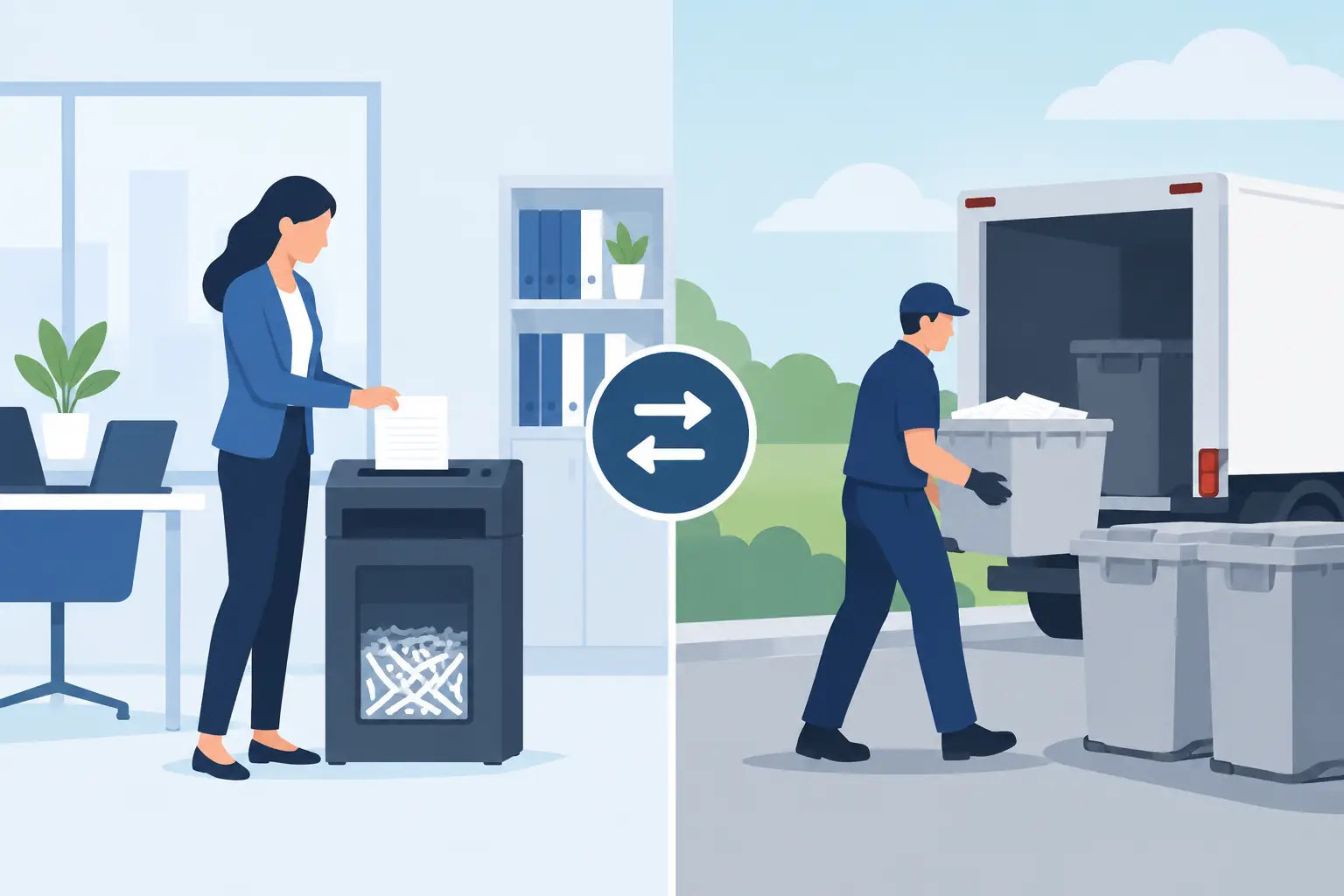
A storage room full of retired laptops and servers is not just a space problem. Each device may contain employee records, customer information, financial files, credentials, or proprietary data. The decision between outsourced versus in-house destruction affects who handles that risk, how equipment moves through your organization, and what documentation remains after the work is done.
For Bay Area organizations managing recurring IT refreshes, office closures, or accumulated e-waste, there is no single answer that fits every asset type. In-house processes can offer direct control. A qualified destruction provider can reduce operational burden and provide a more defined chain of custody. The right approach depends on the volume, media types, internal capabilities, and compliance requirements involved.
What In-House Destruction Actually Requires
In-house destruction is often treated as the simpler option because the equipment never leaves the building before a drive is wiped or destroyed. That can be true for a small, controlled group of assets. But an internal program requires more than a software tool or a drill in the IT room.
A defensible in-house process needs written procedures, authorized personnel, controlled access to devices, accurate asset tracking, and a clear method for verifying completion. If drives are wiped, the organization must confirm that the wiping method is appropriate for the type of media and that the result is recorded. If drives are physically destroyed, staff must make sure the method renders the storage media unusable, not merely damaged on the outside.
This becomes more complicated with modern equipment. Solid-state drives, phones, tablets, embedded storage, servers with multiple drives, and failed devices may not respond to the same process used for older hard disk drives. Encryption can be useful, but it does not remove the need to manage keys, inventory devices, and confirm that assets are properly dispositioned.
There is also the e-waste question. Once data-bearing equipment has been handled internally, the organization still needs a compliant recycling path for the remaining drives, devices, batteries, cables, and equipment. Destroying a drive does not resolve the responsibility to manage the material properly afterward.
Where Outsourced Destruction Adds Value
Outsourced destruction shifts the specialized work to a provider whose operations are built around collection, custody, destruction, and downstream recycling. For organizations with large quantities of equipment or limited internal storage, that can be a practical advantage.
The strongest outsourced process starts before pickup. Assets should be identified, access to the collection area should be controlled, and the provider should explain how equipment is handled from pickup through final processing. Organizations should know whether data destruction will occur on-site or at a secure facility, what records they will receive, and how non-data-bearing electronics will be recycled.
A provider also helps reduce the amount of internal labor required for sorting, transporting, dismantling, and disposing of retired equipment. That matters when an IT manager is already managing a migration, a facilities team is preparing for a move, or an office manager needs to clear equipment without coordinating multiple disposal vendors.
For qualified commercial loads, I Got E-Waste provides pickup services that help organizations move obsolete computers, servers, network equipment, peripherals, and related electronics out of storage and into a responsible disposition process. That is particularly useful when equipment has accumulated across offices, campuses, or departments.
Outsourced Versus In-House Destruction: The Core Trade-Offs
The choice is not simply control versus convenience. A well-managed internal process can be secure, while a poorly managed vendor relationship can create gaps. Likewise, outsourcing can improve accountability when the provider documents custody and destruction, while an informal in-house process can leave an organization unable to prove what happened to a device.
Security and chain of custody
In-house destruction keeps assets under your direct control for longer. This can be appropriate for highly sensitive media, provided your team has a documented procedure and the resources to follow it consistently. The risk is that retired devices often sit unattended while staff wait for time to process them, creating an untracked inventory of data-bearing equipment.
With outsourced destruction, the key question is when custody transfers and how it is documented. A dependable provider should have a defined pickup process and be able to explain how assets are secured, transported, processed, and documented. Your team should retain records that match the level of risk associated with the equipment.
Cost and internal labor
Buying destruction equipment, maintaining it, training staff, and dedicating secure workspace can make in-house processing expensive, even when the per-drive cost appears low. The labor cost is especially easy to overlook. Someone must pull drives, record serial numbers when required, perform the destruction or wipe, verify the result, manage residual materials, and arrange recycling.
Outsourcing may involve service charges depending on the load, service type, and specialized items involved. However, it can reduce internal handling and eliminate the need to build a separate destruction operation. For recurring volumes, the operational savings can be more meaningful than the cost of the destruction itself.
Media types and equipment condition
A working laptop with a known inventory record may be suitable for secure wiping and potential reuse or asset liquidation. A failed server drive, damaged phone, or unknown device from a storage room may require physical destruction because software-based erasure cannot be verified.
This is where a blended process often works best. An organization may wipe reusable assets internally or through a provider, physically destroy failed or high-risk media, and recycle the remaining equipment through an appropriate channel. Treating every device identically can waste value or create unnecessary risk.
Scale and logistics
A few devices each quarter can be manageable internally. Hundreds of computers after a refresh, racks of retired networking equipment, or mixed electronics from a relocation are different. Large projects introduce staging, loading, access coordination, pickup scheduling, and inventory control issues that most internal teams do not handle every day.
Outsourcing is often the more practical choice when equipment is taking over storage space or when the organization needs to clear a site on a deadline. The service should fit the physical reality of the job, including elevators, loading docks, secure areas, and the presence of batteries or large-format equipment that may require separate handling.
Questions to Ask Before You Choose
Before deciding on a destruction model, establish what your organization needs to be able to prove afterward. These four questions usually clarify the path forward:
- What data may be stored on the equipment, and which devices cannot be wiped due to damage or failure?
- Who has custody of each asset from retirement through destruction or recycling?
- What documentation must be retained for internal policy, customer commitments, audits, or regulatory obligations?
- Does the organization have the staff, secure space, equipment, and recycling process to perform the work consistently?
If the answers reveal manual tracking, inconsistent storage practices, or a backlog of unprocessed devices, outsourcing may reduce exposure. If a small number of highly sensitive drives must remain on-site until they are rendered unusable, an internal or on-site approach may be justified.
Avoid the Common Gaps
The most common problem is not choosing the wrong destruction method. It is failing to manage the period between device retirement and final disposition. A laptop removed from service but left in an unlocked closet is still a data security concern. So is a drive removed from a server without a record of where it went next.
Create a retirement workflow that begins when equipment leaves active use. Designate a secure holding area, limit access, label or log assets according to your policy, and schedule processing before equipment accumulates. For outsourced projects, provide the vendor with clear access instructions and identify any equipment that requires special handling.
A documented decision process also helps when teams disagree. IT may prioritize data security, finance may focus on recoverable value, facilities may need space cleared, and leadership may need assurance that electronics will not be sent to a landfill or improperly exported. Those goals can work together when the organization separates reusable assets, destruction-required media, and recyclable material early in the process.
The practical goal is not to keep every step in-house or send every item out automatically. It is to use a process your organization can repeat, document, and defend when the next technology refresh arrives.
