

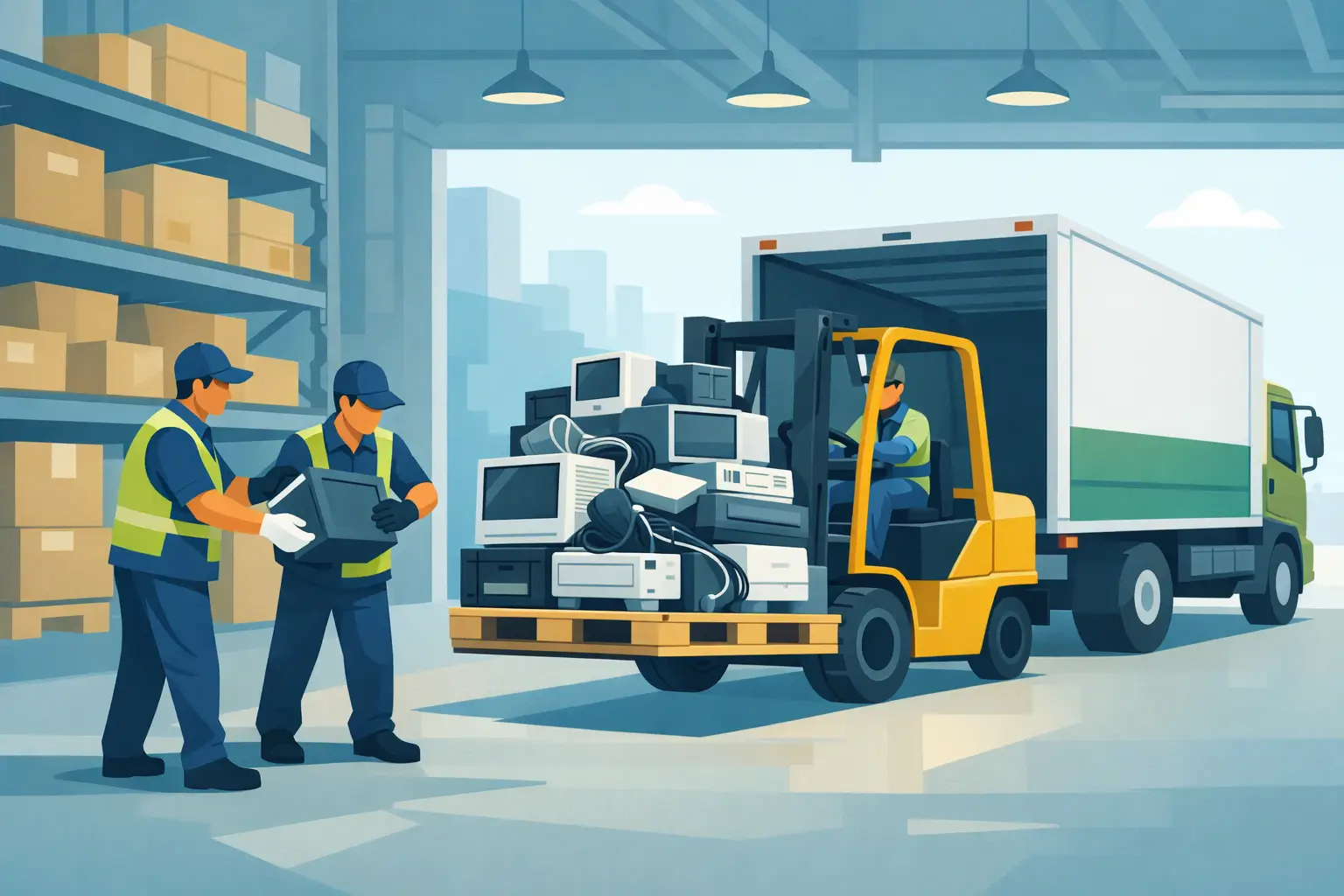
A back room full of shrink-wrapped monitors, boxed laptops, loose cables, and retired network gear usually starts as a temporary problem. Then it becomes a space problem, a data-risk problem, and eventually a disposal problem no one wants to own. That is where warehouse e-waste pallet pickup makes sense. For organizations moving bulk electronics out of storage, palletized pickup is often the most practical way to clear volume quickly while keeping handling, scheduling, and compliance under control.
When warehouse e-waste pallet pickup is the right fit
Not every electronics load belongs on pallets. If your office has a handful of laptops and a few keyboards, a small-quantity pickup or drop-off option is usually more appropriate. Pallet pickup fits a different situation – warehouses, school districts, hospitals, public agencies, data centers, distribution facilities, and multi-site companies that have accumulated enough equipment to justify freight-style handling.
The advantage is simple. Pallets turn a scattered collection of retired electronics into something that can be counted, staged, moved, and loaded efficiently. That matters when you are dealing with rows of obsolete desktops, shelves of networking equipment, or a steady stream of decommissioned IT assets coming from refresh cycles.
For facilities teams, palletization also reduces disruption. Staff can consolidate material in a designated area instead of managing dozens of loose items at the loading dock on pickup day. For IT and compliance teams, it creates a cleaner chain of custody, especially when the load includes hard drives, servers, storage arrays, or employee devices that still require secure data destruction.
What usually goes on a pallet
A warehouse pallet load often includes mixed business electronics rather than a single device type. Common examples are desktop computers, laptops, servers, switches, routers, access points, telecom hardware, monitors, docking stations, printers, scanners, cables, battery backups, and miscellaneous peripherals.
The details matter, though. Some items are widely accepted in standard commercial e-waste programs, while others may involve handling charges, special scheduling, or additional packaging requirements. Large copiers, certain printer types, damaged batteries, and broken glass screens can change the logistics. That is why a pickup request should describe the load clearly, not just as “electronics” or “junk IT equipment.”
A better description includes approximate pallet count, whether the pallets are already wrapped, what categories of material are included, whether there are batteries, and whether any devices contain data-bearing media. That gives the recycler a realistic picture of labor, truck space, and downstream processing requirements.
How to prepare for warehouse e-waste pallet pickup
The smoothest pickups usually start before the truck is scheduled. In a warehouse setting, preparation is less about appearances and more about avoiding delays.
Begin by separating standard IT equipment from anything that may require special handling. A pallet of laptops and docks is straightforward. A mixed pallet containing laptops, loose lithium batteries, a leaking UPS unit, and a broken copier part is not. Keeping those categories apart helps prevent last-minute rework.
Next, make the pallets stable. Stack heavier items on the bottom, distribute weight evenly, and avoid building loads so high that they shift during movement. Shrink wrap is useful, and labeling is even better. A simple label such as “monitors,” “network gear,” “hard drives,” or “mixed computers” saves time for both your staff and the pickup crew.
Access planning matters more than many organizations expect. Confirm whether the pickup area has dock access, ground-level loading, pallet jack clearance, freight elevator constraints, or limited truck approach. If the material is stored across multiple rooms or floors, say so upfront. A recycler can plan for that, but only if the information is provided in advance.
If the load includes assets with sensitive data, identify them before pickup day. Drives, servers, laptops, and mobile devices should not disappear into a general pile with no distinction. A clear separation between data-bearing and non-data-bearing equipment supports secure destruction workflows and makes documentation easier afterward.
Compliance is not just about where the load ends up
Organizations often think of recycling compliance as an end-of-process issue. In practice, it starts much earlier. Warehouse e-waste pallet pickup should be managed in a way that accounts for regulated materials, data security, and documented disposition from the moment the load leaves your control.
That means using a commercial electronics recycler that understands state and federal handling requirements, not a generic junk hauler or scrap collector. The difference is significant. Business electronics can contain storage media, hazardous components, and assets that should never be exported irresponsibly or sent to landfill.
For schools, healthcare groups, public agencies, and companies with internal ESG or procurement standards, vendor choice has direct compliance implications. You may need confirmation of responsible recycling practices, documented pickup records, and data destruction options tied to the asset stream. Those are not extras. They are part of a defensible disposal process.
In the Bay Area, where many organizations manage frequent technology turnover, this becomes routine operational hygiene. If your warehouse regularly becomes the final holding point for old equipment, the disposal process should be set up with the same discipline as receiving, inventory control, and outbound shipping.
Data destruction changes the pickup plan
A pallet of dead monitors is one thing. A pallet of retired laptops from finance, HR, or engineering is another.
When data-bearing devices are part of the load, pickup planning should reflect that from the start. Some organizations need serialized tracking. Others need on-site hard drive shredding, certificate-based destruction, or a documented process for downstream wiping and destruction. The right approach depends on the asset type, the sensitivity of the data, and internal policy requirements.
There is a trade-off here. The fastest way to clear warehouse space is not always the best way to manage data-sensitive equipment. If your priority is immediate removal, but the load contains servers, SAN units, or large volumes of employee devices, it may be worth slowing down long enough to separate those assets and route them through a more controlled destruction process.
That extra step usually pays off. It reduces exposure, supports audits, and prevents a common problem: mixed loads that are easy to move but hard to document later.
Free pickup, fee-based pickup, and what affects cost
Organizations often ask whether pallet pickup is free. Sometimes yes, sometimes no. It depends on volume, item mix, access conditions, and whether the load includes materials with extra processing costs.
Large commercial loads of standard electronics often qualify for no-cost pickup, especially when they are palletized, accessible, and located within a regular service area. Small loads, difficult access situations, or items with special disposal requirements may trigger a service charge instead. That is not unusual. It reflects labor time, truck utilization, and recycling costs tied to certain equipment categories.
The practical takeaway is that a well-described load gets a more accurate answer. If you say you have “about three pallets of mixed office electronics,” that helps. If you add that one pallet is servers with hard drives, one is LCD monitors, and one includes two large printers and several UPS units, that helps even more.
For warehouse managers and office operations teams, this also makes budgeting easier. You can decide whether to wait until a larger qualifying volume accumulates or schedule removal now because the space and risk are worth more than the service fee.
A better way to manage recurring warehouse e-waste
The hardest warehouse cleanouts are usually the result of delay. Equipment gets pushed aside after a refresh, a relocation, or a department shutdown. Six months later, no one is sure what is still usable, what contains drives, or what disposal path applies.
A better approach is to treat warehouse e-waste pallet pickup as a recurring operational process rather than a one-time purge. Set a staging area. Define what gets palletized. Separate data-bearing devices. Tag anything requiring special handling. Schedule pickups based on volume thresholds instead of waiting for overflow.
For organizations across the Bay Area with ongoing hardware turnover, that kind of routine prevents storage creep and keeps disposal tied to policy instead of convenience. I Got E-Waste, Inc. works with commercial and institutional clients that need that process to be practical, compliant, and easy to schedule.
If your warehouse is starting to function like a graveyard for retired IT assets, the fix is usually straightforward. Get the material identified, palletized, and moved through a pickup process that protects data, meets recycling requirements, and gives your team the space back to do its actual job.
