

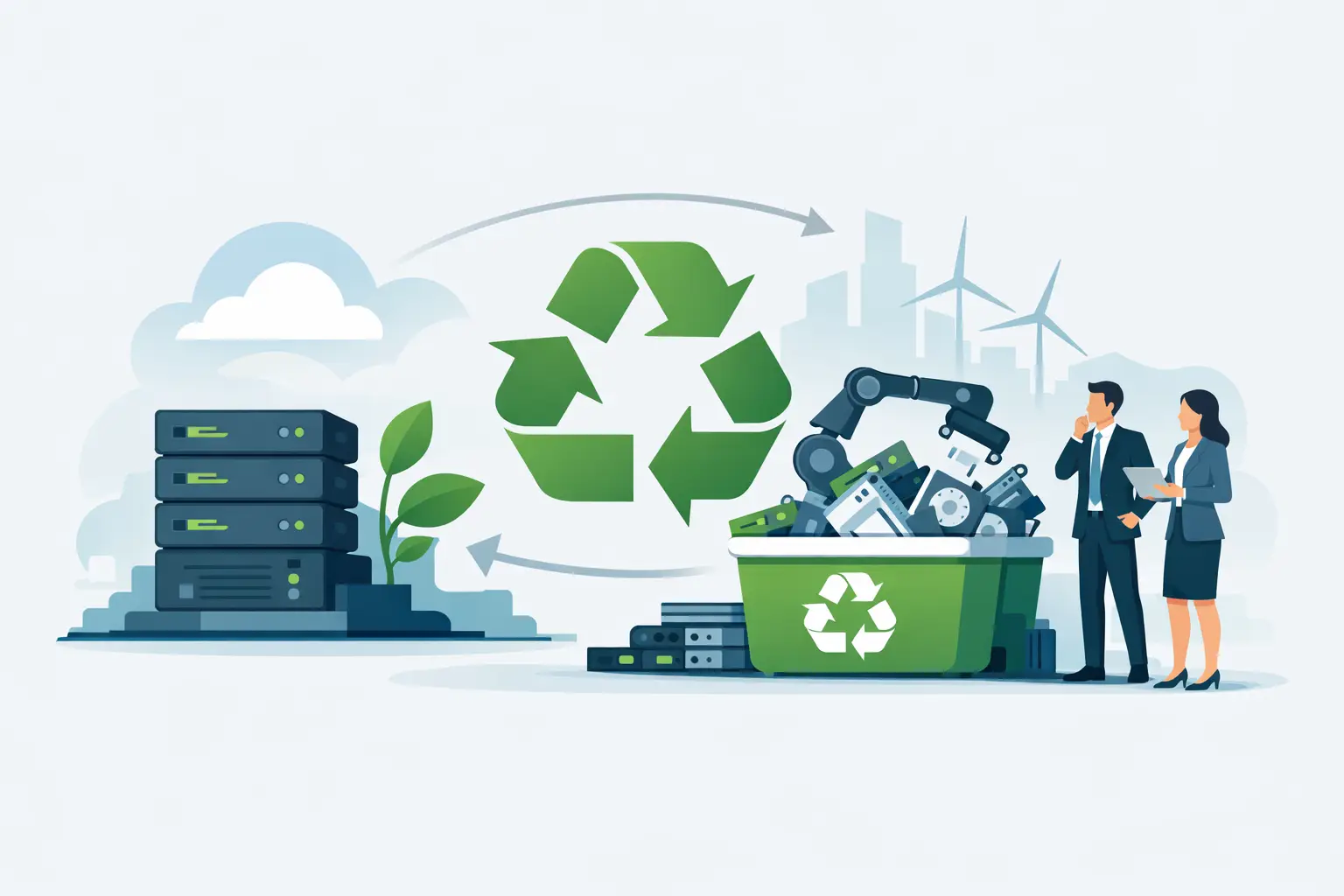
A retired server rarely looks urgent. It gets powered down, labeled for later, and pushed into a storage room next to old switches, UPS units, and a few mystery cables nobody wants to claim. Months later, that same pile becomes a security concern, a space problem, and a disposal project nobody has time to manage. That is why server recycling for businesses is less about getting rid of hardware and more about controlling risk, documentation, and logistics.
Why server recycling for businesses needs a process
Servers are not like general office electronics. They usually hold higher-value components, heavier chassis, more storage media, and a greater chance of containing regulated or sensitive data. Even when a business believes systems were wiped before decommissioning, the real question is whether that process was verified, documented, and handled in a way the organization can stand behind later.
For IT managers, the issue is often chain of custody. For office and facilities teams, it is space and scheduling. For schools, nonprofits, and public agencies, it may also involve policy compliance, internal approvals, and asset records. The disposal step is where all of those concerns meet.
A practical server recycling process should answer four questions clearly. What equipment is leaving the site, how is data being destroyed, where is the material going, and who is responsible for the pickup and documentation? If those answers are vague, the project is not under control.
The biggest risks in outdated server disposal
The most obvious risk is data exposure. Even old servers that have been out of production for years can still contain hard drives, SSDs, backup media, or embedded storage with recoverable information. Customer records, employee data, financial files, authentication logs, and internal documents all have a way of lingering in retired equipment.
The second risk is improper downstream handling. Businesses do not want equipment dumped illegally, exported irresponsibly, or sent to a landfill when it contains recyclable metals and regulated components. A recycler should be able to explain how materials are processed and how they stay aligned with state and federal requirements.
The third risk is operational drag. When a server disposal project sits for too long, rooms fill up, inventory gets mixed together, and staff time gets pulled into sorting, counting, and coordinating multiple vendors. What looked like a simple cleanup becomes a recurring problem.
Cost also deserves a realistic look. Some organizations assume holding old equipment is cheaper than arranging pickup. That can be true for a very short period, but long-term storage has a cost of its own, especially when valuable square footage is used to store obsolete IT assets that should already be off the books.
What a compliant server recycling vendor should handle
A qualified vendor should do more than load equipment into a truck. For server recycling for businesses, the service needs to cover the operational details that internal teams do not want to troubleshoot after the fact.
Data destruction should be addressed directly, not treated as a side note. Depending on the equipment and the organization’s requirements, that may involve hard drive shredding, secure media destruction, or documented sanitization procedures. The right method depends on policy, risk tolerance, and whether any equipment still has resale or recovery value.
Pickup logistics matter just as much. Servers are bulky, often racked, and sometimes stored across multiple rooms, floors, or buildings. A commercial recycler should be prepared for palletized loads, loose equipment, mixed IT inventory, and scheduled pickups that minimize disruption to the workplace.
Documentation is another basic requirement. Many organizations need records for internal controls, audit readiness, environmental reporting, or asset disposition files. If a recycler cannot support that process clearly, the burden falls back on your team.
Finally, the vendor should be comfortable handling the broader environment around the servers. A server room cleanout often includes switches, firewalls, rack accessories, cables, desktop computers, monitors, laptops, batteries, and peripherals. It is more efficient to clear the entire obsolete inventory in one coordinated pickup when possible.
Server recycling for businesses and data destruction
This is the part that deserves the least guesswork. If drives are still installed in the servers, ask exactly how they will be processed. If your policy requires physical destruction, confirm that point before pickup is scheduled. If your organization wants to preserve potential asset value through tested reuse, ask whether drives need to be removed first and how that affects chain of custody.
There is no single right answer for every business. Some organizations prioritize maximum assurance and choose physical shredding for all media. Others separate newer equipment for evaluation and remove storage devices before release. What matters is that the approach matches the sensitivity of the data and the organization’s own compliance requirements.
It is also worth identifying hidden storage. Blade systems, SAN components, backup appliances, and network-attached equipment may hold drives that are easy to overlook during a rushed decommissioning project. A complete inventory before pickup reduces mistakes.
When equipment buyback changes the equation
Not every retired server is scrap. Depending on age, model, condition, and market demand, some equipment may still have liquidation or buyback value. That does not eliminate the need for secure handling, but it can reduce disposal costs or offset other service charges.
This is where trade-offs come into play. If a business wants to maximize resale value, equipment condition, completeness, and data handling steps matter. Missing rails, damaged bezels, or unverified system status can reduce recovery value. On the other hand, if the priority is fast removal of mixed obsolete hardware, recycling and destruction may be the better operational choice even when a few individual units still have some market value.
A good vendor will tell you which category your equipment falls into instead of forcing everything into one model. That is especially useful for businesses rotating out servers in phases or clearing a mix of current and legacy infrastructure.
Planning a pickup without disrupting operations
Most server disposal problems start with poor timing, not bad intentions. Teams wait until there is a move, a renovation, a storage crisis, or an audit request. By then, the project is larger and more complicated than it needed to be.
A better approach is to batch decommissioned equipment on a regular schedule. Quarterly or semiannual pickups work well for many organizations because they prevent buildup without requiring constant coordination. This is especially useful for multi-office businesses, campuses, and departments with recurring refresh cycles.
Before pickup day, it helps to separate equipment into practical groups: complete servers, loose drives for destruction, rack accessories, and general e-waste. That does not mean your team needs to create a perfect warehouse operation. It just means reducing confusion so the vendor can remove items quickly and provide cleaner records.
For Bay Area organizations working in dense office buildings, medical campuses, schools, or shared commercial properties, access planning is also part of the job. Freight elevators, loading dock restrictions, parking limitations, and building service windows can affect how efficiently equipment leaves the site. A recycler that handles commercial pickups regularly should be used to those constraints.
What businesses should ask before scheduling service
The best questions are operational. Do you handle commercial server pickups? What minimum volume is required for free pickup, and when do fees apply? How is data destruction performed and documented? Can you take mixed loads that include servers, network gear, batteries, and peripherals? What items require separate charges?
Those questions get to the real decision points quickly. They also help avoid the common mistake of choosing a provider based only on a broad promise to recycle electronics. Server projects are rarely just electronics recycling. They usually involve security, timing, compliance, and internal accountability.
For organizations trying to clear a server room, storage cage, or IT closet, convenience is not a minor benefit. It is the difference between a project that gets completed and one that sits unfinished. That is why many businesses look for a provider that can combine pickup, secure destruction, and compliant recycling under one service model.
The practical goal is simple
The goal is not to get perfect value out of every old server or turn disposal into a major internal initiative. The goal is to remove obsolete equipment safely, document what matters, and keep materials out of the wrong places. If your storage room is filling with retired hardware, the best time to organize a compliant recycling plan is before that backlog becomes its own problem.
