

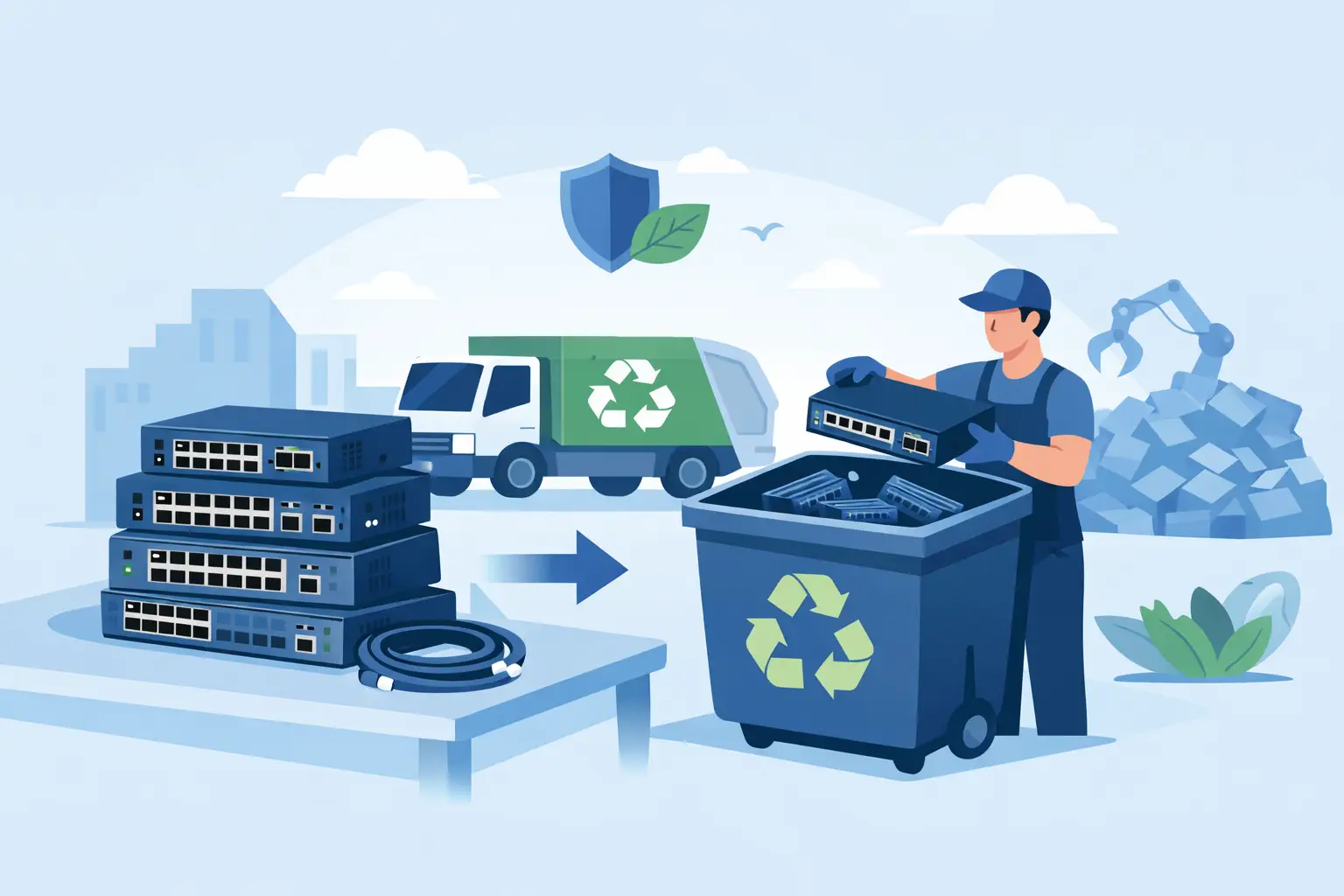
A retired switch sitting in an IDF closet can look harmless. It may have no hard drive, no display, and no obvious user data. But it can still contain saved configurations, administrator credentials, network diagrams, VPN settings, logs, and device certificates. Retired network switch disposal should therefore be handled as an IT asset disposition process, not as a routine office cleanout.
For organizations replacing network infrastructure, the goal is straightforward: remove equipment from service without creating a security gap, losing track of assets, or sending regulated electronic materials to the wrong destination. A documented process also makes it easier to clear storage rooms, coordinate facilities and IT teams, and prepare equipment for pickup.
Why retired network switch disposal needs a process
Network switches have a different risk profile than laptops and servers, but they still require attention. Managed switches commonly retain startup and running configurations in flash memory or NVRAM. Those files can identify VLANs, internal IP ranges, SNMP community strings, administrator accounts, wireless uplinks, and other details that should not leave your control without review.
The disposal decision also affects environmental compliance. Switches contain circuit boards, metals, plastics, power supplies, and sometimes removable batteries. They should be sent through a responsible electronics recycling stream rather than placed in trash or mixed into a general scrap load. For Bay Area schools, offices, nonprofits, and public agencies, this is especially relevant when a refresh project produces racks of mixed networking equipment along with servers, desktops, monitors, and UPS units.
The right approach depends on the equipment’s condition and value. A current-generation enterprise switch with clean ownership records may be suitable for resale or buyback. An older, unsupported model may have little recovery value and be a better candidate for recycling. Either way, its data and configuration should be addressed first.
Start with an inventory before anything leaves the site
Do not begin by pulling equipment from closets and stacking it near a loading dock. First, create an asset list that connects each switch to its location, role, and disposition decision. This prevents a useful spare from being recycled by mistake and helps teams reconcile the equipment removed during a network upgrade.
For each device, record the manufacturer, model, serial number, asset tag, rack or closet location, and basic condition. Include the number of power supplies, removable modules, transceivers, stacking cables, and rack-mount hardware when those components need to be retained or processed separately. If your organization tracks purchase dates or book value, add that information for finance and asset-management records.
A practical inventory should also identify whether the switch is managed, whether it has removable storage, and whether its configuration was backed up before retirement. In many cases, the configuration file may be needed later to troubleshoot a legacy system, document a previous network design, or support an audit. Store approved backups in a controlled location, not on a shared drive with broad access.
Retired network switch disposal starts with data protection
Before disconnecting a switch permanently, IT should follow the vendor’s documented reset and sanitization procedures for that model. A standard factory reset may be appropriate for many managed switches, but the exact method varies by manufacturer and operating system. It is not enough to assume that deleting a configuration from the user interface removes all retained information.
Use a controlled handoff between the network team and the disposal coordinator. The network team confirms that configurations have been backed up where required, credentials have been changed or revoked, and the device has been reset according to policy. The disposal coordinator records the serial number and confirms that the asset is cleared for resale, reuse, destruction, or recycling.
Pay close attention to removable components. Some network appliances and higher-end switches use removable flash media, solid-state storage, or modules that may retain information. If storage cannot be verified as sanitized, physical destruction may be the appropriate option. A qualified data destruction provider can help determine whether media destruction is necessary and provide documentation for the affected assets.
There is a trade-off here. Factory-resetting a switch can preserve resale potential, while physical destruction eliminates uncertainty for devices with sensitive or unverifiable storage. Organizations handling regulated information, critical infrastructure data, or strict internal security requirements may choose destruction even when the equipment still has market value. That decision should be based on policy, risk tolerance, and the type of data the device may have retained.
Separate equipment for reuse, liquidation, and recycling
Once the switches have been inventoried and cleared, sort them by disposition. This step keeps valuable equipment from being mixed with low-value scrap and keeps unusable units out of resale channels.
Equipment may be a candidate for reuse or liquidation when it is operational, reasonably current, complete, and has identifiable market demand. Models with active support, common power supplies, and included modules are generally easier to evaluate. Cosmetic damage, missing parts, locked accounts, or obsolete firmware can reduce value quickly.
Older switches, damaged units, unsupported equipment, and incomplete rack gear are commonly processed for recycling. Recycling remains the responsible choice when resale is not practical. It directs recoverable materials into proper downstream processing while keeping electronic components out of landfills.
Do not overlook accessories and related infrastructure. Patch panels and passive cabling may follow a different material stream than electronic switches. Power supplies, UPS units, batteries, wireless access points, routers, firewalls, and transceivers should be identified separately. Batteries require particular care because they should not be loose in a box with general electronics.
Prepare the pickup area to avoid delays
A well-prepared pickup reduces disruption for your office or campus. Consolidate equipment in a safe, accessible location when possible, but do not block exits, fire equipment, hallways, or loading areas. Keep switches on pallets, carts, shelves, or clearly labeled boxes rather than leaving them loose where parts can be lost.
For larger refresh projects, label groups of equipment by site, department, or disposition category. This is useful when one office has resale-eligible assets while another has equipment designated for recycling. If serial-number reconciliation is required, keep the inventory available during the handoff.
Before scheduling service, confirm practical details: the approximate quantity of switches and related equipment, whether there are stairs or freight elevators, loading dock access, parking restrictions, security check-in requirements, and any required appointment windows. These details help the recycler plan the right vehicle, staffing, and handling method.
Organizations with smaller quantities should ask about minimum pickup requirements and any applicable service charges. Qualified commercial loads may be eligible for no-cost pickup, while small-quantity jobs, specialized equipment, or difficult access conditions may require a fee. Clear terms up front prevent surprises and allow the responsible department to approve the work properly.
Choose a recycler that can document the handoff
The disposal vendor should be able to explain what happens after pickup and what documentation your organization receives. At a minimum, ask how assets are tracked, how data-bearing equipment is handled, whether equipment is evaluated for reuse or recycling, and how materials are kept out of improper disposal channels.
For switches that require physical destruction of storage media or other data-bearing components, confirm the scope of destruction before pickup. A general electronics recycling receipt is not the same as a data destruction record. If your policy requires certificates, serialized reporting, or chain-of-custody documentation, state that requirement before the equipment is collected.
It is also reasonable to ask how the vendor handles mixed loads. Network refreshes rarely produce only switches. A dependable commercial recycler should be prepared to coordinate common IT assets such as servers, computers, monitors, mobile devices, peripherals, batteries, and networking gear under one organized pickup plan.
Keep records after the equipment is gone
The final step is closing the asset record. Mark each switch as transferred, recycled, resold, destroyed, or retained for reuse. Attach pickup receipts, destruction documentation when applicable, and final inventory reports to your asset-management or procurement records.
This recordkeeping matters when finance needs to retire equipment from the books, when security needs to confirm sanitization, or when facilities needs proof that a storage area was cleared. It also turns the next refresh cycle into a repeatable process instead of another last-minute cleanup project.
For San Francisco Bay Area organizations, I Got E-Waste can coordinate commercial pickup, electronics recycling, data destruction, and asset disposition for retired networking equipment and mixed IT loads. The most useful time to plan disposal is before the new switches arrive, while IT, facilities, and security can still make deliberate decisions about every asset leaving the network.
