

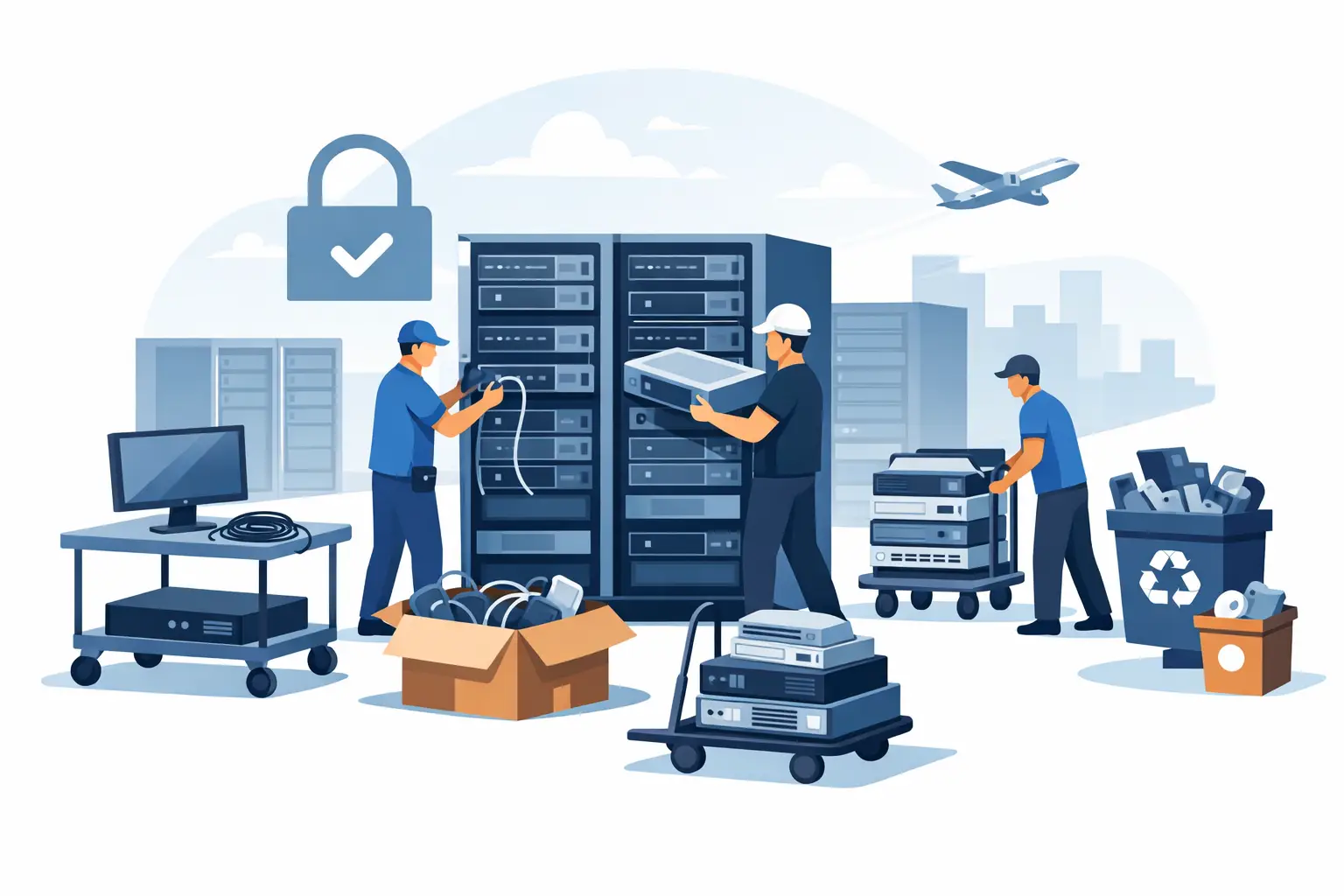
A data center shutdown can leave an organization with far more than empty racks. It can leave hundreds of drives, powered-down servers, network appliances, UPS batteries, cabling, spare parts, and equipment with uncertain ownership or data status. This data center cleanout case study follows a representative Bay Area organization that needed to clear a legacy server room without creating a security, compliance, or operations problem.
The organization was consolidating workloads into a hosted environment and retiring equipment from a smaller on-premises data center. The technical migration was already underway. The remaining challenge was physical: remove retired assets from an active facility, verify data-bearing devices, keep usable equipment separate from scrap, and maintain documentation for the final disposition.
This is not a one-size-fits-all process. A cleanout involving 20 servers in a single room is different from a multi-site project with storage arrays, telecom closets, batteries, and legacy backup media. Still, the controls used in this case apply to most commercial data center decommissioning projects.
The Situation: A Data Center That Could Not Simply Be Emptied
The organization had accumulated equipment over more than a decade. Some systems were still mounted in racks, while others had been moved into a staging area during earlier upgrades. The inventory included rack servers, blade chassis, switches, firewalls, storage appliances, desktop systems used for administration, monitors, cable bundles, and several battery backup units.
The facilities team wanted the room cleared on a fixed schedule so it could be repurposed. IT needed assurance that storage media would not leave the site without an approved data destruction process. Finance wanted any resale-eligible hardware identified before recycling. Management also needed a record showing that material had been handled through a compliant electronics recycling channel rather than discarded with general waste.
The first issue was not loading equipment onto a truck. It was deciding what each asset was, who owned the disposition decision, and whether it contained data.
Why Inventory Comes Before Removal
A rushed cleanout often creates avoidable exposure. A server without visible drives may still contain embedded storage. A network appliance may retain configuration data. A failed storage array can hold dozens or hundreds of drives. Backup tapes, removable media, and loose drives are especially easy to overlook when a room is being cleared quickly.
For this project, the organization created a working inventory before pickup. It did not need to be a perfect historical asset register. It needed enough information to control the final disposition of equipment leaving the facility.
The inventory grouped equipment into practical categories: data-bearing equipment requiring destruction, potentially reusable or buyback-eligible assets, standard e-waste for recycling, and special-handling materials such as batteries. Serial numbers were recorded where available, particularly for servers, storage units, drives, laptops, and network equipment designated for resale or destruction documentation.
This step also identified equipment that was still active. During a data center transition, it is common for a device to look obsolete but remain connected to a legacy application, security system, or building-control function. The IT manager validated shutdown status before any equipment was released for removal.
Setting the Scope With the Recycler
Once the equipment was staged and categorized, the organization provided the recycler with an estimated item count and photos of the room. That allowed the pickup team to plan for labor, cart access, loading conditions, and any equipment that required special handling.
The site had a freight elevator but limited loading-dock time. It also had security requirements for vendor access. Those details mattered as much as the equipment list. A pickup plan that ignores building rules can cause delays, block receiving areas, or leave equipment staged longer than intended.
The cleanout scope included the following distinct material streams:
- Rack-mounted servers, storage hardware, and network equipment
- Loose hard drives and failed drives removed from retired systems
- Desktop computers, monitors, keyboards, and office peripherals
- UPS units and batteries requiring separate handling
- Mixed cabling, power distribution equipment, and non-data-bearing electronics
Not every item had the same value or risk profile. Newer enterprise equipment in working condition could be assessed for IT asset liquidation or equipment buyback. Older equipment with limited resale value still required responsible recycling. Drives, regardless of the age of the server they came from, required a documented data destruction decision.
Chain of Custody for Data-Bearing Assets
The organization chose physical destruction for loose drives and drives removed from systems during the cleanout. This was the appropriate choice because the equipment had reached end of life, the organization did not intend to reuse the media, and its internal policy required destruction evidence for retired storage devices.
Before removal, drives were counted and placed in controlled containers. The pickup documentation identified the quantity of data-bearing devices transferred for destruction. This created a straightforward chain of custody from the server room to final processing.
For servers and storage equipment that still contained drives, the project team used a separate staging area. This prevented those assets from being mixed with non-data-bearing equipment. Depending on the organization’s policy, drives may be removed for shredding before a server is recycled or evaluated for resale. The right approach depends on the asset type, resale potential, data classification, and the company’s security requirements.
Physical shredding is often preferred for failed drives, unknown drives, and equipment that cannot be reliably sanitized. In other situations, approved data wiping may support reuse. The key is that the method must be deliberate, documented, and matched to the organization’s policy. Treating every device as ordinary scrap is not a defensible process.
Pickup Day: Keeping the Work Controlled
The pickup was scheduled after the final migration cutoff, with IT and facilities contacts available on site. The recycler’s team checked in through building security, reviewed the approved scope, and began removing staged material in batches.
Equipment was moved from the server room using appropriate carts and handling methods rather than being dragged across floors or stacked unsafely. Rack equipment can be heavy and awkward, particularly older UPS units, populated chassis, and storage systems. If a project includes equipment still installed in racks, the removal plan should clarify whether the client’s staff will de-rack it or whether labor is needed as part of the service arrangement.
The team kept data-bearing containers separate throughout loading. Batteries were also isolated from general electronics because they require a different recycling path. This separation reduced the chance of a drive being missed, a battery being damaged, or a higher-value asset being sent into a mixed load before evaluation.
A final room walk-through was completed with the facilities contact. The purpose was practical: confirm that the approved equipment had been removed, identify anything intentionally retained, and make sure no loose drives, backup media, or peripheral equipment remained behind in racks, cabinets, or under raised-floor areas.
Documentation After the Cleanout
The work was not complete when the truck left the property. The organization needed records that matched its internal asset and compliance requirements. For the data-bearing materials, it retained destruction documentation identifying the completed service. For equipment routed to recycling, it retained pickup and recycling records. Assets reviewed for resale or buyback were handled as a separate disposition category.
This documentation supported several internal needs. IT could close out retired assets. Compliance staff could respond to audit questions. Facilities had a record that the room had been cleared. Finance could reconcile equipment with potential residual value. Just as importantly, the organization had evidence that electronic materials were not sent to landfill or handled through an unknown downstream channel.
For many organizations, the paperwork does not need to be complicated. It does need to be consistent. A signed pickup record, clear asset categories, destruction certificates when applicable, and documented final disposition are more useful than an informal verbal assurance.
What Made This Cleanout Work
The project stayed on schedule because the organization made decisions before pickup day. It identified active versus retired equipment, established who could authorize disposition, separated data-bearing materials, and shared access conditions in advance.
The main trade-off involved resale review. Holding equipment for detailed resale assessment can potentially recover value, but it can also extend the cleanout timeline and consume storage space. In this case, the organization prioritized clearance of the data center while identifying only clearly eligible assets for evaluation. That was a practical decision because the facility deadline was firm.
Another trade-off involved drive removal. Removing every drive on site provides direct control, but it requires time and qualified staff. For a large volume of equipment, organizations should decide early whether drives will be pulled by internal IT staff, processed through an approved destruction service, or handled under another documented method. Waiting until the truck arrives creates unnecessary delay.
Planning Your Own Data Center Cleanout
Before scheduling a pickup, assign an internal project owner and confirm the equipment is truly retired. Create a usable inventory, even if it is only a categorized count with serial numbers for high-risk assets. Flag drives, tapes, mobile devices, network appliances, and any equipment that may store credentials or configuration data.
Then confirm access details with the recycling provider: floor level, elevators, dock access, parking restrictions, security check-in, available staging space, and whether equipment remains racked. If your organization is in San Francisco, Oakland, San Jose, or another Bay Area location with tight loading conditions, these details can determine whether a pickup is efficient or disruptive.
I Got E-Waste works with commercial and institutional clients that need electronics recycling, secure data destruction, and qualified pickup support for retired IT equipment. The most effective projects begin with a clear scope and a documented plan for data-bearing assets.
A cleared data center should leave behind usable space, not unanswered questions about where the equipment went or what happened to the data it contained.
