

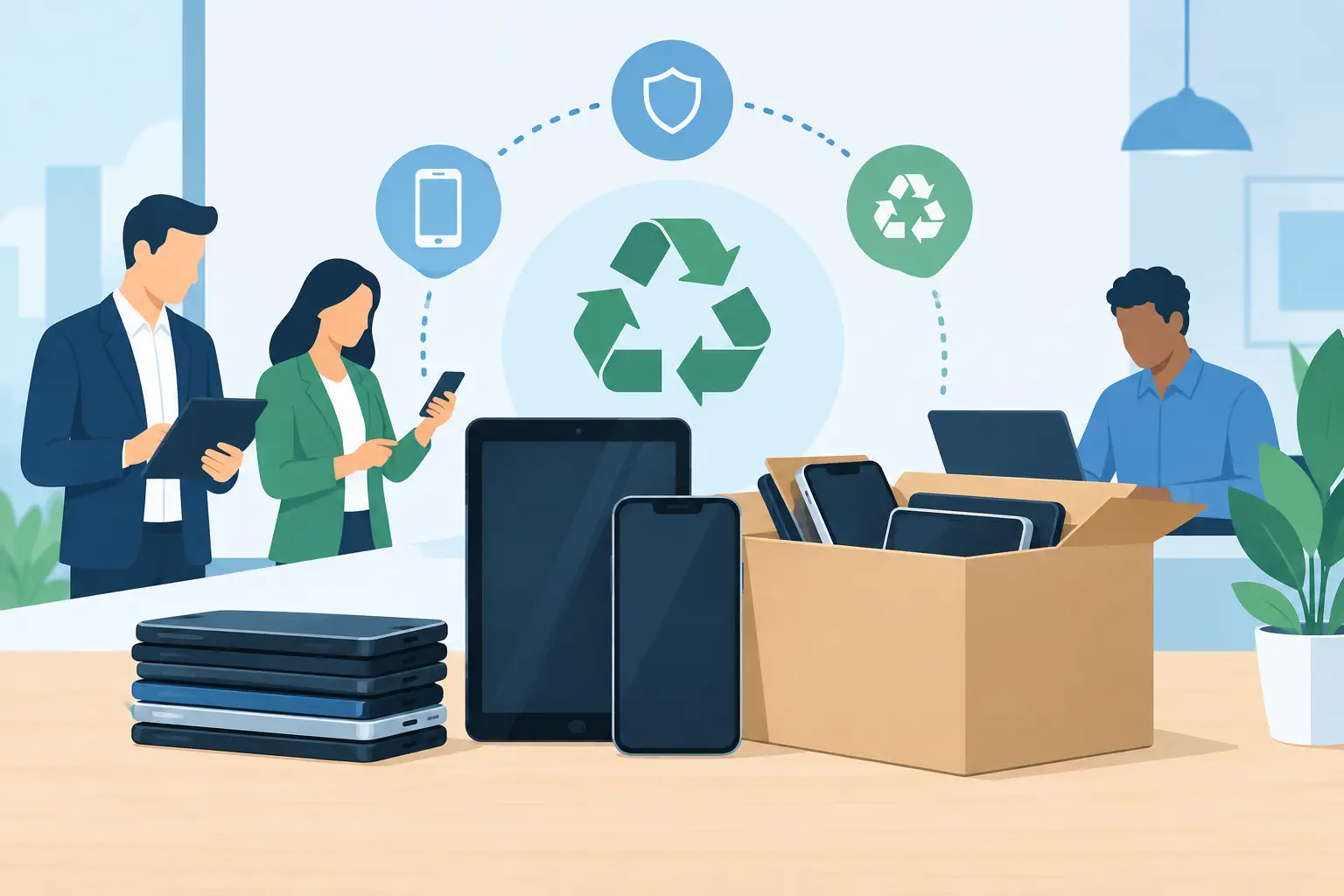
A retired phone in a storage cabinet is not just clutter. It may still hold email, customer contacts, saved passwords, multifactor authentication tokens, photos, or access to cloud applications. Mobile device disposition is the process of removing those devices from service in a controlled way, protecting company data while directing usable equipment to reuse or responsible recycling.
For office managers, IT teams, schools, nonprofits, and public agencies, the challenge is usually not disposing of one phone. It is managing a growing mix of smartphones, tablets, hotspots, rugged handhelds, smartwatches, chargers, and lithium-ion batteries across departments and locations. A clear disposition process reduces risk, frees valuable storage space, and gives the organization a defensible record of what happened to each asset.
What Mobile Device Disposition Should Accomplish
A practical disposition program has four jobs: identify the equipment, remove or destroy data, determine whether the device has resale value, and manage the remaining materials through an appropriate recycling channel. Skipping any one of those steps can create problems later.
The data issue is the most immediate concern. Mobile devices often contain more personal and operational information than users realize. Even when company email is removed, a device may retain browser sessions, downloaded documents, photos, Wi-Fi credentials, call logs, text messages, or application data. A factory reset is useful, but it should be part of a documented process rather than the only control.
The environmental side matters as well. Phones and tablets contain batteries, circuit boards, glass, and recoverable metals that do not belong in the trash. Damaged or swollen lithium-ion batteries require extra care because they can create a fire hazard during storage and transport. Responsible recycling keeps these materials out of landfills and reduces the risk of improper downstream handling.
Finally, disposition should support financial and operational decisions. A relatively current, working device may have enough value for buyback or IT asset liquidation. An older unit with a cracked screen, failed battery, activation lock, or missing accessories may be better handled as recycling. The right answer depends on the device condition, age, quantity, market demand, and the cost of preparing it for resale.
Build a Mobile Device Disposition Workflow Before Devices Pile Up
The easiest time to manage an employee’s phone is when it is being replaced or returned, not six months later after it has disappeared into a cabinet. Establish a repeatable workflow that applies to planned refreshes, employee departures, office moves, and emergency replacements.
Start with an inventory. Record the device type, manufacturer, model, serial number or IMEI, assigned user, condition, and return date. If the device was issued with accessories, note those too. This record helps reconcile equipment against purchasing and mobile carrier records. It also makes it easier to show that a device was handled appropriately if a question arises later.
Next, confirm the device is no longer needed for business operations. Employees may need time to transfer approved work information to a replacement device, and IT may need to preserve records subject to a legal hold, audit requirement, or retention policy. Do not erase a device simply because it is old. If records must be retained, follow the organization’s established preservation process first.
Before the device changes hands, remove it from mobile device management, carrier accounts, and identity systems as appropriate. Disable or transfer multifactor authentication methods, revoke active sessions, and remove device access from business applications. This is a common gap: a phone can be physically gone while its credentials remain active.
For Apple devices, organizations should also confirm that Activation Lock has been removed. For Android devices, remove Google account protections and any enterprise enrollment that could prevent a new user from setting up the device. A device that remains locked may have little or no resale value and can delay processing.
Match Data Destruction to the Risk
Data sanitization is not one-size-fits-all. A verified software wipe may be appropriate for a modern working phone that will be reused or resold. Physical destruction may be a better choice for devices that are damaged, cannot be powered on, have failed storage, or contain particularly sensitive information.
The key is verification. IT should be able to confirm the device was successfully erased, not merely that someone intended to erase it. If physical destruction is selected, define what is being destroyed and how the result will be documented. For organizations handling regulated information, internal policies and contractual requirements may set a higher standard than a general factory reset.
SIM cards deserve separate attention. They can contain contact data and account-related information, and they should be removed unless the carrier or a documented process requires otherwise. Embedded SIMs complicate the picture because they cannot be removed physically. In those cases, carrier account deactivation and device erasure are especially important.
Keep Custody Clear From Collection to Final Processing
A bin in a break room is convenient, but it is not a complete custody process. Retired mobile devices should be collected in a controlled location with limited access, then prepared for pickup or delivery using a documented handoff procedure.
For larger cleanouts, label containers by department or location and reconcile the contents against the inventory before they leave the premises. If devices are being staged for more than a few days, keep them in a locked room or cabinet. Avoid stacking loose devices with batteries, chargers, and other equipment in a way that could damage screens or battery packs.
Ask a disposition vendor what records are available after service. Depending on the scope of work, useful documentation may include a pickup record, an itemized inventory, data destruction confirmation, recycling documentation, or an asset-value report. The documents your organization needs will depend on its internal controls, industry obligations, and whether equipment is being reused, sold, shredded, or recycled.
Decide Between Reuse, Buyback, and Recycling
Reuse is often the most resource-efficient option when a device is current enough to be useful and can be sanitized properly. It may be reassigned internally, donated through an approved program, or sold through an asset disposition channel. However, reuse is not automatically the best financial decision. Preparing a device for resale takes staff time, and older models may bring limited value after testing, wiping, unlocking, grading, and shipping.
Buyback or liquidation can make sense for batches of newer smartphones and tablets in good condition. Organizations should expect the estimated value to reflect actual condition, storage capacity, carrier status, activation-lock status, cosmetic damage, and market demand at the time of processing. An estimate based only on a model number can change after inspection.
Recycling is usually the practical path for broken, obsolete, locked, or low-value devices. It is also the appropriate route for accessories, cables, cases, docks, and chargers that no longer have a realistic secondary use. Keep batteries separated when requested by the service provider, especially if any are swollen, leaking, punctured, or unusually hot. Do not place compromised lithium-ion batteries in standard collection boxes.
Prepare for a Commercial Pickup Without Disrupting Operations
For organizations with accumulated electronics, a scheduled commercial pickup can reduce the burden on facilities and IT staff. Group mobile devices with related IT equipment when it makes sense, but identify any items needing special handling. That may include damaged batteries, devices marked for physical destruction, or assets that require serial-number tracking.
Before scheduling, estimate the volume and identify the types of material involved. Qualified commercial loads may be eligible for no-cost pickup, while smaller quantities or specialized items can involve service charges. Clear information upfront helps the recycler plan the right vehicle, containers, labor, and downstream handling.
A useful staging checklist includes:
- Separate active devices from approved retirement assets.
- Remove SIM cards and confirm account or enrollment changes.
- Mark devices requiring physical data destruction.
- Keep damaged batteries isolated and report their condition.
- Provide an inventory when serial-number reconciliation is required.
I Got E-Waste supports Bay Area organizations that need commercial electronics recycling, secure data destruction, equipment buyback, and pickup coordination for end-of-life technology. The practical goal is simple: move retired equipment out of your workplace without creating a data-security or compliance problem somewhere else.
Mobile devices move quickly from essential tools to forgotten surplus. Treating their exit from service as a controlled business process gives your team a cleaner workspace, clearer asset records, and fewer unanswered questions when the next audit, refresh cycle, or security review arrives.
