

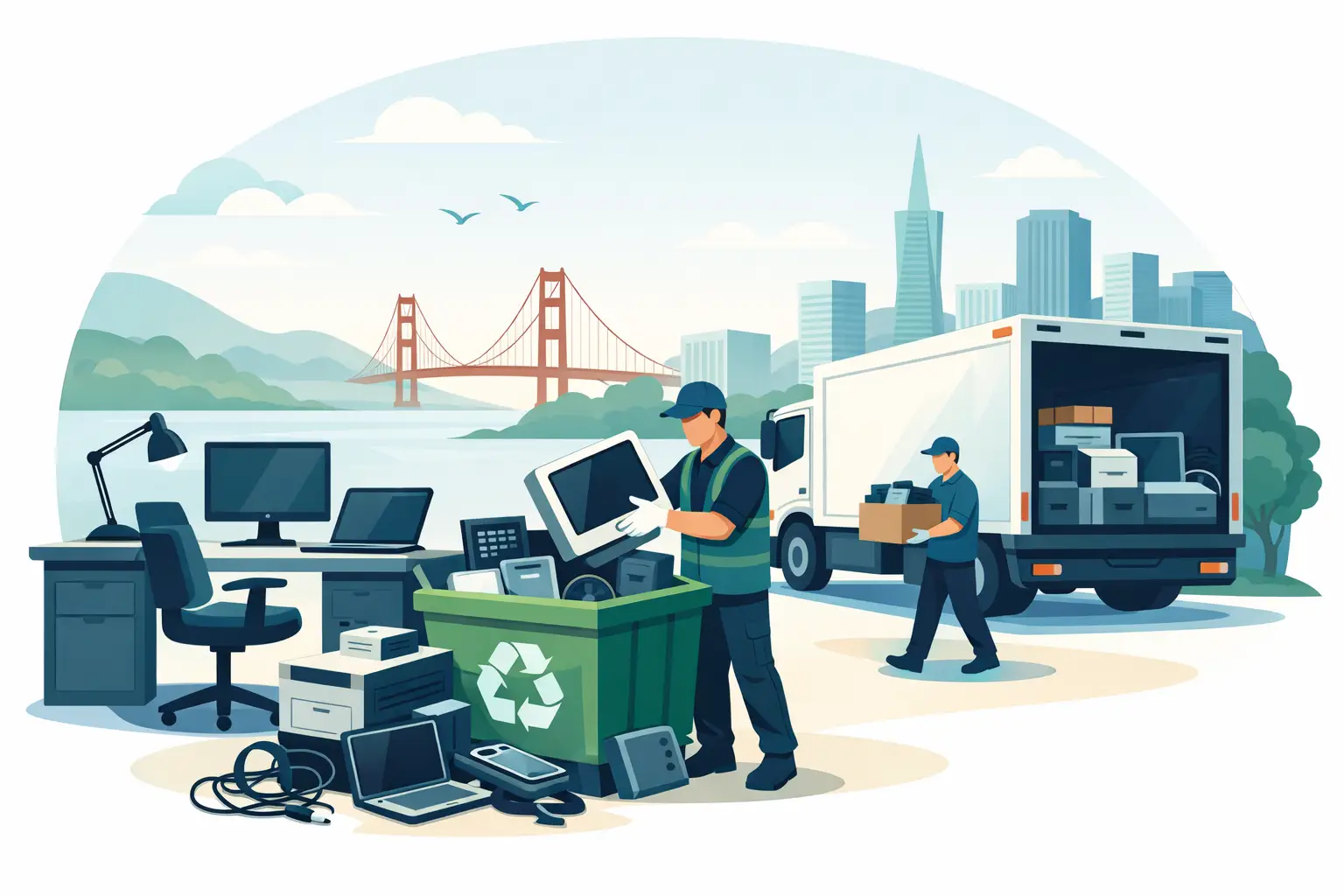
A storage room full of retired laptops, monitors, and network gear is not just an operations problem. It can become a data-security, safety, and compliance problem if equipment sits too long or leaves through an unverified channel. Understanding electronics pickup requirements before scheduling service helps your organization clear equipment efficiently, protect sensitive information, and avoid unexpected charges or delays.
For Bay Area businesses, schools, nonprofits, and public agencies, the process usually comes down to five practical questions: Is the load large enough to qualify for pickup? What items are being removed? Does any equipment contain data? Can the crew access the materials safely? Are there items that require special handling?
What qualifies for an electronics pickup?
Commercial electronics recyclers generally evaluate pickups based on volume, equipment type, location, and site access. Free pickup may be available for qualified commercial loads, while smaller loads or collections that require unusual labor, specialized transportation, or regulated disposal may involve a service charge.
Minimum volume requirements exist because pickup involves trucks, trained personnel, fuel, scheduling, and responsible downstream processing. A collection of several pallets of computers, servers, monitors, and networking equipment has a different logistics profile than a few desktop computers in a small office. Providing an accurate estimate upfront allows the recycler to determine whether the load qualifies for no-cost pickup or requires a paid small-quantity service.
Volume is not only measured by item count. Ten rack-mounted servers, for example, may require more handling than ten laptops. A large quantity of mixed electronics may also need sorting, palletizing, or additional crew time. When requesting service, describe the load in practical terms: approximate number of items, major equipment categories, whether the equipment is boxed or loose, and the floor or room where it is stored.
Electronics pickup requirements to confirm before scheduling
A clear pickup request prevents the most common problems: a truck that cannot access the loading area, equipment that requires a service not included in the original quote, or an underestimated load that needs a larger vehicle.
Provide an accurate equipment inventory
You do not need a perfect asset register to request recycling service, but a usable inventory is essential. Identify the main categories of equipment, such as desktop computers, laptops, servers, monitors, printers, switches, routers, phones, tablets, keyboards, cables, and battery backups.
Also flag equipment that is unusually large, heavy, damaged, or stored in a difficult location. Large-format printers, copiers, and certain industrial devices can carry disposal fees because they require more labor and may contain components that need separate processing. UPS units and batteries should be identified in advance as well. Batteries can present transportation and fire risks if they are mixed carelessly with general electronics.
If your organization is conducting an office closure, data center refresh, or campus cleanout, share that context. A project involving multiple rooms, racks, or departments may need a different pickup plan than a standard collection from one storage area.
Confirm safe access and loading conditions
Pickup crews need a safe, realistic path from the equipment to the truck. Before the appointment, confirm whether there is a loading dock, freight elevator, ground-floor access, parking availability, security check-in, or a restricted delivery window.
Tell the recycler if equipment is located upstairs, in a basement, inside a data center, or behind secured doors. Stair carries, long distances, tight hallways, and limited parking can affect staffing and scheduling. The goal is not to make the process difficult. It is to avoid an incomplete pickup or a last-minute change in service terms.
Organizations should also designate an on-site contact who can provide access, direct the crew to the equipment, and confirm the final collection. This is particularly useful for multi-tenant buildings, schools, healthcare-adjacent facilities, and offices with building-management rules.
Separate data-bearing devices from general e-waste
Computers, laptops, servers, storage arrays, external drives, mobile devices, and some copiers may retain confidential information even after they are no longer in use. That information can include employee records, customer data, financial documents, credentials, email archives, or licensed software.
Do not assume that deleting files or resetting a device is sufficient for every business use case. Your internal policy, contractual obligations, and regulatory requirements may call for documented data destruction. Identify data-bearing devices before pickup and request the appropriate service, such as secure hard-drive destruction or shredding.
For many organizations, the best approach is to keep a chain-of-custody record from the moment equipment is removed from service. Tag assets, record serial numbers where required, and decide which devices need destruction certificates. This is especially relevant for IT departments, law firms, financial organizations, schools, and entities handling personal or regulated information.
Understand what is accepted and what needs special handling
Most commercial e-waste pickups can include common business electronics: computers, monitors, servers, network equipment, mobile devices, peripherals, cables, and related IT assets. However, acceptance is not identical for every item category.
Items with batteries, toner, mercury-containing components, refrigerants, or unusual internal materials may require separate handling. Large copiers and printers can be more complex than standard office electronics due to size, weight, and internal components. If you have damaged batteries, swollen devices, leaking equipment, or electronics exposed to water or fire, disclose that condition before service is scheduled.
Avoid mixing general trash, loose chemicals, fluorescent lamps, or non-electronic debris into an e-waste load. These materials can create safety issues and may not be covered by electronics recycling service. Keeping the collection area limited to approved items makes pickup faster and helps maintain proper recycling controls.
Prepare equipment without creating more work
Preparation should make the pickup safer and more efficient, not turn your staff into a warehouse crew. Keep equipment grouped by type when possible. Place loose cables, keyboards, mice, and small peripherals in boxes or gaylords if available. Keep monitors stable and avoid stacking equipment where it can fall or break.
Remove personal belongings, paper records, and non-electronic waste from desks, drawers, and device cases. For leased equipment, confirm ownership and return obligations before scheduling disposal. If an asset still has resale value, separate it from nonworking equipment so it can be evaluated for IT asset liquidation or equipment buyback rather than processed strictly as scrap.
There is a trade-off here. Detailed sorting can improve inventory control and speed onsite handling, but excessive disassembly can create safety risks or complicate downstream recycling. Unless directed otherwise, organizations are usually better served by leaving equipment intact and clearly identifying data-bearing assets.
Free pickup versus fee-based service
Free commercial pickup is typically tied to qualified loads that meet minimum volume and equipment criteria. It is not a blanket promise that every item, every location, or every quantity can be collected at no cost. Small loads may require a pickup fee, and specialized items may have separate charges even when the main electronics load qualifies.
Ask about pricing before the appointment when your load includes copiers, large-format printers, oversized equipment, batteries in substantial quantities, or equipment located where access is difficult. Clarifying these details early is the most direct way to control disposal costs.
Organizations with recurring technology refreshes can also benefit from planning pickups around replacement cycles. Consolidating retired assets from multiple departments or locations may help meet pickup thresholds, reduce staff time spent coordinating separate collections, and keep obsolete equipment from accumulating in unsecured areas.
Keep documentation aligned with your disposal policy
Responsible electronics recycling is more than removing equipment from a building. Your organization may need records showing what was collected, when it was transferred, and how data-bearing devices were handled. The right documentation depends on your internal controls, industry obligations, and the sensitivity of the assets involved.
At minimum, maintain your own equipment disposition record for significant assets. For devices requiring secure destruction, request applicable documentation and match it to your asset list. This gives IT, facilities, procurement, and compliance teams a consistent record if questions arise later.
I Got E-Waste works with Bay Area organizations that need practical pickup coordination, compliant electronics recycling, and secure data-destruction options. The most efficient pickups begin with a complete request: equipment categories, approximate quantity, data-destruction needs, site access details, and any special items that may require separate handling.
Before your next office cleanout or IT refresh, walk the storage room once with these requirements in mind. A few accurate details at the start can turn a difficult disposal project into a scheduled, documented removal that is easier on your staff and safer for your organization.
