

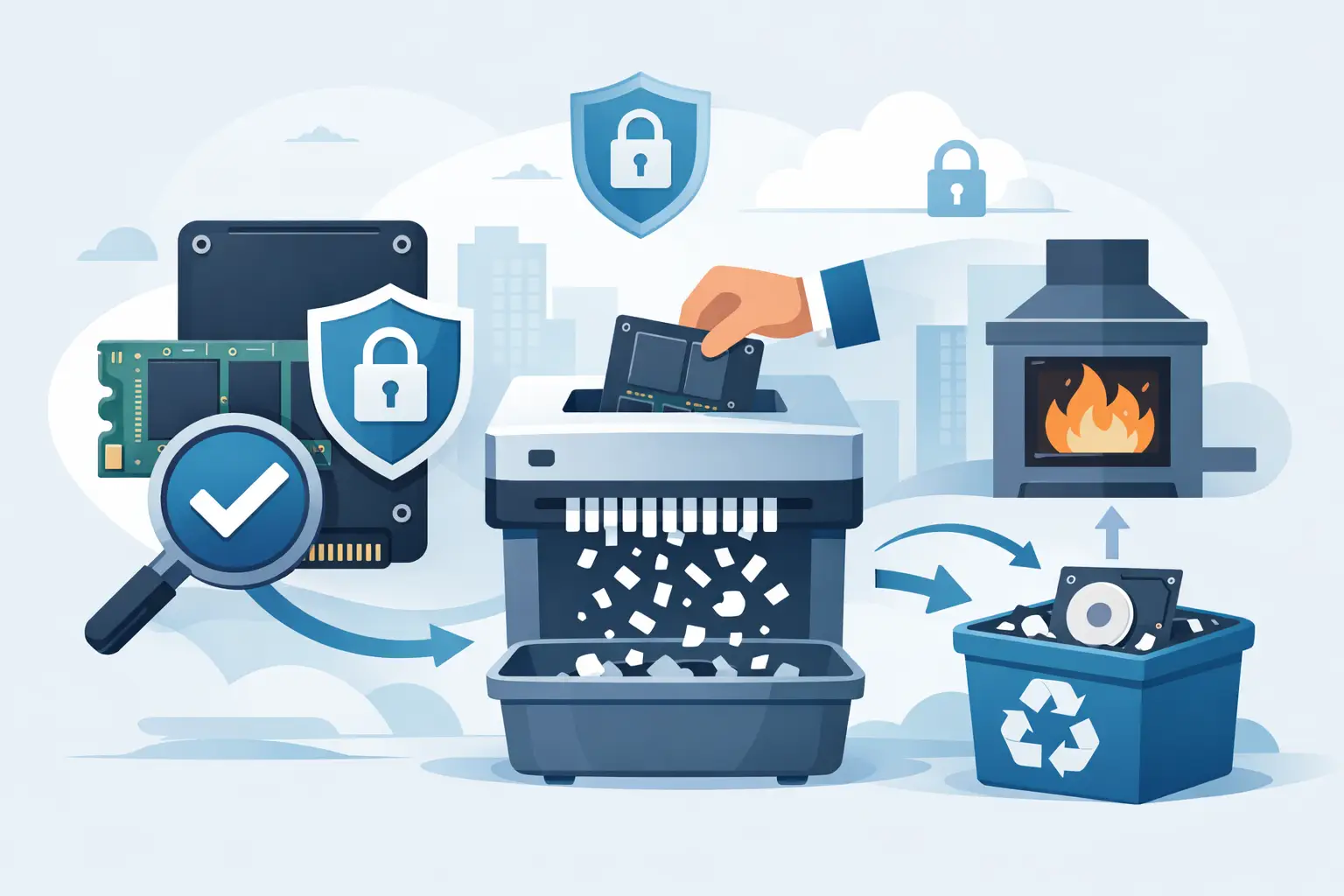
An SSD can fit in a shirt pocket, but it may hold years of employee records, client files, financial data, credentials, system backups, or regulated information. That makes secure SSD disposal methods a data-security requirement, not a cleanup task. For organizations retiring laptops, servers, storage arrays, and network equipment, the objective is clear: make the data inaccessible, maintain control of the asset through final disposition, and keep the device out of the waste stream.
The correct method depends on the drive type, its condition, the data classification, and your organization’s retention and compliance obligations. A simple file deletion, reformat, or factory reset is not enough for a business disposal program.
Why SSDs Require a Different Disposal Process
With a traditional hard drive, data is stored on spinning magnetic platters. With a solid-state drive, data is stored in NAND flash memory and managed by a controller. The controller spreads data across memory cells through wear leveling, keeps spare capacity outside normal user access, and may move data in the background.
Those features are good for performance and drive life, but they complicate data removal. Overwriting the visible storage area may not reach every location where data remnants exist. A drive can also retain data in overprovisioned areas, bad blocks, cache, or reserved memory regions that standard software cannot reliably address.
For that reason, a quick format or deleting folders does not meet a reasonable standard for business data destruction. The disposal process must be designed for the media, then verified and documented.
Secure SSD Disposal Methods That Work
Most organizations use one of two paths: validated logical sanitization for functioning drives, or physical destruction for drives that cannot be reliably sanitized or that carry highly sensitive information. The right choice is often based on risk rather than convenience.
1. Cryptographic Erasure for Encrypted SSDs
Many business SSDs use self-encrypting drive technology or are protected with full-disk encryption. When encryption is properly configured, cryptographic erasure can be an effective approach. This process destroys or replaces the encryption key, rendering the encrypted data unreadable.
Cryptographic erasure is fast, but it is not automatically appropriate just because a drive claims to support encryption. IT staff should confirm that encryption was active from deployment, that key management was controlled, and that the erase command completed successfully. If encryption was enabled after data had already been written, earlier unencrypted data may create a risk.
Keep a record of the drive serial number, the sanitization method, the date, the operator or vendor, and the verification result. For assets containing confidential, health, financial, legal, or government information, that documentation matters as much as the technical action.
2. Manufacturer Sanitization Commands
Many SSDs support built-in sanitize, secure erase, or purge commands. These commands are issued through approved software or a controlled asset-disposition process and are intended to clear accessible and inaccessible user data areas, including areas ordinary overwriting may miss.
This can be an efficient option for healthy drives that will be reused, resold, or returned through an IT asset disposition program. It preserves the hardware’s remaining value while allowing an organization to move equipment out of storage responsibly.
The trade-off is verification. Not every drive model implements commands the same way, and a command report alone may not satisfy your internal policy. Use a process that identifies the media, records the result, flags failed drives, and removes exceptions from the reuse stream.
3. Physical Destruction and SSD Shredding
Physical destruction is the most defensible option when a drive is damaged, inaccessible, failed, unsupported by sanitization tools, or classified as high risk. It is also appropriate when organizational policy requires destruction rather than reuse.
For SSDs, physical destruction should target the NAND flash chips where data resides. Crushing a case, drilling a single hole, breaking a connector, or cutting a board in half may leave memory chips intact. A proper SSD shredding process reduces the media and its chips to particles small enough to prevent practical reconstruction.
This method eliminates the possibility of resale, so it is not the best fit for every functional asset. However, for drives containing sensitive data or drives that cannot produce a reliable sanitization result, the loss of residual value is usually a reasonable trade-off for certainty.
4. Controlled Recycling After Data Destruction
Data destruction and recycling are separate steps. Once an SSD has been sanitized or physically destroyed, its materials still require responsible downstream handling. SSDs contain circuit boards, metals, and other components that should be processed through compliant electronics recycling channels rather than placed in trash or mixed recycling.
For Bay Area organizations managing mixed loads of computers, servers, networking equipment, and storage media, combining data destruction with commercial e-waste pickup reduces handling steps. It also avoids the common problem of retired equipment sitting in closets, loading docks, or unsecured storage rooms while staff decide what to do with it.
Build a Defensible SSD Disposition Workflow
A secure process begins before the equipment leaves the office. Identify assets by serial number or asset tag, determine whether they contain sensitive information, and separate drives that are working from drives that are failed or damaged. Do not allow employees to remove drives casually or place retired laptops in an open e-waste bin.
Establish a clear decision rule. For example, functioning encrypted SSDs may be sanitized and verified for reuse or resale. Failed drives, drives with uncertain encryption status, and drives containing restricted information may go directly to physical destruction. The exact rule should align with your security policy, contractual requirements, and any applicable privacy regulations.
Chain of custody should continue from the point of collection through final destruction or recycling. That means controlled storage, documented handoff, and a vendor process that can account for the media received. For larger IT refreshes, campus cleanouts, and server decommissions, a serialized inventory prevents assets from disappearing between the data center, staging area, and pickup.
Require Proof, Not Just a Pickup Receipt
A pickup receipt confirms that equipment was collected. It does not necessarily prove that the data-bearing media was sanitized or destroyed. Ask for documentation that identifies the destruction service performed and, where required, ties results to individual asset serial numbers.
A certificate of data destruction can support audit records, vendor due diligence, insurance reviews, and internal compliance files. It should be retained according to your organization’s records schedule. If your organization uses a third-party recycler, confirm whether destruction occurs on site, at a secure processing facility, or through another downstream provider. The location and handling sequence affect risk.
Common SSD Disposal Mistakes
The most common error is treating an SSD like office junk. A laptop that will not boot can still contain readable data. A drive removed from a server may still be encrypted, but without confirmation, that is an assumption rather than a control.
Other avoidable mistakes include relying on file deletion, using consumer tools without verification, sending intact media to general scrap collection, and accumulating retired drives until no one can identify their source. These shortcuts create unnecessary exposure and make later audits difficult.
Another issue is using a single disposal method for every device. Physical destruction may be excessive for healthy, low-risk encrypted assets with resale value. Conversely, software sanitization may be insufficient for failed or highly sensitive drives. A risk-based workflow is more practical than a one-size-fits-all rule.
When to Use a Professional Data Destruction Provider
A qualified provider is especially useful when you have volume, mixed equipment, failed storage media, or documentation requirements. The provider should be able to coordinate pickup, maintain custody, perform the agreed destruction method, and route remaining materials through responsible electronics recycling.
I Got E-Waste supports Bay Area organizations with commercial e-waste collection and secure data destruction for retired IT assets. Before scheduling service, prepare an approximate item count, identify any SSDs or other data-bearing devices requiring destruction, and separate equipment that may qualify for reuse or buyback from equipment intended for recycling.
A retired SSD should not become a lingering unknown in a storage room. Assign a disposition path, document the result, and move the device through secure handling before it becomes a data-security problem.
