

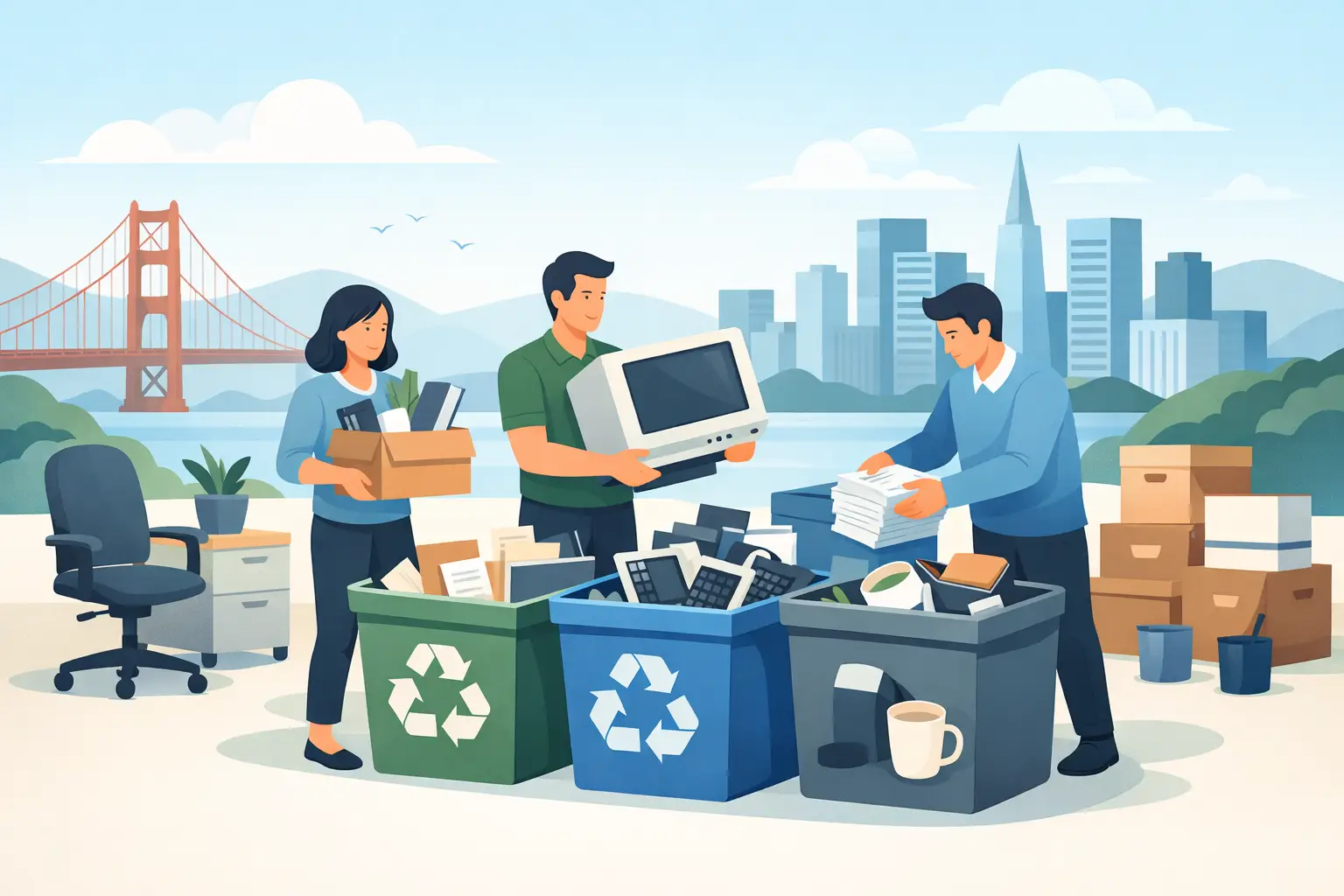
A full storage room is not just a facilities problem. Old laptops, servers, phones, monitors, and network gear can contain confidential information, regulated data, rechargeable batteries, and materials that cannot go in a dumpster. This office cleanout recycling guide helps Bay Area organizations clear retired equipment without creating a data-security or compliance issue in the process.
The practical goal is simple: identify what is leaving the office, separate items that need special handling, document the transfer, and schedule a pickup that does not interrupt work. The details matter because a cleanout may involve more than surplus furniture and paper. A single forgotten hard drive or damaged lithium-ion battery can change the risk profile of the project.
Start the office cleanout recycling guide before moving equipment
Do not begin by rolling every item into a hallway. Assign one person to coordinate the cleanout, usually an IT manager, office manager, facilities lead, or operations contact. That person should establish the scope, confirm which locations are included, and decide who can approve equipment for disposal.
Create a working inventory before equipment is moved. It does not need to be complicated, but it should identify the asset type, quantity, location, condition, and whether it may contain data. For tagged assets, record the asset tag or serial number when your organization needs chain-of-custody documentation. This step prevents a common mistake: recycling equipment that was still assigned to an employee, leased from a provider, or intended for redeployment.
A cleanout also creates an opportunity to separate equipment with remaining market value from equipment that has reached end of life. Recent laptops, functioning servers, business-grade networking hardware, and certain mobile devices may be candidates for IT asset liquidation or buyback. Older, damaged, incomplete, or nonfunctional equipment is usually better routed directly to recycling. The right answer depends on age, condition, configuration, and whether the equipment can be securely processed.
Identify what belongs in an e-waste pickup
Business electronics are often spread across workstations, server closets, reception areas, conference rooms, and locked storage. Include obvious items such as desktop computers, laptops, monitors, printers, keyboards, mice, docking stations, cables, phones, tablets, servers, switches, routers, access points, and external drives.
Look beyond the standard IT inventory. Office cleanouts frequently uncover UPS battery backups, spare batteries, projectors, AV components, barcode scanners, point-of-sale equipment, security cameras, telecom hardware, and older copier accessories. These items should be reviewed separately because their handling requirements can vary.
Keep batteries visible and segregated. Rechargeable batteries, especially swollen, damaged, or loose lithium-ion batteries, should not be mixed casually into boxes of cables and peripherals. Notify the recycling provider about their condition and quantity before pickup. Batteries present transportation and fire risks, so advance notice helps the provider prepare the correct handling process.
Large-format printers, copiers, and certain specialized office machines may require a fee-based disposal service. They are heavier, more complex, and may contain components or consumables that do not belong in a standard electronics load. Asking about these items early avoids a pickup-day surprise.
Protect data before equipment leaves your control
Deleting files, formatting a drive, or resetting a device is not the same as secure data destruction. Data can remain recoverable on hard disk drives, solid-state drives, mobile devices, backup media, USB drives, and network storage equipment. For businesses, that can expose employee records, financial files, client information, passwords, proprietary documents, or regulated data.
First, confirm that needed business records have been migrated and retained according to your organization’s policies. Coordinate with IT before any device is released. A cleanout is not the time to discover that an old server contained the only archived copy of a department’s files.
Next, choose the level of destruction appropriate to the risk. Some organizations need documented data wiping, while others require physical destruction through hard drive shredding. Physical destruction is often the clearest option for failed drives, sensitive media, or devices that will not be reused. It may also fit organizations with internal security requirements or contractual obligations.
Ask for records that match your compliance needs. Depending on the service and equipment, useful documentation may include an inventory, pickup record, certificate of data destruction, or certificate of recycling. The objective is not paperwork for its own sake. It is to show that the equipment moved from your organization to a responsible downstream process.
Do not overlook embedded storage
Data is not limited to laptops and desktop towers. Multifunction printers and copiers can have internal storage. Servers may contain multiple drives. Network appliances, firewalls, and some routers can retain configuration files, credentials, logs, or VPN information. Old smartphones and tablets may still be signed into email, cloud storage, or authenticator applications.
Your IT team should identify these devices before pickup and remove or destroy storage media when required. If devices must remain intact for inventory purposes, clearly mark them for secure processing rather than general recycling.
Prepare the pickup area for safe, efficient loading
Once the inventory and data plan are complete, consolidate equipment in a practical loading area. A ground-floor location near a loading dock or accessible entrance generally reduces labor and delays. If the equipment is in an upper-floor office, basement, or secured server room, communicate that before scheduling so the pickup can be planned correctly.
Keep aisles, exits, and fire doors clear. Do not stack monitors or equipment where they can tip, and do not place loose batteries in open containers. If equipment is being held in a shared building area, make sure it is not accessible to the public. Retired electronics can still be attractive targets for theft, particularly if they contain storage media.
Separate equipment that needs different treatment. For example, place drives designated for shredding apart from devices intended for reuse, resale, or standard recycling. Labeling a few zones is usually enough: “data destruction,” “recycling,” “possible resale,” and “do not remove.” Clear separation reduces mistakes when multiple employees are helping with the cleanout.
For qualified commercial volumes, pickup may be available at no cost. Eligibility commonly depends on the volume, equipment mix, pickup location, and access conditions. Smaller loads or specialized items may involve pickup or disposal charges. A straightforward equipment list and a few details about access allow the recycling provider to explain service terms before the date is set.
Choose a recycler based on process, not just price
The lowest disposal quote is not always the lowest risk. A responsible commercial electronics recycler should be able to explain what it accepts, how it handles data-bearing assets, what documentation is available, and how it manages downstream recycling. Organizations should avoid informal disposal arrangements that offer no records and no clear answer about where equipment goes after collection.
California businesses also need to consider the environmental side of the decision. Electronics contain recoverable materials, but they can also contain components that require controlled handling. Responsible recycling keeps usable materials in circulation and helps prevent improper landfill disposal or illegal overseas dumping.
Ask operational questions that directly affect the cleanout: Is the provider equipped for office, campus, or warehouse pickups? Can it collect servers and network equipment? Is secure hard drive destruction available? Are batteries handled separately? What happens to items with resale value? What documentation will be provided after the job?
For Bay Area organizations managing a commercial cleanout, I Got E-Waste provides business e-waste pickup, secure data destruction, recycling, and asset disposition support for eligible loads. The useful first step is not guessing whether a pile qualifies. It is supplying an accurate list of equipment, the pickup address, and access details so the scope can be confirmed.
Build a repeatable process for the next refresh cycle
A one-time office cleanout often reveals a larger process gap. If obsolete equipment has accumulated for years, the organization may not have a clear retirement workflow. Rather than waiting for the next storage room to fill up, establish a regular review of retired assets after laptop refreshes, server migrations, office moves, and department closures.
Set a designated holding area, limit access, and require IT approval before data-bearing equipment is released. Keep a simple disposition log showing whether an asset was redeployed, sold, recycled, or destroyed. The process can be brief, but it should be consistent across offices and departments.
A clean office is useful. A documented, secure, environmentally responsible cleanout is better. When equipment is sorted before pickup and data handling is planned from the start, the organization can clear valuable space without leaving behind unanswered questions about security or compliance.
