

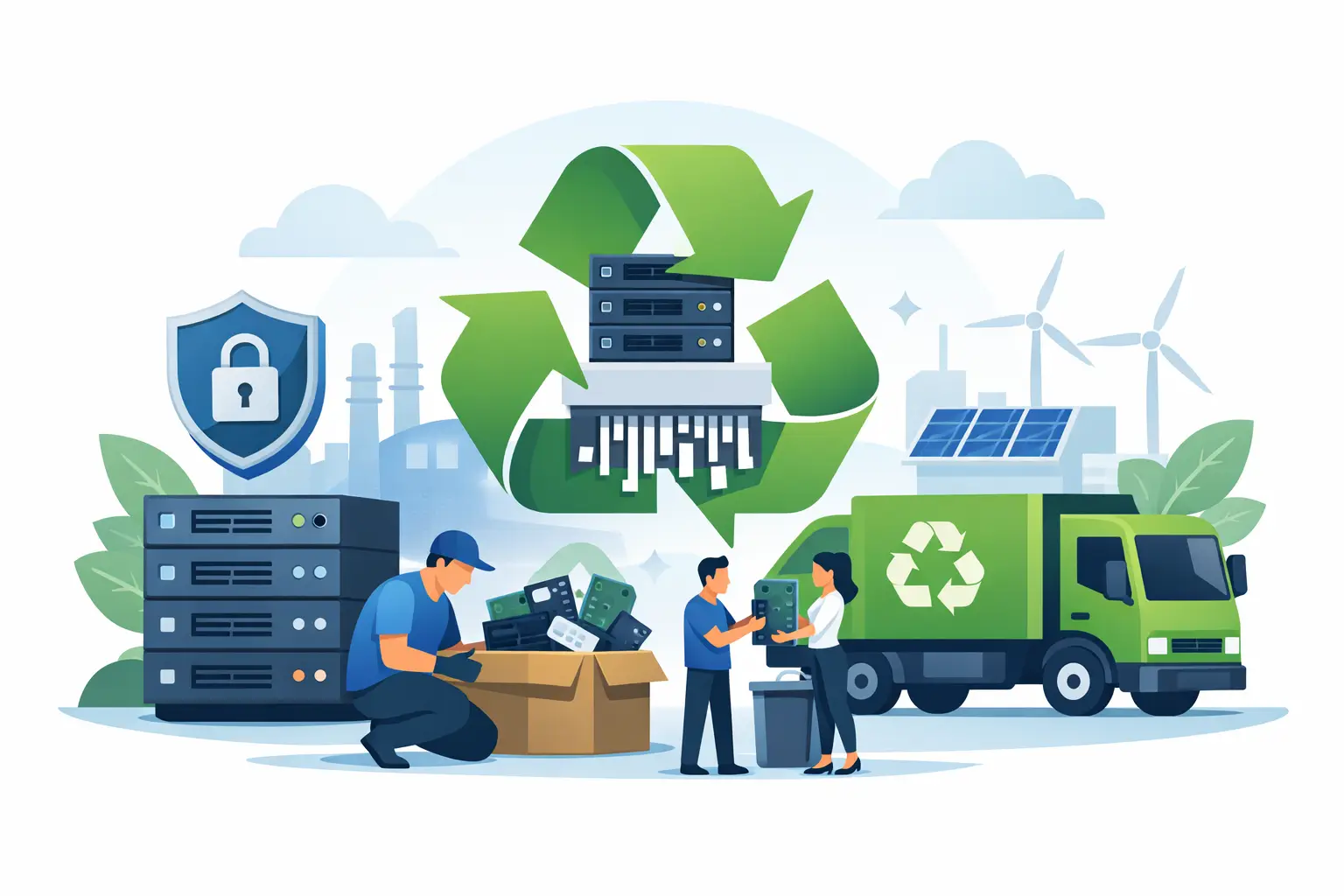
A retired server is not just another piece of office equipment. It may hold customer records, employee files, financial data, application credentials, backups, and configuration details long after it has been unplugged. The best ways recycle old servers start with controlling that data risk, then choosing a disposition path that fits the equipment’s condition, value, and your organization’s compliance requirements.
For IT, facilities, and operations teams, the goal is straightforward: clear out aging infrastructure without creating a security gap, an undocumented disposal event, or a pile of equipment that simply moves from one storage room to another. A planned process makes that possible.
1. Build an inventory before anything leaves the rack
Start by identifying every server and associated component scheduled for retirement. Record the manufacturer, model, serial number, asset tag, location, and basic condition. For equipment that may be sold or reused, include processor, memory, storage capacity, network cards, and power supplies.
The most critical part of the inventory is the storage media. A server can contain internal hard drives, solid-state drives, removable drive trays, RAID sets, boot media, cache modules, and sometimes embedded flash storage. Do not assume that removing one visible drive makes the unit data-free.
An asset list gives your team a clean handoff between IT and the person arranging pickup. It also helps reconcile what was collected with the recycler’s final documentation. This matters when a server room includes similar-looking equipment, several offices are participating, or devices have been sitting idle for years.
2. Decide whether the server has reuse or resale value
Not every old server belongs in the scrap stream immediately. Newer enterprise equipment with working processors, memory, drives, and current market demand may qualify for reuse, equipment buyback, or IT asset liquidation. Recovering value can offset disposal costs, particularly when an organization is replacing a larger group of matching systems.
That said, resale is not automatically the best option. Older units may have limited value once labor, testing, storage, shipping, and data handling are considered. Equipment with obsolete processors, damaged rails, missing components, or high energy use often makes more sense to recycle.
Make this decision after a basic condition review, not based on original purchase price. A server that cost thousands of dollars several years ago can still have little secondary-market value. Conversely, a newer system with a failed component may have usable parts or recoverable value.
3. Choose the right data-destruction method for the media
Data destruction should be selected by media type and risk level, not treated as a one-size-fits-all checkbox. Software-based wiping can be appropriate for functional drives intended for reuse, provided the method is verified and documented. It allows the hardware to remain usable while removing data before resale or redeployment.
Physical destruction is often the clearer choice for failed drives, sensitive environments, and media that will not be reused. Hard drive shredding destroys the platters that store data. For solid-state drives, physical destruction must account for flash chips, since SSDs do not store data the same way spinning hard drives do.
Degaussing may be used for certain magnetic media, but it is not a universal answer and does not apply to SSDs. Your IT or compliance team should determine which method meets contractual, internal, and regulatory requirements. If a client contract calls for destruction, a simple recycling receipt may not be enough.
Ask for documentation that identifies the service performed and supports your internal records. Depending on the scope of the project, that can include a certificate of data destruction, serial-number reporting, a pickup record, and a chain-of-custody process. The level of detail should match the sensitivity and volume of the assets.
4. Keep custody controlled from the server room to processing
A secure disposition plan can fail during the handoff if retired servers are left in an unlocked hallway, loaded into an employee’s personal vehicle, or mixed with general surplus equipment. Designate a staging area that is access-controlled and assign one person to verify the count at pickup.
For a larger refresh, label pallets or carts by location, department, or asset group. If drives are removed before pickup, store them separately in locked containers and maintain a matching record showing which drive came from each server. This is especially useful for RAID arrays, where several drives may belong to one system.
Clear chain of custody does not need to create excessive paperwork. It means you can answer basic questions later: What equipment was removed? When was it collected? Who received it? What happened to the data-bearing media? A qualified commercial recycler should be prepared to support that process.
5. Recycle the full server environment, not just the chassis
Server retirement projects typically produce more than servers. Network switches, routers, firewalls, rack-mounted battery backup units, cables, monitors, keyboards, and spare parts may be taking up the same space. Organizing these items into the pickup scope can reduce repeat handling and help clear the room in one coordinated effort.
Some items need separate handling. Batteries, including those inside uninterruptible power supplies, should be identified in advance. Large-format printers, copiers, and certain specialized equipment may carry disposal charges or require different logistics. Tell the recycling provider what is included before scheduling so the pickup vehicle, labor, and service terms match the load.
Avoid putting electronics in standard trash or mixed construction debris. Servers contain recoverable metals, circuit boards, plastics, and other components that should move through appropriate recycling channels. Proper processing also keeps hazardous materials and electronic waste out of landfills.
6. Use a commercial recycler that can document compliant handling
The lowest-cost option is not always the lowest-risk option. A vendor should be able to explain what happens after pickup, how data-bearing devices are managed, and what records your organization receives. Be cautious of vague promises to “dispose of everything” without a defined data-destruction or recycling process.
For Bay Area organizations, I Got E-Waste provides commercial e-waste pickup, secure data destruction, IT asset liquidation, and recycling for servers and related IT equipment. Qualified business loads may be eligible for free pickup, while smaller quantities and specialized items can require fee-based service.
Before confirming service, communicate your approximate server count, whether drives remain installed, the equipment locations, loading conditions, and any access restrictions. A pickup from a ground-floor storage area is different from removing rack equipment from a secured data center or a multi-floor campus. Accurate information prevents delays and helps protect your equipment during removal.
7. Close the project with records and a retention plan
Recycling is not complete when the truck leaves. Compare the collection receipt or asset report against your original inventory, then store the documentation with your asset-disposition records. Your retention period may be driven by internal policy, customer agreements, audit expectations, or industry requirements.
Update the asset register to show that the server was retired and record the final disposition: redeployed, sold, recycled, or data-destroyed. For systems tied to software licenses, cloud accounts, domain services, or vendor support contracts, make sure the operational offboarding is handled separately. Physical removal does not automatically cancel subscriptions or remove access permissions.
A short post-project review can improve the next refresh cycle. Note which assets had recoverable value, which units required destruction, where inventory gaps appeared, and whether pickup logistics caused downtime for staff. Over time, this turns server retirement from an urgent cleanup task into a repeatable control.
Old servers deserve more care than a trip to the loading dock. When inventory, secure data handling, documented custody, and responsible recycling are planned together, your organization can reclaim space and retire infrastructure with fewer loose ends.
