

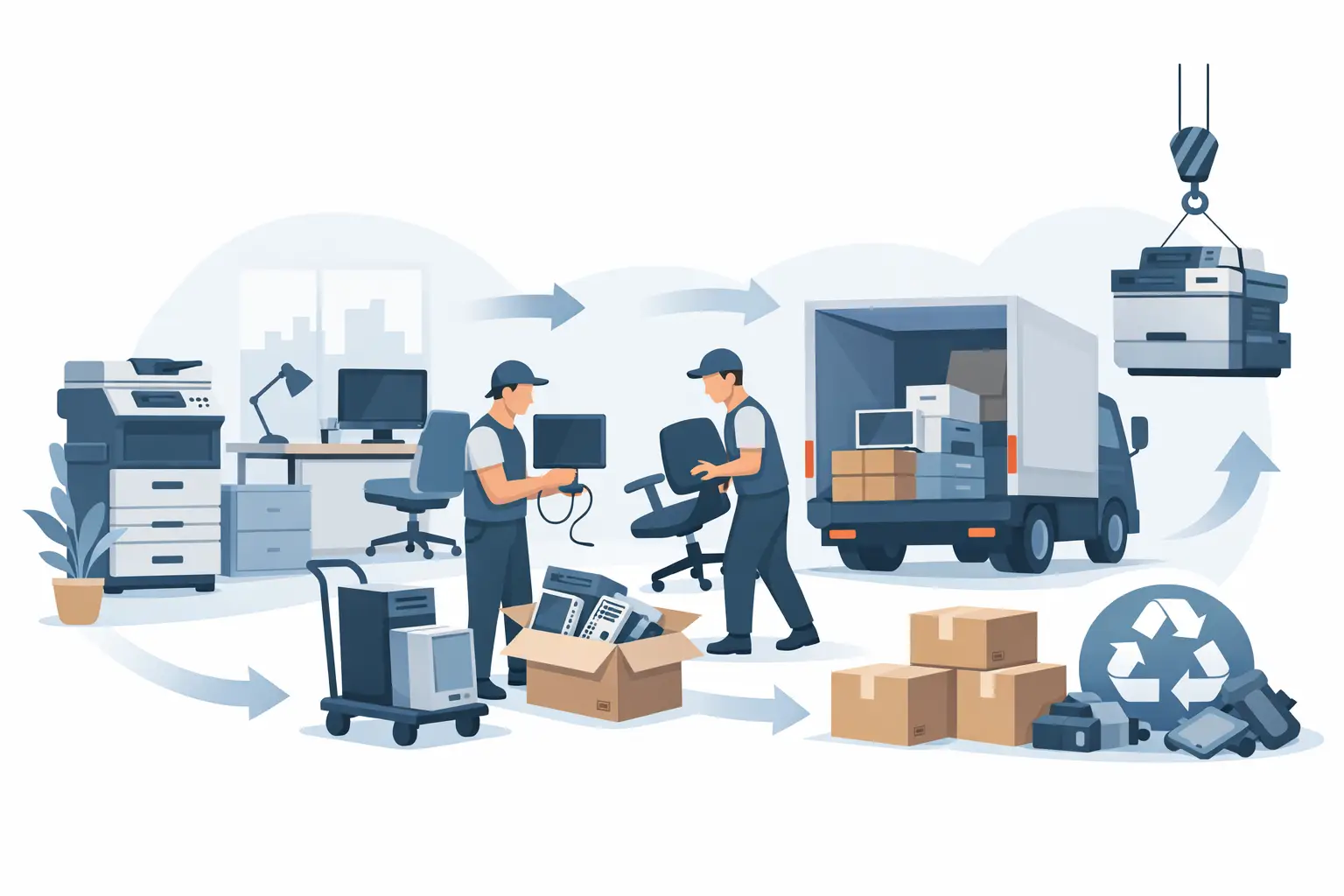
A server closet can become a liability long before anyone calls it one. Retired laptops, disconnected switches, old phones, and failed drives often sit in storage because no one has clear ownership of the next step. This office equipment decommissioning planning guide helps Bay Area organizations move equipment out of service without creating a data security, compliance, or logistics problem.
The goal is not simply to clear space. A good decommissioning plan identifies what is being retired, protects information before equipment leaves the premises, separates equipment with resale value from material headed for recycling, and creates records that stand up to an internal audit.
Start the office equipment decommissioning plan before shutdown
Decommissioning should begin when replacement equipment is approved, not after the new devices are installed. Waiting until the last minute makes it easier to lose track of serial numbers, overlook removable media, or mix equipment from multiple departments into an unverified pile.
Assign one person to coordinate the process. For a small office, that may be an office manager working with an outsourced IT provider. For a larger company, it is usually an IT asset manager, facilities manager, or project lead. That person does not need to perform every task, but they should control the inventory, timing, vendor communication, and final documentation.
Set the project scope first. A planned office refresh may include desktop computers, laptops, monitors, docking stations, printers, phones, and peripherals. A server or network upgrade may add racks, servers, storage arrays, switches, firewalls, UPS units, and loose hard drives. Include equipment stored in remote offices, conference rooms, supply closets, and employee home offices when it belongs to the organization.
A complete scope also prevents an avoidable problem: sending equipment to a recycler only to discover later that it was leased, assigned to an employee, or needed for a legal hold.
Build an asset inventory that supports decisions
Your inventory does not need to be complicated, but it must be accurate enough to support security and disposition decisions. Record the asset tag, manufacturer, model, serial number, department or assigned user, physical location, and the intended disposition. If equipment contains storage, identify the storage type and whether it has been sanitized or removed.
This is also the point to divide equipment into practical categories. Working, current-generation business laptops and servers may be candidates for reuse, employee deployment, buyback, or IT asset liquidation. Older or nonfunctional items may be appropriate for compliant e-waste recycling. Equipment with failed drives or sensitive data may require on-site or off-site data destruction before any further handling.
Do not assume every device with a power button is worth reselling. Age, condition, specifications, cosmetic damage, management locks, missing chargers, and market demand all affect value. A realistic disposition plan avoids spending staff time testing and storing equipment that has little recoverable value.
Protect data before equipment moves
Data security is the first operational priority. Deleting files, removing user accounts, or restoring a device to factory settings may not be sufficient for company data, customer records, credentials, email archives, or regulated information.
Create a written data handling standard for the project. It should state which devices require verified sanitization, which require physical destruction of storage media, who may authorize exceptions, and how the organization will retain proof of completion. Apply the standard to obvious devices such as laptops and servers, as well as less obvious equipment such as multifunction printers, copiers, mobile devices, network appliances, and external backup drives.
Storage media can appear in several forms: hard disk drives, solid-state drives, USB drives, SD cards, optical media, embedded flash storage, and removable modules inside enterprise equipment. A copier or printer may retain scanned documents and print jobs on an internal drive. A firewall may hold configuration files, VPN credentials, and logs. Inventory these items separately when necessary.
Sanitization and shredding are not interchangeable. Secure data wiping can preserve a functional drive for reuse or resale when the process is appropriate for the media and produces verifiable results. Physical shredding destroys the media and is often the better option for failed drives, highly sensitive data, or equipment that will not be reused. The right choice depends on your internal policy, data classification, device condition, and compliance requirements.
Maintain chain-of-custody control from the moment a device is collected. Limit access to staged equipment, use clearly labeled containers or pallets, and avoid leaving loose drives on desks or in unlocked loading areas. Ask your service provider what documentation is available for data destruction and recycling so your records match your organization’s policy.
Plan the pickup around real office conditions
A pickup can be simple, but only when the site is ready. Before scheduling, confirm the equipment count, the major item categories, whether there are pallets or racks, and the presence of specialized items such as large-format printers, copiers, batteries, or UPS units. Some items may involve separate handling or disposal charges, so identifying them early prevents surprises.
Consider the physical route from storage area to truck. Note elevators, stairs, loading docks, parking restrictions, security check-in requirements, building service hours, and whether equipment must be boxed or palletized. In a downtown San Francisco office or a multi-tenant campus, these details can determine whether a pickup takes 20 minutes or requires coordinated building access.
Keep the staging area organized. Group equipment by category where practical, but do not create extra handling just for appearance. Clearly separate equipment awaiting data destruction, assets approved for reuse or resale, and material ready for recycling. Remove personal belongings and paper records from bags, drawers, and laptop cases before the pickup crew arrives.
For qualified commercial volumes, I Got E-Waste can provide no-cost pickup in much of the San Francisco Bay Area. Smaller loads and specialized equipment may require a fee. Confirm eligibility and service terms before the collection date, particularly when combining standard electronics with printers, copiers, batteries, or other items requiring additional processing.
Document the handoff and final disposition
The day of pickup is not the end of the process. Update your asset inventory to show the handoff date, receiving vendor, disposition type, and any applicable data destruction reference. Retain pickup records, certificates, bills of lading, destruction documentation, and internal approvals according to your organization’s records policy.
For organizations with formal compliance obligations, documentation should connect the asset to its final outcome. A general recycling receipt may be adequate for some low-risk peripherals, while serialized reporting may be necessary for computers, servers, storage equipment, and other assets containing data. It depends on the asset, your contractual obligations, and your security framework.
Before closing the project, reconcile the inventory. Investigate missing serial numbers, assets that were reassigned instead of retired, and devices removed for repair or employee use. This final check is often where teams catch a laptop still assigned to a former employee or a drive that was removed but never documented.
A practical pre-pickup check
Use this short review before releasing equipment to a recycler or data destruction provider:
- Asset records identify the equipment, location, owner, and planned disposition.
- Data-bearing devices have been wiped, scheduled for destruction, or placed in a controlled hold area.
- Lease returns, legal holds, and internal reuse decisions have been cleared.
- Pickup logistics account for access requirements, loading conditions, and specialized items.
- Your team knows what records will be received after collection and where they will be stored.
The strongest decommissioning process is the one your staff can repeat without improvising. Give every retired device a documented path, keep sensitive media controlled until destruction is verified, and schedule collection before storage rooms become a second data center nobody is managing.
