

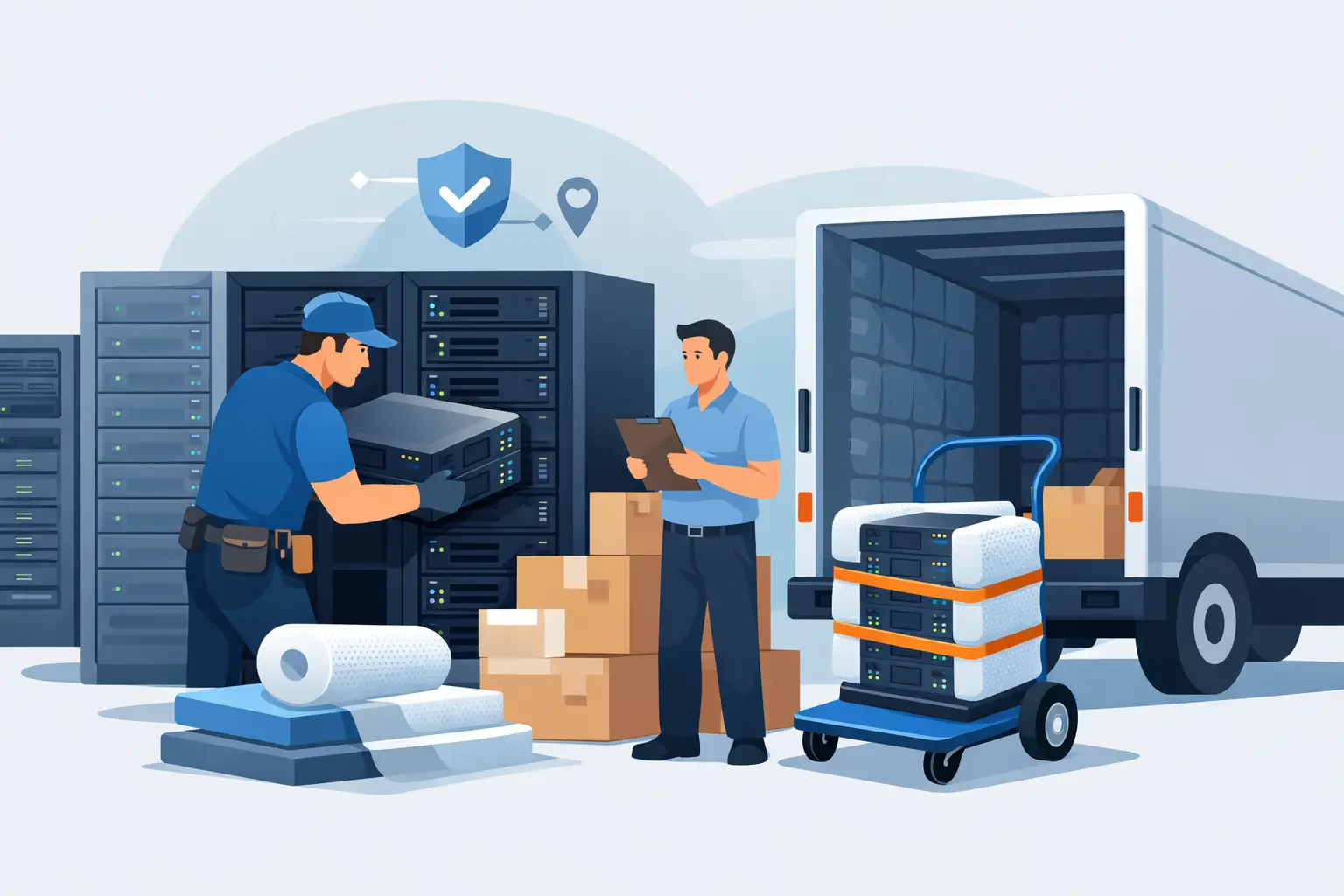
A server sitting unplugged in a storage room is not automatically ready for disposal. It may still contain customer records, employee information, credentials, licensed software, or internal network configurations. Knowing how to prepare servers for pickup protects your organization from data exposure, prevents avoidable delays, and gives the recycling crew a clear, safe load to collect.
For Bay Area businesses, schools, nonprofits, and public agencies, server retirement is usually part of a larger IT refresh or office cleanout. The best approach is to make data security, asset tracking, physical handling, and pickup access part of the same process. Do not wait until the pickup truck is scheduled to determine what is still installed, what needs to be wiped, or how the equipment will get out of the building.
Start With an Asset and Data Review
Before anyone unplugs equipment, identify each server and determine what it contains. This is especially important for rack-mounted servers, storage arrays, blade chassis, and appliances that may contain multiple drives. A retired server can hold data in places that are easy to miss, including internal hard drives, solid-state drives, RAID sets, cache modules, removable media, and management controllers.
Create or update an asset list that records the manufacturer, model, serial number, asset tag, location, and the disposition planned for each unit. If your organization uses a configuration management database or fixed-asset register, reconcile the equipment against that record. Accurate inventory helps IT, finance, compliance, and facilities teams stay aligned after the equipment leaves the site.
Also identify assets that may have resale or buyback value. Newer enterprise servers, network switches, storage equipment, and components in working condition may be candidates for IT asset liquidation rather than standard recycling. That decision should be made before equipment is mixed into a general e-waste load.
Plan Data Destruction Before Server Pickup
Data destruction is the central requirement when retiring servers. Simply deleting files, reformatting a drive, or resetting an operating system does not reliably remove recoverable information. If a server handled sensitive business data, your organization should use a documented destruction method appropriate to its policies, regulatory obligations, and risk level.
There are two common approaches. Software-based sanitization can be appropriate when drives are functional, the organization needs to preserve resale value, and the method meets the applicable internal standard. Physical destruction, such as hard drive shredding, is often the clearer option for failed drives, highly sensitive data, encrypted drives with uncertain key management, or equipment that will not be reused.
The right choice depends on the media type and your records requirements. Solid-state drives require different sanitization considerations than traditional hard drives. A server with a RAID configuration must be treated as a set, not as a single device. If drives are removed before pickup, label them so they remain associated with the correct asset record and keep them in a secure, controlled location until destruction.
Ask for documentation that matches your organization’s needs. A certificate of data destruction, serial-number reporting, or chain-of-custody record may be necessary for internal audits, customer commitments, or regulated data programs. Decide what documentation is required before scheduling service, not after the equipment has been collected.
Shut Down and Decommission Equipment Properly
A clean shutdown protects operations and makes physical removal safer. Confirm that applications have been migrated, backups are complete, and dependencies have been removed. This includes scheduled jobs, virtual machines, DNS entries, monitoring agents, cloud connectors, backup targets, and remote-management tools.
Coordinate the retirement window with the teams that rely on the environment. A server that appears unused may still support a legacy application, a print service, a security camera system, or a departmental database. For larger environments, document the shutdown approval and assign a responsible IT contact for the pickup day.
After shutdown, disconnect power and network cables. Remove any accessories your organization intends to retain, such as rails, fiber modules, power distribution units, licensed add-on cards, or proprietary cables. Do not leave loose components inside server chassis or on top of equipment racks. Small items are easily separated during handling and can create confusion during asset reconciliation.
How to Prepare Servers for Pickup Physically
Servers are dense, awkward, and often heavier than they look. A fully populated rack server or storage array may require two people, a lift, or a loading plan. Protect employees by avoiding improvised moves down stairs, through narrow doorways, or across busy office areas.
Stage equipment in a location that is dry, accessible, and away from active workspaces. Keep servers off areas where they could block fire exits, electrical panels, hallways, or loading paths. If units are coming out of a rack, remove them carefully using appropriate support and follow the manufacturer’s handling guidance. Empty rack rails can have sharp edges, and loose server components can shift during transport.
For a large quantity of equipment, group items by category where practical: servers, storage equipment, networking gear, desktop computers, monitors, and peripherals. This does not need to be perfect, but basic separation helps the pickup team assess the load and move efficiently. Clearly set aside anything that requires special handling, such as batteries, damaged equipment, or large-format printers and copiers that may carry additional disposal requirements.
Avoid wrapping every server in excessive packaging unless the equipment is being shipped separately or has a specific reuse requirement. For local commercial pickup, stable staging and safe access are generally more useful than unnecessary boxes. If the equipment is fragile, damaged, or likely to leak debris, tell the provider in advance so the crew can plan accordingly.
Give the Pickup Team Clear Access
A successful pickup depends as much on building logistics as on the equipment itself. Confirm the collection point, parking instructions, loading dock availability, elevator access, security check-in process, and any time restrictions. In downtown offices, campuses, hospitals, and multi-tenant buildings, these details can determine whether a pickup is completed quickly or requires rescheduling.
Let the provider know whether servers are on an upper floor, inside a data center, in a basement, or already staged near a loading area. Describe stairs, narrow corridors, locked doors, or dock height limitations. If a freight elevator reservation or certificate of insurance is required by building management, handle that process before the appointment.
Assign an onsite contact who can answer questions, grant access, and confirm the equipment being removed. The contact should have the asset list or a final pickup manifest available. This is particularly useful when several departments contribute equipment to the same collection.
Confirm What Is Included in the Load
Before pickup, compare the scheduled inventory with the actual equipment on hand. If the quantity has changed significantly, notify the recycler. Pickup eligibility, vehicle space, staffing, and no-cost collection qualifications can depend on the volume and mix of material.
Be direct about unusual items. Server racks, UPS units, batteries, tape libraries, large copiers, and oversized printers may require different handling than standard servers and computers. Also disclose whether equipment has been exposed to water, smoke, chemicals, or physical damage. Transparency allows the pickup team to bring the right equipment and provide accurate service terms.
For qualified commercial loads, I Got E-Waste can collect obsolete servers and mixed business electronics throughout the San Francisco Bay Area. Organizations with smaller quantities or specialized equipment should confirm service availability and any applicable fees in advance.
Keep Records Until the Disposition Is Complete
Do not close the project as soon as the servers leave the building. Retain the asset list, pickup documentation, data destruction records, and any recycling or liquidation reports required by your organization. Update the asset register to show the date of transfer and final disposition status.
This recordkeeping matters when a finance team asks about retired assets, an auditor requests proof of destruction, or a customer asks how sensitive information was handled. It also makes the next retirement cycle easier because your team has a repeatable process rather than a last-minute storage-room cleanup.
A well-prepared server pickup should feel routine: systems retired with approval, data handled under a defined process, equipment staged safely, and records ready for review. That preparation keeps your workspace clear while keeping responsibility for sensitive technology where it belongs.
