

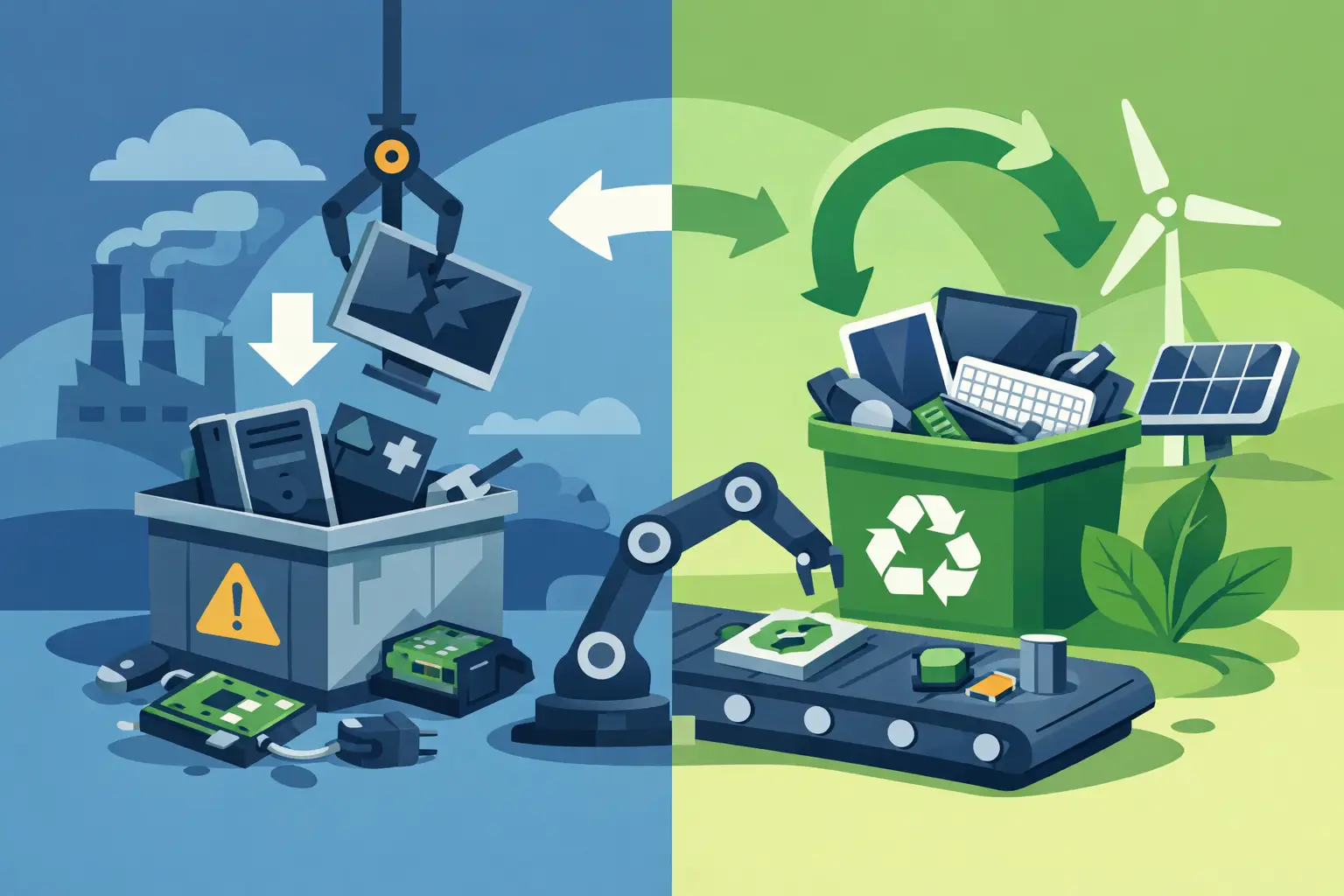
A storage room full of retired laptops, servers, monitors, and network switches is not just an operations problem. It can be a data-security, compliance, and space-management problem as well. Understanding decommissioning versus recycling electronics helps organizations choose the right process before equipment leaves the building.
The terms are often used as if they mean the same thing. They do not. Recycling is one possible outcome of decommissioning, but a complete decommissioning program addresses much more than material disposal. For businesses, schools, nonprofits, and public agencies, that distinction affects data protection, asset records, recoverable value, and environmental responsibility.
What Electronics Decommissioning Includes
Electronics decommissioning is the controlled retirement of technology assets from active use. It is a process, not a single pickup or disposal event. A well-managed decommissioning project begins when an organization identifies equipment that is no longer needed and ends only after each asset has been documented, secured, and directed to its final disposition.
For an IT department, that may include removing a server from a rack, disconnecting it from the network, recording its serial number, and confirming that company data is no longer accessible. For an office manager, it may mean consolidating retired desktops, monitors, phones, keyboards, and cables from several departments so they can be collected without disrupting daily operations.
The details vary by equipment type and organizational requirements, but decommissioning commonly includes asset inventory, chain-of-custody controls, data destruction, equipment sorting, value assessment, and final disposition. That final disposition may be reuse, resale, donation where appropriate, component harvesting, or responsible recycling.
Decommissioning is especially relevant when equipment contains sensitive data, has meaningful resale value, or must be removed from formal asset records. Servers, laptops, desktop computers, mobile devices, storage arrays, firewalls, and multifunction office equipment often require closer handling than a box of old keyboards or damaged cables.
Decommissioning Versus Recycling Electronics: The Core Difference
Electronics recycling is the physical processing of obsolete or unusable equipment into recoverable materials. Certified downstream processors dismantle devices and separate materials such as metals, plastics, glass, circuit boards, and batteries for appropriate recovery or disposal.
Recycling is necessary for equipment that cannot be reused safely or economically. A broken monitor, damaged battery, obsolete printer, or nonfunctioning computer may have no practical second life, but its materials still need to be managed under applicable environmental requirements. Electronics should not be placed in ordinary trash or sent to uncontrolled disposal channels.
The key difference is scope. Decommissioning determines what should happen to each asset and ensures that the organization has managed its security and administrative responsibilities. Recycling handles the material end of life for items that are no longer viable for reuse or resale.
An organization retiring 150 laptops provides a useful example. If the laptops are collected and immediately sent for material processing, that is recycling. If each laptop is inventoried, data-bearing drives are sanitized or physically destroyed, reusable units are evaluated for resale, and nonviable units are routed to responsible recycling, that is decommissioning with recycling as one part of the plan.
Neither approach is automatically better. The right choice depends on the assets, their condition, the information they hold, and the organization’s internal policies.
Why Data Destruction Cannot Be an Afterthought
Data risk is the main reason many commercial electronics projects need more than a basic recycling pickup. A device can be powered off, disconnected, or damaged and still contain accessible information. Hard drives, solid-state drives, mobile devices, backup media, servers, network appliances, and copier hard drives can all retain data.
Before equipment is reused, sold, donated, or recycled, organizations should determine what data may be present and what destruction standard their policies require. Logical erasure may be suitable in some cases. Physical destruction or shredding may be required when a device is damaged, inaccessible, highly sensitive, or subject to stricter contractual or regulatory controls.
The method should match the media. Traditional hard drives, solid-state drives, tapes, and mobile devices are not identical from a data-destruction standpoint. A blanket instruction to “wipe everything” may be insufficient if the organization cannot verify that the process worked or if certain media cannot be reliably accessed.
Documentation matters as much as the method. For many organizations, a certificate of destruction, serialized asset report, or documented chain of custody supports internal audits and demonstrates that the equipment was handled according to policy. This is particularly useful for healthcare providers, financial organizations, schools, government offices, and businesses handling customer or employee records.
When Recycling Alone May Be Appropriate
A recycling-focused service can be appropriate for low-risk equipment that has little or no resale value and does not contain sensitive data. Examples include empty printer cartridges, damaged keyboards, mice, cables, speakers, non-data-bearing peripherals, and certain obsolete display equipment.
Even then, organizations should confirm what the recycler accepts and how special materials are handled. Batteries, large-format printers, copy machines, and equipment containing hazardous components may require separate handling or additional fees. The lowest pickup price is not always the lowest organizational cost if the vendor cannot process the full load or leaves difficult items behind.
For mixed office cleanouts, sorting equipment before pickup can reduce confusion. Keep data-bearing assets separate from general e-waste, and identify any equipment that belongs to a leased program or is still assigned to an employee. This makes the collection process faster and reduces the chance that an active or restricted asset is disposed of by mistake.
When Full Decommissioning Is the Better Fit
Full decommissioning is usually the better fit for larger IT refreshes, office closures, data center changes, mergers, relocations, and campus-wide equipment replacement. These projects involve more moving parts than a standard recycling load, and they often need a defined schedule, equipment staging, data-security controls, and reporting.
Consider a full process when your organization needs to answer questions such as: Which assets were removed from service? Which serial numbers were processed? Were all drives destroyed or wiped? Did any equipment retain resale value? Where did the remaining material go?
Asset liquidation can also change the economics of a project. Newer laptops, servers, networking equipment, tablets, and certain enterprise hardware may have recoverable value if they are functional and in marketable condition. The value depends on age, specifications, condition, quantities, current demand, and whether accessories or power supplies are included. It is not guaranteed, but evaluating viable assets before recycling prevents organizations from discarding equipment that could offset project costs.
That said, resale is not always the right answer. If data destruction requirements are strict, if equipment is too old, or if the administrative work outweighs the return, direct destruction and recycling may be more practical. A sound disposition plan balances value recovery against security, labor, timing, and compliance.
Questions to Ask Before Scheduling a Pickup
Before arranging electronics removal, identify the approximate volume, equipment categories, and location of the material. This helps determine whether a qualified commercial pickup is available and whether special handling is needed. It also prevents surprises involving oversized equipment, batteries, or devices that need to be removed from desks, racks, or secure rooms.
Ask the provider how it handles data-bearing devices, whether it offers physical destruction, and what documentation can be supplied. Confirm whether equipment will be evaluated for reuse or buyback, routed directly to recycling, or handled through a combination of both. If your organization has internal asset tags or fixed-asset records, ask how serialized reporting will be managed.
For Bay Area organizations with recurring volumes of retired equipment, it is useful to establish a repeatable process rather than wait for storage rooms to become full. Set aside a secure staging area, define who approves equipment for disposition, and separate data-bearing devices from general electronics. I Got E-Waste can support commercial pickups, secure data destruction, and responsible electronics recycling based on the needs of the load.
A Practical Standard for Retired Equipment
The most effective approach is not to choose between decommissioning and recycling as competing services. Treat recycling as the responsible final route for assets that cannot be reused, resold, or otherwise recovered. Treat decommissioning as the control system that makes sure every retired device reaches that route securely and with the right records.
Before the next technology refresh, decide what proof your organization needs after equipment leaves its possession. That single decision will clarify whether a simple recycling pickup is sufficient or whether the project requires documented decommissioning from the start.
