

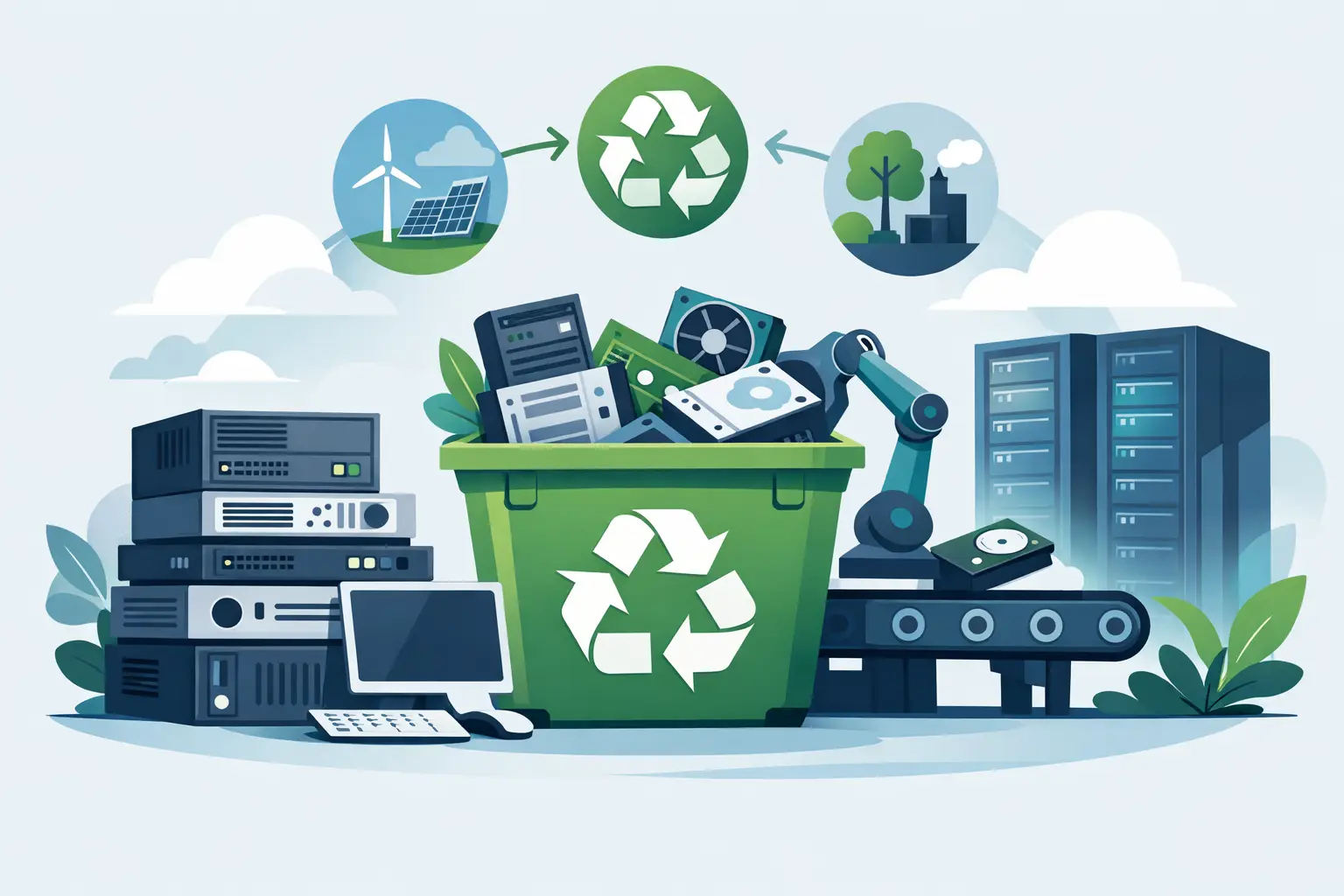
A server room rarely becomes a problem all at once. It happens one retired rack, one failed switch, and one stack of decommissioned drives at a time until valuable floor space turns into a holding area for equipment nobody wants to touch. If your team needs to recycle data center hardware, the real challenge is not getting rid of metal boxes. It is protecting data, documenting disposition, and moving equipment out without creating operational risk.
For most organizations, that process starts long before a truck arrives. IT, facilities, finance, and compliance often have different priorities. IT wants speed and secure handling. Facilities wants the area cleared. Finance may want recovery value where possible. Compliance wants proof that drives, batteries, and regulated electronic components were handled properly. A recycling plan has to satisfy all four.
What recycle data center hardware really involves
Data center disposal is not the same as clearing out office desktops. Servers, storage arrays, UPS units, network appliances, rails, PDUs, and backup devices all have different handling requirements. Some items still have resale value. Others are candidates for material recovery only. Some contain data-bearing media that require destruction before anything leaves your site.
That is why a qualified electronics recycler should not treat the load as generic scrap. The process needs asset identification, segregation of sensitive devices, chain of custody, and compliant downstream recycling. If those steps are missing, the lowest disposal price can become the highest risk option.
A practical plan also accounts for volume. A few decommissioned servers from a small branch office can be boxed and scheduled differently than a multi-rack refresh at a corporate facility. Timing matters too. Some organizations need after-hours removal to avoid business disruption. Others need phased pickups because equipment is being retired in stages.
Start with data, not with loading docks
Before anyone schedules pickup, identify what actually stores or may retain data. Hard drives are obvious, but they are not the only concern. Solid-state drives, backup appliances, SAN and NAS devices, blade servers, copiers used in admin spaces near the data center, and certain network gear may all contain recoverable information.
This is where many internal disposal efforts go sideways. Teams focus on the visible hardware and overlook embedded storage. If you miss a drive in a retired appliance, you have not just made a recycling mistake. You have created a data security issue.
For that reason, organizations should decide early whether devices will be sanitized, shredded, or processed under a combination of methods. It depends on your policy, regulatory obligations, and the type of data involved. Physical destruction is often the clearest route for failed drives or devices with no reuse value. For higher-value assets that may be remarketed, certified data erasure may be appropriate if it aligns with your internal requirements. The right answer is policy-driven, not one-size-fits-all.
Inventory matters more than most teams expect
A disposal project moves faster when there is a basic asset inventory before pickup. It does not have to be perfect, but it should be usable. That means noting item type, quantity, manufacturer, model where available, and whether the unit contains data-bearing media.
An inventory helps in three ways. First, it allows the recycler to estimate labor, truck space, pallet requirements, and any special handling needs. Second, it improves chain-of-custody documentation. Third, it helps you identify what may qualify for IT asset liquidation or equipment buyback instead of simple recycling.
This is especially important in data center refreshes. Not every retired server is worthless. Depending on age, configuration, and market demand, some enterprise equipment may retain value. But value recovery only works when assets are identified clearly enough to evaluate. A pile of mixed hardware with no sorting usually gets treated as a commodity load.
The compliance side is not optional
Organizations recycle data center hardware for practical reasons, but compliance is usually what determines vendor selection. You need a provider that follows state and federal recycling requirements, manages downstream processing responsibly, and keeps material out of landfills and illegal export channels.
That point matters in the Bay Area, where many organizations already have formal environmental, procurement, or information security policies. If your vendor cannot explain how equipment is processed, where it goes, and how data-bearing items are destroyed, that is a red flag.
Compliance also includes the less glamorous parts of the job. Batteries must be separated and handled correctly. Large-format devices and specialty electronics may involve extra disposal requirements. Mixed loads should be sorted, not dumped together. Good recyclers are operationally clear about what is accepted, what may incur fees, and what preparation is needed before pickup.
When resale makes sense and when it does not
Some organizations assume every retired data center asset should be sold. Others assume none of it has value. Both positions can be wrong.
Equipment buyback or liquidation makes sense when assets are modern enough, complete enough, and in suitable condition for secondary markets. Enterprise servers, network switches, and some storage hardware may qualify. Missing components, physical damage, outdated generations, and unknown drive status can reduce or eliminate that value quickly.
There is also a time trade-off. If your team spends weeks sorting low-value equipment to recover a modest return, the labor cost may outweigh the proceeds. For larger projects, a hybrid approach often works best. Reusable assets are evaluated for value recovery, while obsolete or damaged items move directly into compliant recycling and destruction channels.
How pickups should work for commercial loads
Once assets are identified and the data destruction method is set, pickup should be straightforward. For commercial clients, especially those with recurring volumes, the process should not disrupt normal operations. That means clear scheduling, realistic volume thresholds, and communication about access points, loading docks, elevators, pallets, and on-site contacts.
For qualified organizations, free pickup can make sense when the load meets minimum volume requirements and contains standard business electronics. Smaller loads or specialty items may involve service charges. That is normal. What matters is knowing the terms before the truck is dispatched.
If you are managing a larger cleanout, ask practical questions early. Does the vendor remove equipment from server rooms or only from curbside or dock areas? Can they handle loose drives separately for destruction? Will they provide documentation tied to your asset list? Can they support phased pickups across multiple offices or campuses? These details affect labor planning as much as recycling itself.
A better way to recycle data center hardware
The safest organizations treat end-of-life IT as an operational workflow, not an occasional cleanup project. That means setting internal rules for decommissioning, asset tagging, drive handling, and pickup approval before equipment piles up.
A good workflow usually looks like this in practice. Equipment is identified as retired. Data-bearing devices are flagged for erasure or shredding. Assets with residual value are separated from scrap units. The recycler reviews the load and pickup conditions. The removal is scheduled. Documentation is issued after processing.
Simple does not mean careless. In fact, the most reliable disposal programs are usually the most routine. They reduce guesswork, avoid last-minute storage problems, and give your team a repeatable way to handle refresh cycles.
For Bay Area organizations with active IT turnover, that consistency matters. Offices expand, labs close, server rooms are consolidated, and infrastructure gets replaced on tight timelines. A recycler that understands commercial pickups, secure data destruction, and compliance documentation can remove a lot of internal friction from that process.
Common mistakes to avoid
The most common mistake is storing retired equipment indefinitely because nobody wants to make the wrong call. That delay creates its own problems. Drives remain on site longer than necessary, usable space disappears, and inventory accuracy gets worse over time.
Another mistake is treating all hardware the same. A switch with no storage is not managed the same way as a storage array full of drives. A rack of mixed devices should be sorted before disposition decisions are made.
The third mistake is choosing a vendor based only on hauling ability. Moving equipment is easy. Handling data destruction, compliance, downstream recycling, and potential asset value correctly is the actual job.
If your organization needs to recycle data center hardware, the best next step is usually not a massive internal project plan. It is a clear inventory, a defined data-destruction standard, and a pickup process that matches your volume and site conditions. Once those pieces are in place, the equipment can move out quickly and responsibly, which is exactly how end-of-life IT should be handled.
