

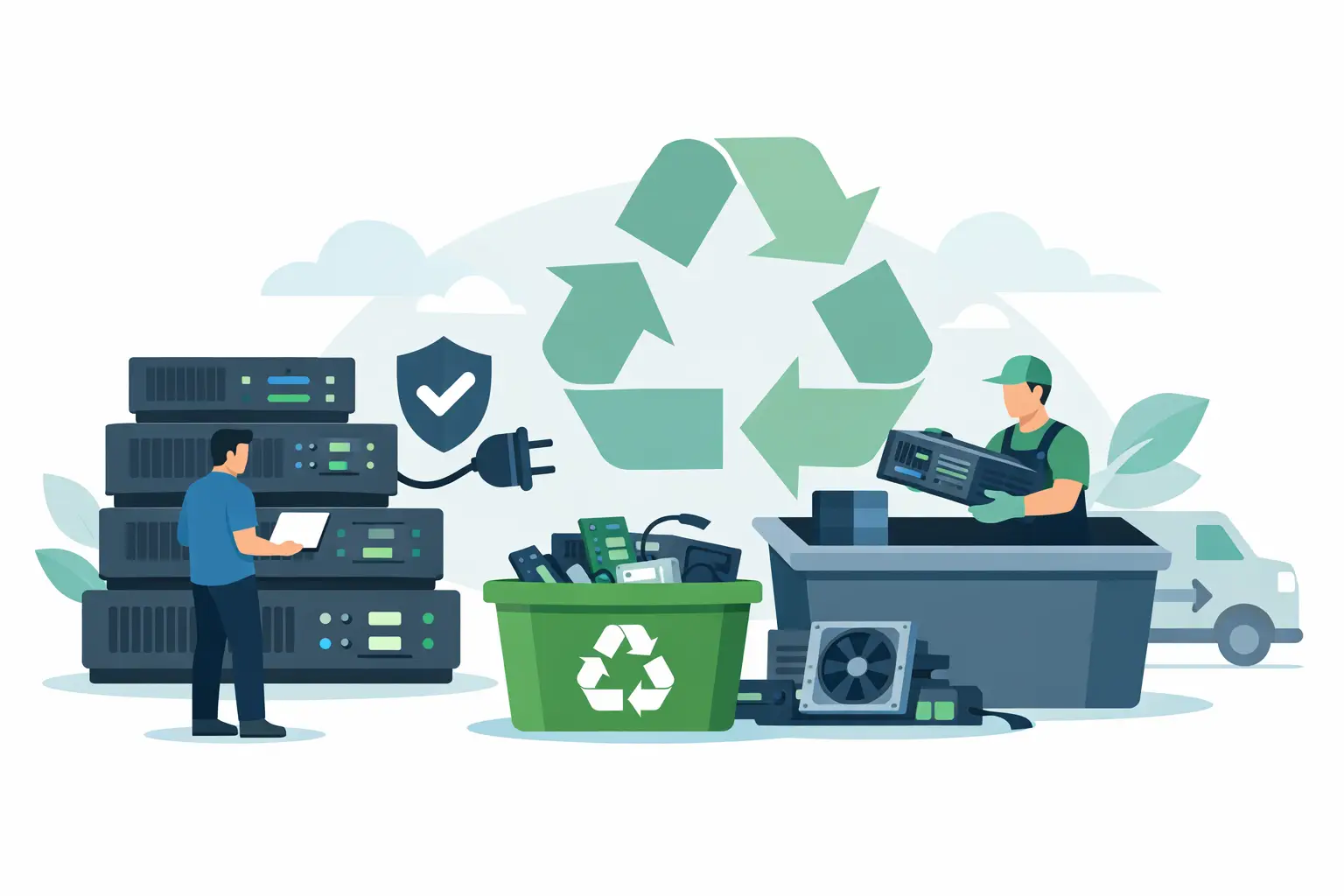
A retired server can remain a serious data and compliance liability long after it leaves the rack. Hard drives may hold customer records, employee information, financial files, system credentials, backups, and application data. Knowing how to prepare servers for recycling means addressing those risks before equipment is moved, loaded, or released to a recycler.
For businesses, schools, nonprofits, and public agencies, server retirement should be a controlled asset-disposition process. The goal is not simply to clear a data center, closet, or storage room. It is to document what is leaving, protect the data it contains, prepare equipment for safe transport, and use a recycler that can process commercial electronics responsibly.
How to Prepare Servers for Recycling
The most effective preparation starts before anyone unplugs equipment. Assign one person or team to coordinate the project, usually IT, facilities, or an asset-management lead. That team should decide which servers are being retired, confirm whether they are owned or leased, and identify any equipment that may still have resale or redeployment value.
Do not treat a mixed pile of old IT equipment as a single category. Rack servers, tower servers, storage arrays, network appliances, UPS units, loose drives, and backup devices can have different handling needs. Separating them early makes inventory, data destruction, and pickup coordination much easier.
Create an asset inventory before removal
Build a record of every server and related device scheduled for disposition. At a minimum, capture the manufacturer, model, serial number, asset tag, location, and the name of the department that owned it. Record the number and type of installed storage drives when that information is available.
This inventory provides an audit trail if a question arises later about a missing device or a retired asset. It also helps identify equipment with potential value. Some newer servers, networking gear, memory modules, processors, and enterprise storage components may qualify for IT asset liquidation or equipment buyback rather than standard recycling.
For larger projects, assign each item a status such as pending backup, ready for wipe, ready for drive removal, or ready for pickup. A simple status field prevents a server from being staged for recycling before its data is handled.
Confirm backups and retention requirements
Before wiping drives or physically destroying media, confirm that required data has been migrated and that retention obligations have been met. IT staff should verify that production workloads have been moved, backups are accessible, and disaster-recovery copies are not dependent on equipment being retired.
Retention requirements vary by organization and data type. Financial records, student data, health information, contracts, and internal communications may have different retention periods. If legal, regulatory, or audit requirements apply, involve the appropriate records, legal, compliance, or security contacts before disposal begins.
A common mistake is assuming that an old server is no longer useful because it has been powered down. It may still contain the only local copy of an archive, virtual machine image, database export, or encryption key. Confirm first, then sanitize.
Choose the Right Data Destruction Method
Deleting files, reformatting a drive, or removing a server from a management console does not reliably eliminate recoverable data. The appropriate destruction method depends on the storage media, your internal security requirements, and whether the equipment will be reused, resold, or recycled.
For functioning drives intended for reuse or resale, a documented data wipe may be appropriate when it is performed using an accepted sanitization method and verified afterward. The process should account for every installed drive, including drives in RAID arrays, hot-swap bays, internal storage modules, and removable backup media.
For failed drives, encrypted drives with inaccessible keys, or media containing highly sensitive information, physical shredding is often the more direct choice. Hard drive shredding renders the media unusable and removes uncertainty about whether a software wipe completed successfully.
Solid-state drives require particular attention. Their storage architecture can make traditional overwrite methods less predictable than with magnetic hard disk drives. If the device cannot be securely sanitized using a verified method, physical destruction may be the better fit for the organization’s risk level.
Ask for clear documentation of the service performed. A certificate of data destruction or similar record should identify the date, method, and applicable asset details. Keep it with your disposition records, especially when servers contained regulated, confidential, or personally identifiable information.
Remove What Should Not Go With the Server
Some components should be retained, transferred, or handled separately. Remove leased components if required by your lease agreement, and retain hardware that will be reused in active systems. IT teams may also want to keep compatible rails, caddies, power supplies, transceivers, memory, or processors when those parts support remaining equipment.
Pay close attention to removable media. USB drives, SD cards, tape cartridges, optical media, and portable backup drives are easy to overlook during a fast decommissioning project. These items can contain sensitive data and should be included in the same documented destruction plan.
Do not dismantle servers solely to separate metals or circuit boards. Commercial electronics recyclers are equipped to manage the materials and components inside servers. Unnecessary disassembly can create safety issues, damage equipment with resale value, and make inventory reconciliation more difficult.
If uninterruptible power supplies are part of the retirement project, identify them separately. UPS units may contain batteries that need specialized handling. Labeling batteries, servers, and network equipment by category helps the pickup team manage the load efficiently.
Stage Equipment for Safe, Efficient Pickup
Once data handling is complete, move servers to a secure staging area. The space should be accessible to staff but not open to unauthorized employees, visitors, or contractors. A locked IT room, secured loading area, or monitored storage space is preferable to an unattended hallway or open dock.
Keep equipment organized by category and avoid stacking heavy servers in unstable piles. Rack-mounted units can be dense and awkward to carry. Use appropriate carts, lift assistance, and trained personnel when moving them. Leave equipment in its chassis unless there is a specific reason to remove components.
If possible, group completed equipment near the pickup location and provide a clear path from the staging area to the loading point. This reduces time on site and limits disruption to office, campus, or facility operations. For multi-floor locations, identify elevator access, loading dock rules, security check-in requirements, and any building restrictions before scheduling service.
It also helps to label any items that are not included in the pickup. This is especially useful when a staging area contains active equipment, leased hardware, or devices awaiting internal approval. Clear separation prevents the wrong asset from leaving the building.
Prepare Records for Your Recycler
A commercial recycler will need practical information to plan the pickup and provide the right service. Share the approximate quantity of servers, related equipment, the pickup floor or loading access, and whether data destruction is required. Mention oversized items, battery-backed equipment, or equipment that needs special handling.
For internal control, keep a final disposition file containing the following records:
- Asset inventory with serial numbers and asset tags
- Internal approval to retire or dispose of the equipment
- Data wipe verification or destruction documentation
- Pickup date and recycler information
- Certificates, bills of lading, and final recycling records
The level of documentation should match your organization’s risk profile. A small office retiring a few servers may need a straightforward asset list and data destruction record. A healthcare provider, financial institution, school district, or government agency may require more detailed chain-of-custody documentation and internal signoff.
Select a Commercial Recycling Partner Carefully
The lowest-cost option is not always the lowest-risk option. Servers contain valuable materials, but they also carry data-security and environmental obligations. Your recycler should be able to explain how equipment is collected, how data-bearing media is handled, and how materials are processed after pickup.
Ask direct questions about data destruction, downstream recycling practices, documentation, and whether the company serves commercial clients with scheduled pickups. A qualified provider should give clear answers rather than vague assurances. If your organization has recurring equipment retirements, establish a repeatable process so storage rooms do not become long-term holding areas for sensitive devices.
For qualifying commercial loads in the San Francisco Bay Area, I Got E-Waste can coordinate electronics recycling pickup and secure data destruction services for servers, network equipment, computers, and related IT assets. Providing an accurate equipment count and access details at the start helps determine the appropriate service arrangement.
A well-prepared server pickup protects more than a clean workspace. It gives your organization a defensible record that retired technology was handled with care, sensitive data was addressed before release, and equipment was directed away from the landfill.
