

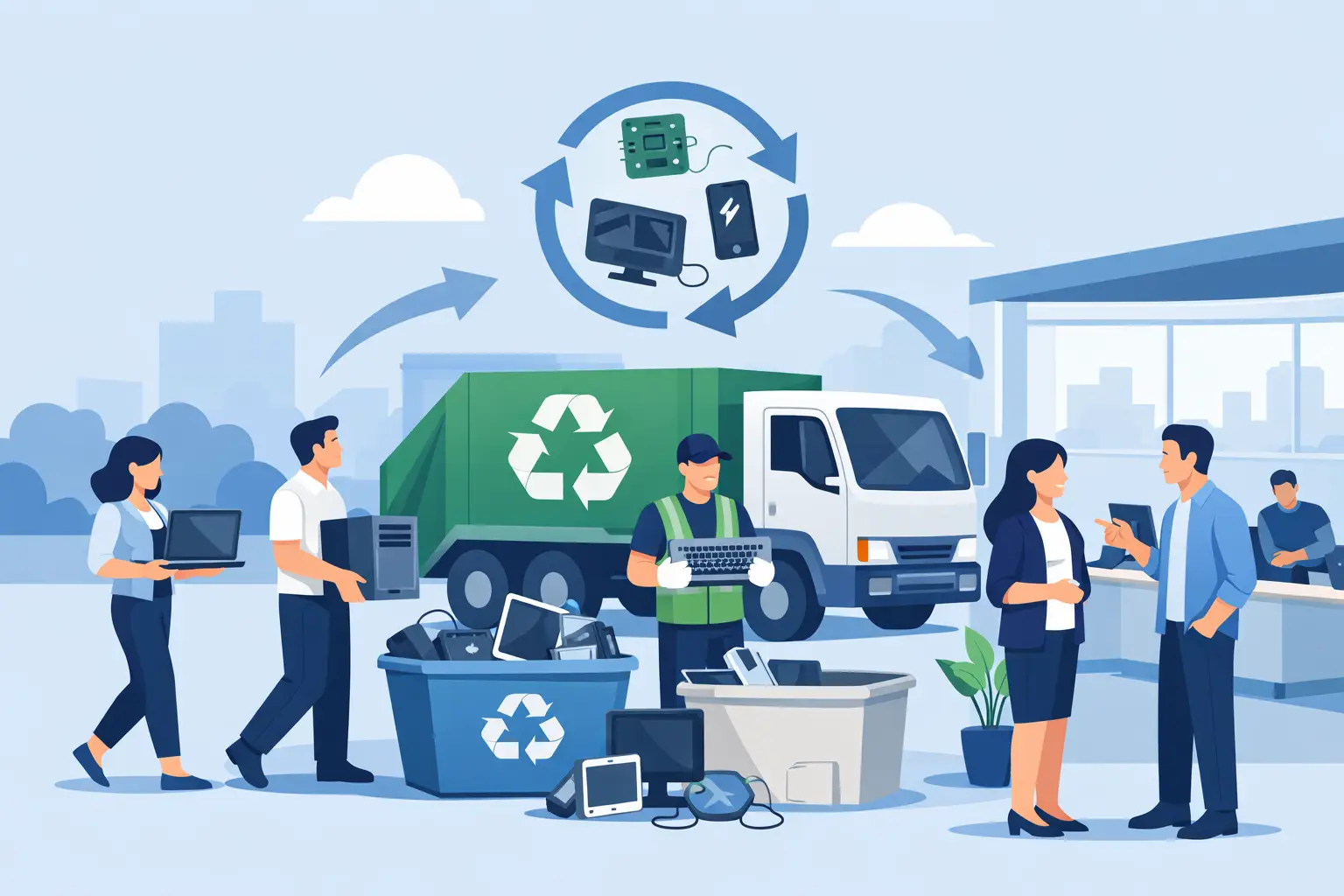
Storage rooms usually do not fail all at once. They fill up one retired monitor, dead laptop, loose power strip, and boxed-up printer at a time until someone has to deal with it. That is where e-waste recycling events for offices can make sense. For organizations trying to clear space, protect data, and keep old electronics out of the landfill, a well-run event creates a defined process instead of another delayed cleanup.
For most offices, the value is not just in recycling. It is in coordination. A recycling event gives IT, facilities, operations, and department managers a deadline, a collection method, and a vendor-backed chain of custody. When the event is planned correctly, the result is less clutter, lower data-risk exposure, and fewer questions about where outdated equipment ended up.
Why offices use e-waste recycling events
An office recycling event works best when equipment has been building up across teams or locations. Maybe employees have old docking stations in drawers, a back office has a stack of obsolete desktops, and IT has a closet full of failed networking gear waiting for disposition. Without a set collection date, those items tend to sit.
A scheduled event changes behavior. Staff know when to bring devices in. Managers can push departments to identify surplus assets. Facilities can reserve space and control traffic. IT can separate equipment that needs data destruction from equipment that may still have residual value. That structure matters, especially in larger offices, schools, nonprofits, and multi-floor facilities.
There is also a compliance reason to use events. Business electronics are not regular trash, and many items contain regulated components or sensitive data. A one-day or multi-day collection effort helps organizations move material through a documented process rather than relying on informal disposal decisions by individual employees.
What counts as office e-waste
Most office events focus on common business electronics and peripherals. That usually includes desktop computers, laptops, monitors, servers, switches, phones, tablets, hard drives, cables, keyboards, mice, printers, scanners, and related IT equipment. Batteries may also be included, but they often require separate handling, packaging, or fees depending on chemistry and quantity.
This is where event planning needs some discipline. Not every item should be accepted without review. Large copy machines, specialized medical devices, damaged batteries, and certain types of industrial electronics may require separate approval, special transport, or added charges. The cleanest events set item rules early so staff are not showing up with materials the recycler cannot take under standard terms.
If your office has mixed waste streams, split them before the event. Keep standard IT assets separate from universal waste, toner, lighting, or furniture. That saves time on collection day and reduces the risk of contamination or rejection.
How e-waste recycling events for offices should be planned
The biggest mistake offices make is treating the event like a casual drop-off table in the break room. That may work for a handful of keyboards. It does not work for drives, servers, monitors, or any equipment with data-bearing components.
Start with scope. Estimate how much material you actually have, where it is located, and whether the event is employee-facing, department-based, or strictly for company-owned equipment. Those are different models. A company-only event is simpler from a compliance and logistics standpoint. An employee-inclusive event can boost participation, but it also creates more sorting issues and more variation in what shows up.
Next, define the collection method. Some offices do best with a central staging area. Others need floor-by-floor pickup, loading dock coordination, or rolling carts managed by facilities staff. If your office is in a dense Bay Area building with limited freight access, elevator reservations and dock timing matter more than people expect.
Then address data security before the event starts, not after. Any laptops, desktops, servers, phones, or loose drives should be identified as data-bearing assets. Decide whether they will be wiped, shredded, inventoried, or tracked by serial number. If a vendor offers secure data destruction, confirm how custody is maintained from handoff through final processing.
Data security is not a side issue
For office electronics, recycling and data destruction are connected. A recycling event that ignores data-bearing devices creates unnecessary risk. Old hard drives, SSDs, backup devices, and employee laptops may still contain customer records, HR files, financial data, credentials, or internal communications.
That means the event owner should know which items require secure destruction and which items can move through standard commodity recycling. IT should usually be involved in that decision. For some organizations, especially those handling regulated data, shredded destruction is the cleaner option. For others, documented sanitization may be acceptable for certain assets, particularly if equipment is being remarketed or evaluated for buyback.
It depends on the organization, the type of device, and the sensitivity of the data. What does not change is the need for a documented process. If an office cannot explain how data-bearing devices were separated, transported, and destroyed or sanitized, the event was not managed tightly enough.
Staffing and logistics matter more than most offices expect
Collection day tends to expose every weak assumption in the plan. The conference room chosen for staging may be too small. Staff may bring in personal electronics even though the event was meant for company property only. Departments may deliver more material than forecast. A building may restrict loading access during business hours.
That is why the best events are operationally simple. Use one internal coordinator. Give staff clear acceptance rules. Mark collection points. Reserve a staging area close to an elevator or dock if possible. If large quantities are expected, have the recycler pick up directly from a secure location rather than letting material sit overnight in a shared area.
For higher-volume offices, it can make more sense to frame the event as a scheduled commercial pickup rather than a casual office drive. That approach reduces confusion and usually gives the organization tighter control over inventory, access, and chain of custody.
When an event makes sense and when a pickup is better
Not every office needs an event. Sometimes a direct pickup is the better option.
An event makes sense when equipment is scattered across departments, staff need a deadline to participate, or leadership wants a visible cleanup effort. It is useful for quarterly refresh cycles, office moves, post-audit storage cleanouts, and campus-wide collections where multiple teams need to contribute.
A standard pickup may be better when the material is already consolidated, the volume is high, or the organization needs fast removal with minimal staff involvement. If IT has already palletized old servers and monitors in a locked room, there may be no reason to turn that into an internal event.
Cost can also shape the decision. Some recyclers offer free pickup for qualified commercial loads, while smaller quantities or specialty items may involve service charges. Offices should understand those thresholds upfront, especially if they are disposing of a mix that includes low-value or more expensive-to-handle items.
Choosing a vendor for e-waste recycling events for offices
The vendor should be able to answer practical questions without vague language. What items are accepted? What requires special handling? Is pickup available for the estimated volume? How are data-bearing devices managed? What documentation is provided after the event? Are materials processed under applicable state and federal recycling requirements?
Those questions matter more than marketing claims. Offices need a recycler that can handle business equipment, not just household drop-offs. They also need a provider that understands chain of custody, loading logistics, and the difference between commodity electronics and regulated or fee-based items.
For Bay Area organizations, responsiveness is part of compliance. When a storage room is full or a relocation deadline is approaching, delays create internal risk. A reliable commercial recycler should be able to set expectations clearly on pickup eligibility, service area, accepted items, and turnaround.
What a successful event looks like
A successful office event does not have to be elaborate. It has a defined scope, a secure process for data-bearing equipment, a realistic item list, and a pickup plan that fits the building. Staff know what to bring. IT knows what needs tracking or destruction. Facilities know where material will be staged. Leadership knows the backlog is actually leaving the site.
That kind of discipline is what turns a recycling day into a useful operating process. For organizations clearing out years of obsolete electronics, the real win is not the flyer or the internal announcement. It is getting old assets out of storage, handling sensitive devices correctly, and moving material through a compliant channel without disrupting the workday.
If your office is looking at stacked monitors, retired laptops, or a closet full of decommissioned gear, a recycling event can be the right tool. Just treat it like an asset-disposition project, not a cleanup gesture, and the results will hold up after the boxes are gone.
