

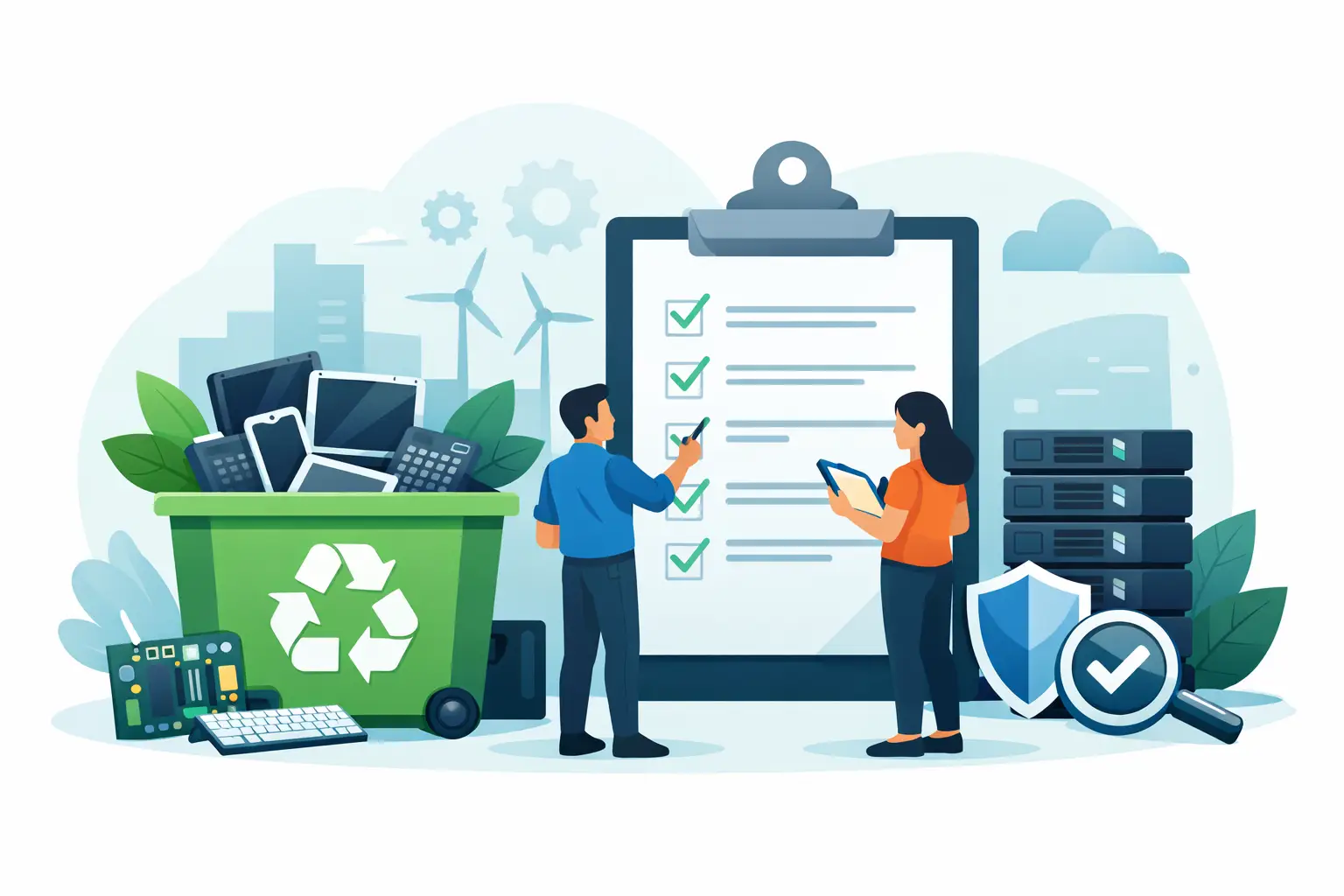
A storage room full of retired laptops, servers, switches, and phones is not just a space problem. It is an open operational task with data-security, environmental, and logistics consequences. Use this electronics recycling vendor checklist before scheduling a pickup or releasing any equipment from your organization.
The right vendor should make disposition easier without asking your team to accept unclear terms, vague recycling claims, or weak documentation. For Bay Area organizations, the details matter most when equipment contains storage media, assets are spread across multiple offices, or a pickup must fit around normal business operations.
Start With Your Equipment and Data Requirements
A vendor cannot quote, schedule, or handle material correctly without an accurate description of what you have. Before requesting service, identify the equipment categories, estimated quantities, location, floor access, and whether pallets, elevators, loading docks, or security check-in procedures are involved.
Separate items that may require different handling. Desktop computers, laptops, servers, network equipment, monitors, mobile devices, printers, batteries, and loose hard drives do not always have the same recycling value, handling cost, or destruction requirements. Large-format printers and copy machines, for example, may involve specialized disposal charges even when a larger mixed electronics pickup qualifies for no-cost service.
Your internal team should also decide what must happen to data before equipment leaves the site. Some organizations need physical hard drive shredding. Others may use approved wiping procedures for reusable assets, followed by verification records. The correct approach depends on your security policy, client obligations, industry requirements, and the type of media involved.
Confirm What Counts as Data-Bearing Media
Do not limit the review to laptop and desktop hard drives. Data may remain on server drives, solid-state drives, RAID arrays, removable media, mobile phones, tablets, USB devices, copier drives, and certain network appliances. A vendor should be able to explain how each media type is identified, segregated, transported, and destroyed or sanitized.
Ask who is responsible for removing drives from equipment. On-site removal can be useful when your organization needs to retain hardware temporarily or maintain direct control over media until destruction. In other cases, the recycler can manage the process as part of a documented chain of custody. What matters is that the responsibility is clear before pickup day.
Electronics Recycling Vendor Checklist: Compliance and Security
Marketing language about being “green” is not enough. A qualified commercial recycling vendor should provide direct answers about where materials go, how data is handled, and what records your organization receives after service.
Use the following checklist during vendor evaluation:
- Accepted materials: Confirm the vendor accepts the exact items in your load, including computers, servers, networking gear, peripherals, batteries, monitors, phones, and specialty equipment.
- Data destruction method: Ask whether the vendor provides physical shredding, wiping, degaussing where appropriate, or a combination of methods. Confirm the method fits your policy and the media types involved.
- Chain of custody: Verify how equipment is tracked from pickup through processing, especially for serialized assets and data-bearing devices.
- Certificates and reporting: Determine whether you will receive a certificate of destruction, recycling documentation, itemized asset reports, weight tickets, or serial-number reporting. Request samples if the documentation is important for audits.
- Downstream handling: Ask where equipment is processed and how the vendor prevents landfill disposal or illegal overseas dumping. A clear downstream policy is a basic compliance requirement, not an optional extra.
- Regulatory practices: Confirm the vendor follows applicable state and federal requirements for electronic waste, universal waste, batteries, and other regulated materials.
- Insurance and accountability: Ask about applicable insurance coverage and who assumes responsibility once material is collected.
- Reuse and liquidation options: If equipment may retain value, ask whether the vendor evaluates assets for buyback, resale, or IT asset liquidation before recycling them.
A vendor does not need to provide identical paperwork for every job. A small pickup of obsolete peripherals may need simple service documentation, while a hospital, school district, or financial firm may need device-level reporting and destruction certificates. The key is matching the documentation to your internal controls.
Review Pickup Terms Before You Commit
Free pickup is valuable when it is actually available for your load and location. It should not be assumed. Ask about minimum volume requirements, item mix, service area, access conditions, and whether any equipment carries a fee.
A clear vendor will explain what qualifies for no-cost commercial pickup and when a paid pickup is more appropriate. Small-quantity loads, difficult access, or specialized equipment may change the price. That is not necessarily a problem. Hidden charges and unclear conditions are the problem.
Confirm whether your team needs to stage material in one area before arrival. Consolidating equipment near a loading point can reduce disruption and help the driver complete the pickup efficiently. If your site has no dock, limited parking, restricted freight elevator hours, or a campus check-in process, provide those details during scheduling rather than when the truck arrives.
For organizations with multiple locations, ask whether the vendor can coordinate separate pickups under one project plan. A single point of contact, consistent labeling, and site-specific pickup instructions can prevent assets from being left behind or mixed with equipment intended for redeployment.
Clarify the Pickup-Day Process
Before the appointment, name an on-site contact with authority to release material and answer access questions. Give that person the equipment list, any labels or asset tags to preserve, and instructions for media that requires special handling.
Ask whether the driver will provide a pickup receipt at collection. If your organization requires a bill of lading, manifest, or signed transfer record, communicate that requirement in advance. The record should establish the date, location, material categories, and transfer of custody without creating confusion over what was actually collected.
Do Not Treat Asset Value and Recycling as Opposites
A sound disposition plan evaluates working equipment before it is reduced to scrap. Recent laptops, servers, switches, and enterprise hardware may have resale value depending on age, condition, specifications, demand, and whether storage media has been removed or sanitized.
Asset liquidation or equipment buyback can offset part of the cost of a technology refresh. But it is not automatic. Older equipment, damaged items, incomplete systems, and equipment with restricted resale potential may be better suited for responsible recycling. A credible vendor should make the distinction plainly rather than promising value where none exists.
For high-volume refresh projects, create an internal disposition list with asset tags, serial numbers, department ownership, and the intended outcome: redeploy, retain, sell, recycle, or destroy. This improves inventory control before a vendor is involved and makes final reporting more useful afterward.
Compare Vendors on Operational Fit, Not Just Price
The cheapest quote can become expensive if it leaves your IT or facilities team managing extra work, uncertain records, or a data-security exception. Compare vendors by the full process: response time, scope clarity, pickup capacity, documentation, media handling, downstream controls, and fee transparency.
A practical vendor should be able to explain the workflow in plain terms. You should know what they accept, what requires a fee, how the pickup is scheduled, how data is destroyed, and what confirmation you receive. If the answers stay general after you ask specific questions, keep looking.
Local coverage also matters when your organization needs repeat service or has multiple offices. A recycler familiar with commercial pickups across San Francisco, Oakland, San Jose, and surrounding Bay Area communities can plan around the access and scheduling realities that affect offices, schools, warehouses, and public agencies.
Prepare a Release Package for Every Pickup
The best electronics recycling vendor checklist is only effective if your own handoff process is organized. Keep a simple release package for each project: the approved equipment list, site contact, pickup date, destruction instructions, asset-reporting requirements, and copies of final certificates or receipts.
This does not need to be complicated. It needs to be repeatable. A consistent process reduces the chance that a drive is missed, a valuable asset is discarded, or an auditor later asks for records nobody can locate.
When obsolete equipment starts taking over a storage area, move the project forward with clear requirements instead of waiting for the next office cleanup. A qualified commercial recycler such as I Got E-Waste can help Bay Area organizations turn a backlog into a documented, responsible pickup process.
