

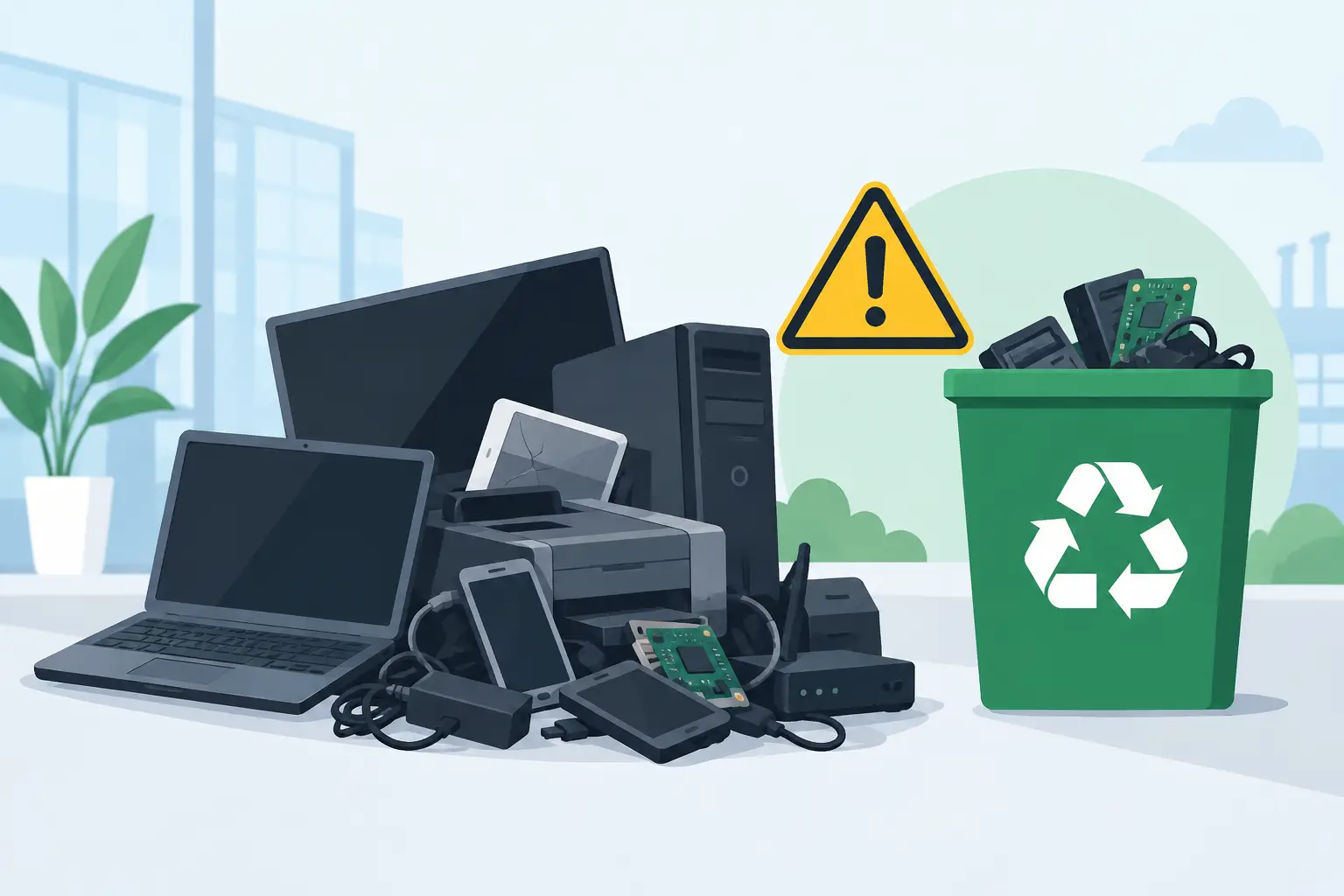
A storage room full of retired laptops, monitors, batteries, and network gear is not just an operations problem. It can become a disposal and data-security problem quickly. When are electronics hazardous waste? For most organizations, the practical answer is when discarded equipment contains materials that cannot legally or responsibly go into the trash or a landfill – which applies to far more IT equipment than many teams realize.
A device does not have to be visibly damaged, leaking, or obsolete for disposal rules to apply. The materials inside it, the condition of the equipment, and the state where it is generated all affect how it should be managed. In California, businesses should treat end-of-life electronics as a controlled recycling stream, not ordinary office waste.
When Are Electronics Hazardous Waste?
Electronics may be hazardous waste when they contain substances that can harm people or the environment if released. Common examples include lead, mercury, cadmium, certain flame retardants, and corrosive or reactive battery materials. Under federal hazardous-waste rules, a material can be hazardous because it is ignitable, corrosive, reactive, or toxic. Electronic equipment may also be subject to state-specific e-waste requirements that are more restrictive than general federal rules.
For a business, the key issue is not whether every individual device meets the same regulatory classification. The key issue is that discarded electronics cannot be assumed safe for dumpster disposal. California prohibits disposal of many electronic products in landfills, and its recycling requirements cover common equipment found in offices, schools, medical facilities, nonprofits, and public agencies.
The safest operational approach is straightforward: once equipment is no longer needed, separate it from regular trash and send it through a qualified electronics recycling process. Do not wait for a device to break apart, leak, or become mixed with general waste.
Devices That Need Controlled Recycling
The following categories commonly require special handling at end of life because of their components, batteries, screens, or stored data:
- Desktop computers, laptops, workstations, and servers
- Monitors, televisions, LCD displays, plasma screens, and older CRT monitors
- Printers, copiers, scanners, and large-format printing equipment
- Network switches, routers, firewalls, access points, and telecom equipment
- Tablets, smartphones, handheld devices, and office phones
- Uninterruptible power supplies, battery backup units, and loose batteries
- Keyboards, mice, cables, docking stations, and other peripherals collected in bulk
Older CRT monitors and televisions deserve particular attention. Their glass can contain substantial amounts of lead. Flat-panel displays may contain mercury-bearing lamps or other regulated components, especially older models. Even when a display looks intact, it should be kept out of the landfill stream.
Printers and copiers also create confusion. The machine itself may be recyclable, but toner, ink, batteries, capacitors, and internal electronics need proper processing. Large-format printers and copy machines can involve specialized handling charges because of their size, materials, and transportation requirements.
Batteries Change the Disposal Decision
Batteries are one of the clearest signs that electronics need separate handling. Lithium-ion batteries in laptops, phones, tablets, power tools, and backup systems can catch fire when crushed, punctured, overheated, or improperly packed. Damaged or swollen batteries require added care and should not be placed in a box with loose equipment.
Lead-acid batteries from UPS units and backup systems contain lead and acid. Nickel-cadmium batteries contain cadmium. Button-cell batteries may contain mercury or other metals. Each chemistry has different recycling requirements, but none belongs in office trash or a mixed electronics bin without appropriate segregation.
For facility and IT teams, a practical rule is to remove loose batteries when it is safe to do so and store them in a designated, labeled area. Keep battery terminals protected where feasible, prevent contact with metal objects, and isolate any battery that is damaged, hot, leaking, or swollen. A recycler should be told about damaged batteries before pickup so the load can be handled safely.
Hazardous Waste Rules and E-Waste Rules Are Not Identical
The terms “hazardous waste” and “e-waste” are often used interchangeably, but they are not exactly the same. Hazardous waste is a regulatory classification based on a material’s properties and applicable rules. E-waste is the practical category used for unwanted electronic equipment that needs proper collection, recycling, and downstream processing.
Some electronics may be managed under special universal-waste rules rather than through the same process used for hazardous industrial chemicals. That does not mean they can be discarded casually. Universal-waste programs are designed to encourage collection and recycling while still preventing harmful materials from entering landfills or the environment.
For organizations in the Bay Area, the operational takeaway is simple: do not rely on an employee’s guess about whether an item is “hazardous enough” to warrant recycling. Establish a standard disposition process for all retired electronics, displays, batteries, and IT assets. This reduces inconsistent decisions across departments and locations.
Data Security Is a Separate Requirement
A device can require secure data destruction even if its environmental classification is unclear. Hard drives, solid-state drives, servers, NAS devices, smartphones, copiers, multifunction printers, and network appliances may retain sensitive information long after an organization believes the equipment has been wiped.
This is especially relevant for organizations that handle customer records, employee information, financial data, student files, health information, passwords, or internal network configurations. Recycling the physical device without verifying data destruction can leave the organization exposed.
Reuse and resale can be appropriate when equipment has remaining value, but it requires a disciplined process. Assets should be inventoried, data-bearing media should be sanitized or destroyed according to the organization’s requirements, and the final disposition should be documented. Equipment that cannot be safely reused should move to recycling, with storage media handled through a secure destruction process.
A Practical Process for Retired Business Electronics
The best time to decide how equipment will be handled is before an office move, hardware refresh, lease return, or storage-room cleanout. Waiting until the final day often leads to mixed loads, missing asset records, and unnecessary disposal costs.
Start by separating equipment into three groups: assets with potential reuse or buyback value, data-bearing equipment requiring sanitization or destruction, and nonworking equipment headed directly to recycling. Keep batteries, displays, and oversized machines identified separately. This allows the pickup provider to plan the right equipment, labor, and transportation for the load.
Next, document what is leaving the site. IT teams may need serial numbers and asset tags for internal records, while facilities teams may need a clear list of equipment categories and quantities. If the organization has compliance requirements, ask in advance what documentation will be provided for recycling and data destruction.
Finally, choose a recycler that is equipped to handle commercial volumes and understands the difference between a few consumer drop-off items and a managed business pickup. For qualified Bay Area organizations, I Got E-Waste provides commercial e-waste pickup, secure data destruction, and responsible recycling for retired IT equipment and mixed electronics loads.
Common Mistakes to Avoid
The most common mistake is treating old electronics as clutter rather than a managed asset-disposition project. A closet full of obsolete laptops may contain both environmental liabilities and recoverable equipment value. A pallet of servers may contain drives with sensitive data. A box of loose batteries can create a fire risk before it ever leaves the building.
Avoid placing electronics beside a dumpster with the expectation that a hauler will sort them later. Do not give equipment away without confirming how data will be removed and where the materials will ultimately go. Avoid breaking apart monitors, printers, or battery-powered devices on site. Dismantling can create safety issues and may complicate compliant recycling.
It also helps to avoid mixing unrelated materials into an e-waste pickup. General trash, chemicals, fluorescent lamps, and unknown liquids may require different handling. Clear separation makes pickup safer, faster, and easier to document.
What to Do Before Scheduling Pickup
Before requesting service, identify the approximate number of items, major equipment categories, whether there are stairs or loading-dock limitations, and whether the load includes hard drives, batteries, printers, or copy machines. Those details affect pickup eligibility, labor needs, and any specialized disposal charges.
If devices are still powered on, do not spend days trying to repair equipment solely to make it easier to dispose of. Record the assets, remove them from service, and keep them secure until pickup. If equipment is being held for reuse or liquidation, protect it from weather, theft, and accidental mixing with scrap.
A clear retirement process protects more than the environment. It keeps sensitive information under control, frees valuable storage space, and gives your organization a repeatable way to manage the next technology refresh without turning it into an emergency.
