

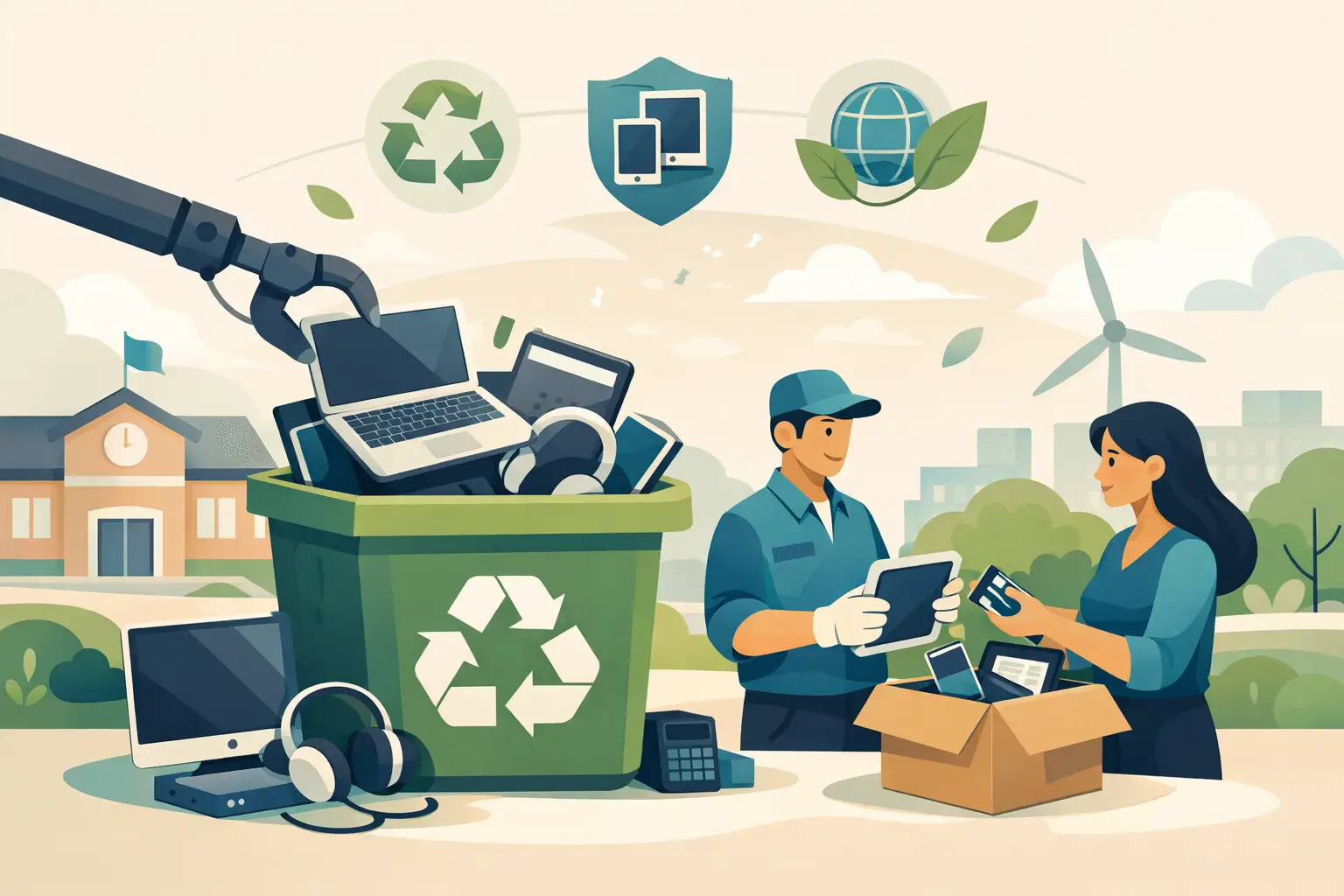
A locked storage closet full of retired Chromebooks, desktops, tablets, and network gear is not just a space problem. It can be a student-data problem, an environmental compliance problem, and a scheduling problem for the staff member assigned to clear it out. Knowing how to recycle school electronics means treating retired equipment as managed assets until it has been securely destroyed, refurbished, or processed through a responsible recycling stream.
For schools, districts, colleges, and education nonprofits, the process should protect data, maintain asset records, and keep regulated materials out of the trash. A dependable recycler can handle the logistics, but the school still needs a clear internal process before pickup day.
Start With an Equipment Inventory
Do not begin by moving everything into a hallway or loading dock. First, identify what the school has and where it is located. This creates a chain of custody, helps determine whether equipment has resale value, and prevents usable devices from being mistakenly discarded.
At minimum, record the device type, manufacturer, model, serial number or asset tag, department, campus location, and condition. For computers, tablets, servers, phones, and storage devices, note whether the device may contain sensitive information. Include equipment held in classrooms, libraries, administrative offices, IT rooms, science labs, and satellite campuses.
A complete inventory is particularly useful when a district has equipment purchased through grants, lease agreements, or program-specific budgets. Some assets may have disposal restrictions or ownership requirements. Check those terms before authorizing recycling or resale.
Separate equipment into three practical groups: assets that may be redeployed internally, assets that may have resale or buyback value, and equipment that is ready for recycling. Working hardware should not automatically become e-waste. A newer laptop fleet, network switch, or server may offset disposal costs if it can be evaluated for reuse or liquidation.
Protect Student, Staff, and School Data First
Deleting files or performing a basic factory reset is not enough for every device. Schools routinely hold student records, employee information, financial documents, health-related files, emails, saved passwords, Wi-Fi credentials, and administrative records. Storage media must be handled as a data-security issue, not simply a recycling task.
Your IT team should determine the appropriate method for each device category. Depending on the equipment and the school’s retention policies, that may include verified data erasure, removal of storage media, or physical destruction of hard drives, solid-state drives, tapes, and other media.
Physical destruction is often the clearest option for failed drives, outdated servers, damaged laptops, and devices that cannot be securely powered on or wiped. For working assets with resale value, verified erasure may be more appropriate because it preserves the device for reuse. The right choice depends on the media type, device condition, data sensitivity, and the organization’s policies.
Keep records of what was wiped or destroyed. A certificate of data destruction or destruction report can support internal audits, board reporting, insurance requirements, and privacy compliance documentation. Ask the recycling provider what documentation is available and whether serial numbers can be included in the report.
How to Recycle School Electronics by Category
Mixed school equipment is easier to manage when it is sorted before collection. Sorting is not always required, but it makes pickup estimates more accurate and helps identify items that need special handling.
Common school electronics include desktop computers, laptops, Chromebooks, tablets, monitors, keyboards, mice, printers, copiers, servers, network switches, routers, access points, phones, projectors, cables, classroom AV equipment, and uninterruptible power supplies. Schools may also have older technology such as document cameras, smart boards, DVD players, cassette equipment, and computer lab peripherals.
Batteries should be separated from general electronics whenever possible. Lithium-ion batteries can present a fire risk if damaged, loose, or improperly packed. Swollen, leaking, or damaged batteries need additional caution. Do not place loose batteries in a box with metal equipment or dispose of them in regular trash or recycling bins.
Large-format printers, copiers, and certain specialty equipment may involve separate disposal charges because of their size, weight, toner, or complex components. Ask about these items during pickup planning rather than assuming they are included with standard computer equipment.
Choose a Recycler That Supports Compliance and Chain of Custody
The lowest-cost option is not always the lowest-risk option. A school should know where its equipment goes after pickup, how data-bearing devices are controlled, and whether materials are managed in accordance with applicable state and federal requirements.
A qualified electronics recycling provider should be able to explain its pickup process, accepted items, data destruction options, downstream processing approach, and documentation. The provider should also be clear about whether equipment will be recycled, evaluated for reuse, or handled through an asset recovery program.
Avoid informal disposal arrangements that leave the school without records. Handing devices to an unknown collector, donating data-bearing equipment without a verified wipe, or placing electronics beside a dumpster can create unnecessary exposure. The device may look obsolete, but the information on it may not be.
For Bay Area schools managing a substantial volume of retired technology, I Got E-Waste can coordinate commercial pickup, secure data destruction, and electronics recycling. Qualified loads may be eligible for no-cost pickup, while smaller quantities or specialty items may require a service fee. Confirm the equipment list and pickup requirements in advance so there are no surprises on collection day.
Prepare the Campus for Pickup
A smooth pickup starts before the truck arrives. Consolidate equipment in a secure, accessible staging area whenever possible. A ground-floor location, loading dock, or area near an elevator reduces disruption and makes collection faster. If equipment is spread across multiple buildings, decide whether the vendor will collect from each location or whether school staff will consolidate it first.
Remove personal items, paper records, and non-electronic debris from equipment carts and storage areas. Keep devices that are still active or awaiting review separate from the recycling load. Label pallets, carts, or boxes by campus or department if reporting by location matters to your organization.
Provide the recycler with an accurate estimate of the quantity and type of equipment. For example, state whether the load includes 150 Chromebooks, 40 desktop towers, 25 monitors, several servers, network gear, batteries, or large copiers. Details help the provider send the right crew, vehicle, and equipment.
Assign one school representative to meet the pickup team, confirm the material being removed, and retain the pickup receipt. That person should have authority to approve the release of equipment and understand which items require data destruction documentation.
Build Electronics Recycling Into Your Refresh Cycle
Schools often wait until a storage room is full before arranging recycling. That approach can work for a one-time cleanout, but it creates clutter and makes asset tracking harder. A better practice is to include disposition planning in every technology refresh, lease return, lab upgrade, and campus move.
Set a regular review schedule for obsolete assets. Many organizations coordinate recycling near the end of the school year, after summer technology upgrades, or when a district-wide device refresh is complete. The best timing depends on available storage space, equipment volume, budget cycles, and how quickly IT staff can complete data handling.
Establish a written process that identifies who approves disposal, who performs or authorizes data wiping, what records must be retained, and how pickups are requested. This does not need to be complicated. It needs to be repeatable, especially when multiple campuses and departments contribute equipment.
Keep the Final Records
After the equipment leaves campus, retain the inventory, pickup receipt, data destruction documentation, and any asset disposition report provided by the recycler. These records demonstrate that the school handled retired electronics deliberately rather than treating them as ordinary waste.
The practical goal is simple: clear aging equipment without creating a data gap, a compliance gap, or a new burden for campus staff. When recycling is planned alongside inventory control and secure destruction, the storage room gets cleared and the school remains accountable for every device that left it.
