
A retired laptop in a storage room is not harmless just because it no longer powers the business. Its drive may still contain employee records, client files, financial data, credentials, or regulated information. When evaluating shredding versus wiping, the practical question is not which method sounds more secure. It is which method fits the device, the data risk, your retention requirements, and whether the asset still has value.
For Bay Area organizations managing office cleanouts, IT refreshes, server replacements, or campus equipment turnover, the decision often affects more than security. It affects asset recovery, documentation, recycling costs, and the ability to show that sensitive media was handled properly.
What shredding means for data-bearing devices
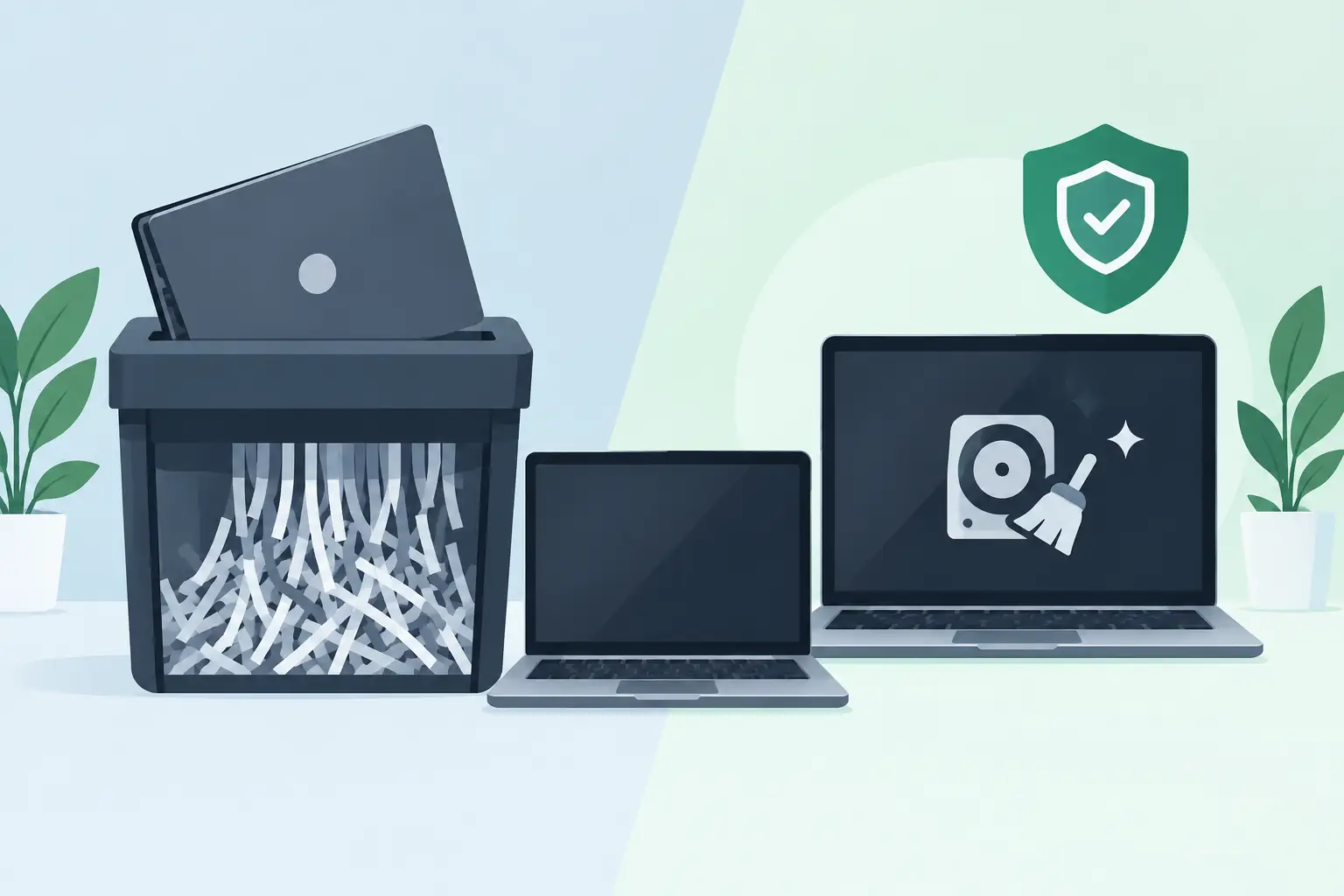
Data shredding is physical destruction of the storage media. A hard drive, solid-state drive, USB drive, mobile device, tape, or other data-bearing component is processed through specialized equipment until it is reduced to fragments. Once the storage components are destroyed to the required particle size, the data cannot be read using normal recovery methods.
Physical destruction is generally the clearest choice when media contains highly sensitive information, cannot be reliably sanitized, has failed, or has no remaining resale value. It is also useful when an organization needs finality. A damaged hard drive cannot always be booted, assessed, or erased through software, but it can still be securely destroyed.
Shredding does come with a trade-off: the device or drive is no longer reusable. That eliminates the possibility of resale, refurbishment, or internal redeployment. For organizations with large volumes of newer laptops, servers, or networking equipment, automatically shredding every drive may leave recoverable asset value on the table.
Physical destruction also needs to be specific. Destroying an entire computer is not the same as confirming that its hard drive or SSD was destroyed. A sound process identifies the data-bearing media, maintains custody from pickup through destruction, and records what was processed. If drives are removed before pickup, they should be labeled and controlled so they can be tied back to the relevant asset records.
What wiping means and where it works
Wiping, also called data sanitization or secure erasure, uses software or device commands to remove data from a functioning storage device. The goal is to make prior data unrecoverable while keeping the drive intact for reuse, resale, or recycling as a working component.
The right wiping method depends on the storage technology. Traditional magnetic hard disk drives can be sanitized using approved overwrite or sanitize methods. Modern SSDs, NVMe drives, flash storage, and self-encrypting drives require methods designed for their architecture. A simple file deletion, quick format, or factory reset is not secure wiping. Those actions can leave recoverable data behind.
For many current devices, a verified built-in sanitize command or cryptographic erase is more appropriate than repeatedly writing data across the drive. SSDs distribute data across memory cells through wear leveling, which means conventional overwrite methods may not reach every area where information was stored. A qualified provider should use methods appropriate to the device type and verify that the erase completed successfully.
Wiping has a strong operational advantage: it can preserve asset value. A tested, securely wiped laptop or server may be suitable for reuse, resale, donation, or equipment buyback. That can offset disposition costs and keep usable electronics in service longer. But wiping is not the right answer when the media is defective, inaccessible, encrypted without reliable key management, or subject to a destruction requirement.
Shredding versus wiping: the decision depends on risk
There is no single method that is best for every retired asset. The decision should begin with the information on the device and the organization’s obligations, not with the physical size of the cleanup.
Shredding is usually the better fit when the media held regulated, confidential, or high-impact information and the organization needs irreversible destruction. Examples include failed server drives, storage from decommissioned systems, old backup tapes, damaged laptops, and drives with unknown ownership or unknown data history. It may also be required by a contract, internal policy, legal hold release process, or customer security standard.
Wiping is often the better fit for functional devices that are candidates for resale or reuse. This commonly includes recent-generation laptops, desktops, servers, tablets, and storage devices with known working condition. The erase process should be validated and documented before the equipment moves into reuse or downstream recycling.
A mixed approach is common and often more practical than choosing one method for an entire load. For example, an IT department may wipe working laptops for liquidation, shred failed drives from servers, and physically destroy drives from executive devices or systems that stored sensitive records. This approach matches the treatment to the risk while retaining value where it makes sense.
Device type changes the answer
Storage technology matters. A hard drive removed from an older desktop is not handled the same way as an NVMe SSD soldered into a modern laptop. Mobile phones, tablets, multifunction printers, copiers, network appliances, and backup systems can also store sensitive data in places that are easy to miss.
Printers and copiers may contain internal hard drives that store scanned documents, print jobs, address books, and user information. Firewalls, switches, wireless controllers, and other network equipment can retain configuration files, VPN settings, certificates, and credentials. A factory reset may be appropriate only when it has been verified for that specific equipment and does not conflict with your security policy.
Some devices have embedded or soldered storage that cannot be removed without damaging the equipment. In those cases, secure wiping may be the only option if the device is intended for reuse. If it cannot be successfully sanitized, the entire device may need to be physically destroyed or processed through a method that destroys the embedded storage.
Documentation is part of secure destruction
Whether you choose shredding or wiping, the process should produce evidence. A verbal assurance that equipment was handled securely is not enough for an organization responsible for customer data, employee records, or regulated information.
Useful documentation typically identifies the date of service, the type and quantity of media processed, the destruction or sanitization method, and the responsible service provider. For serialized assets, a detailed record can tie the drive or device serial number to the final disposition. This level of reporting is especially useful for IT asset inventories, audits, insurance requirements, and internal security reviews.
Chain of custody matters as much as the final method. Risks can arise while equipment is waiting in a loading dock, being transported between sites, or staged for processing. Use controlled collection procedures, limit who can access retired equipment, and avoid leaving devices in unsecured recycling bins or common storage areas.
Organizations should also clarify where destruction occurs. On-site shredding can be appropriate for certain risk profiles and policies, while secure off-site processing may be more efficient for larger loads. The key is a documented custody process and confirmation that the media reaches its intended disposition.
A practical way to set your policy
Before an equipment refresh or office cleanup, classify assets into three groups: equipment suitable for verified wiping and reuse, media that requires physical destruction, and equipment that needs evaluation because its storage or ownership is unclear. This reduces last-minute decisions when a pickup is already scheduled.
Your policy should identify who authorizes destruction, which data classifications require shredding, what sanitization standard applies to reusable assets, and what records must be retained. It should also cover overlooked equipment such as copier hard drives, removable media, external drives, phones, and network appliances.
For recurring IT turnover, consistency is more valuable than an overly complicated process. A documented workflow lets office managers, facilities teams, and IT staff move obsolete equipment out of storage without bypassing security controls. I Got E-Waste can help commercial organizations coordinate secure data destruction with responsible electronics recycling and pickup logistics.
The most useful question is simple: can this device be securely sanitized, verified, and put back into use, or does its condition and data risk require permanent destruction? Make that decision before the equipment leaves your control, then keep the records that prove it was handled correctly.