A storage room full of retired laptops, servers, switches, and phones is not simply an e-waste problem. It is a data-risk, logistics, and compliance problem. The decision between ITAD versus recycling determines whether usable equipment is tracked and evaluated before disposal, whether sensitive data is properly destroyed, and whether your organization receives the documentation it needs.
For many Bay Area organizations, the right answer is not one or the other. IT asset disposition often includes responsible recycling for equipment that has no reuse value. The difference is the process: ITAD begins with the asset and its risks, while basic recycling begins with the material.
What ITAD Means for Business Equipment
ITAD stands for IT asset disposition. It is the managed process of retiring business technology in a way that addresses data security, asset tracking, reuse, resale, recycling, and final disposition. It is most relevant for computers, servers, storage devices, networking hardware, mobile devices, and other equipment that may hold business or personal information.
A proper ITAD process usually starts before pickup. Your team identifies what is being retired, determines which assets may have resale or reuse value, and establishes how data-bearing devices will be handled. At pickup, equipment can be counted, categorized, and moved through a defined chain of custody. Devices may then be wiped, physically destroyed, refurbished, remarketed, or recycled based on condition, age, and your organization’s security requirements.
That level of control matters when equipment includes employee records, customer information, financial data, health information, credentials, or internal files. A laptop that will not power on can still contain a working drive. A decommissioned server can retain data across multiple drives, controllers, or storage modules. Treating these assets as ordinary scrap too early can leave unanswered questions about where data went and who handled it.
ITAD also recognizes that retired equipment may still have value. Recent-model laptops, servers, network gear, tablets, and phones can sometimes be evaluated for buyback or liquidation. When resale is practical, asset value can offset a portion of disposition costs. When it is not, the equipment moves to responsible recycling.
What Electronics Recycling Is Designed to Do
Electronics recycling focuses on recovering materials from unwanted electronics and keeping hazardous components out of landfills. This is essential work. Circuit boards, cables, batteries, displays, hard drives, plastics, and metals should be processed through responsible downstream channels rather than thrown away or mixed with regular waste.
For equipment that is broken, obsolete, incomplete, or too old to reuse, recycling is often the correct final path. It is particularly appropriate for damaged monitors, keyboards, mice, cables, printers, power supplies, batteries, and other items with little or no resale value.
The limitation is that the term “recycling” does not automatically describe everything that happens before material recovery. A pickup service may collect equipment for recycling, but an organization still needs to know whether data-bearing devices are inventoried, wiped, shredded, or otherwise destroyed according to its requirements. It should also understand what documentation is available after service.
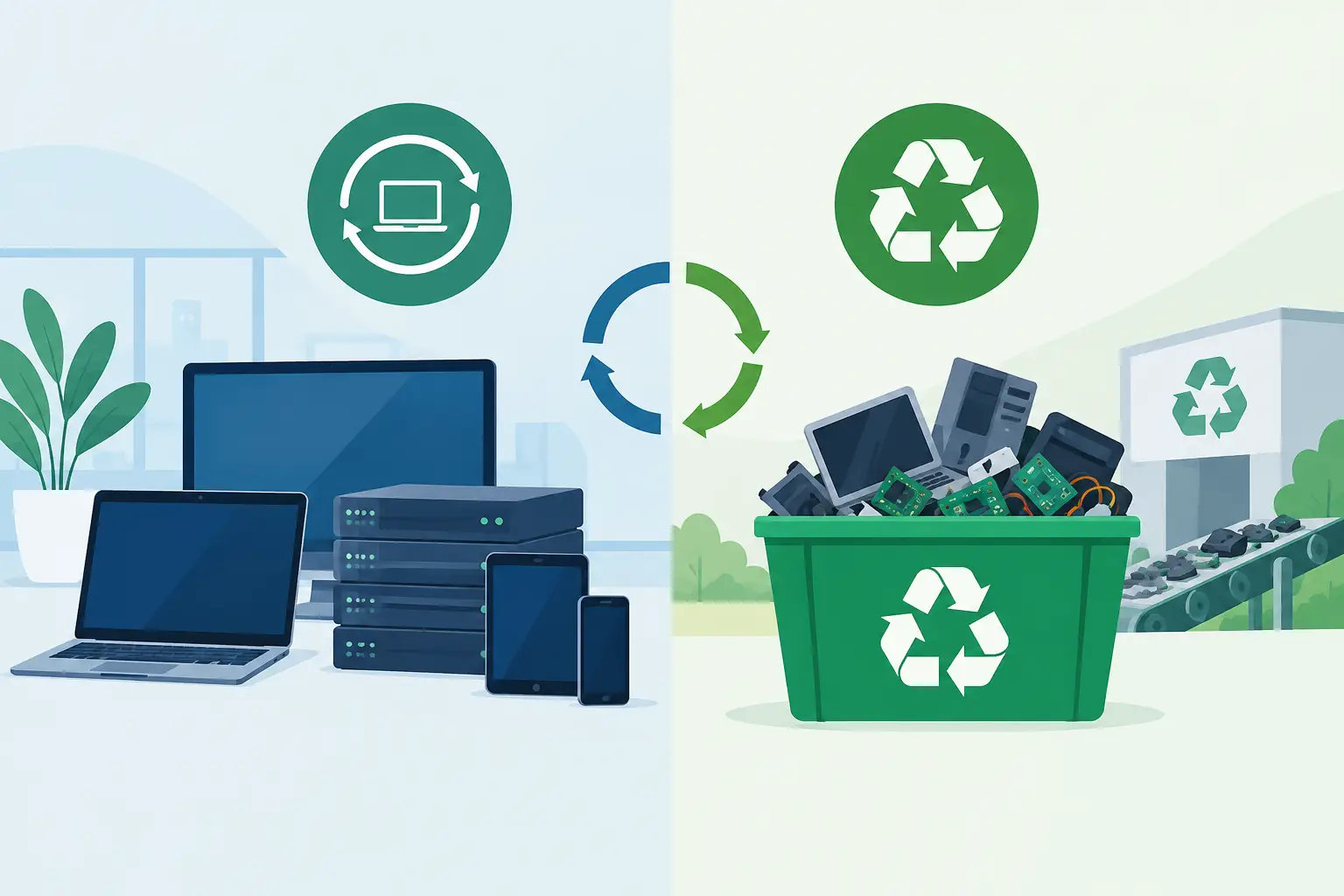
In other words, recycling answers an environmental question: how will this material be managed at end of life? ITAD answers a broader operational question: how will we retire this technology without losing control of data, assets, or compliance obligations?
ITAD Versus Recycling: The Practical Differences
The distinction becomes clear when a company clears out an office or refreshes its IT fleet. Consider 75 employee laptops, 20 monitors, several network switches, and a box of old cables. The laptops may contain data and retain resale value. The monitors may be usable but have limited value. The cables are generally material recovery. One load, three different handling decisions.
With an ITAD-first approach, the laptops are identified for secure data destruction and value assessment. The network gear is evaluated based on age, model, condition, and market demand. The monitors, cables, and nonfunctional equipment are routed to recycling. This creates a more deliberate disposition record than sending every item directly into a general recycling stream.
The operational differences typically involve these areas:
- Data security: ITAD places data-bearing devices at the center of the process. Recycling may include data destruction, but it should be confirmed rather than assumed.
- Asset records: ITAD can support serial-number tracking, asset reporting, and disposition documentation. This is useful for IT teams, finance departments, auditors, and regulated organizations.
- Value recovery: ITAD evaluates whether qualifying equipment can be reused, remarketed, or purchased back. Recycling generally focuses on commodity material value.
- Final handling: Both paths can lead to responsible recycling. ITAD simply determines whether reuse, resale, wiping, or destruction should occur first.
Not every organization needs full asset-level reporting for every keyboard or cable. But nearly every organization should apply a higher level of control to hard drives, laptops, servers, phones, and storage appliances.
When Recycling Alone May Be Enough
Straightforward recycling may be sufficient when equipment contains no storage media, has no practical resale value, and does not require detailed tracking. Examples may include damaged peripherals, empty toner cartridges where accepted, non-data cables, broken keyboards, and obsolete accessories.
It can also be a practical option for mixed office e-waste after your organization has separated devices that need secure handling. For example, a facilities team may schedule a commercial pickup for monitors, desktop towers with drives removed, printers, cables, and batteries while the IT department separately manages the drives and higher-risk assets.
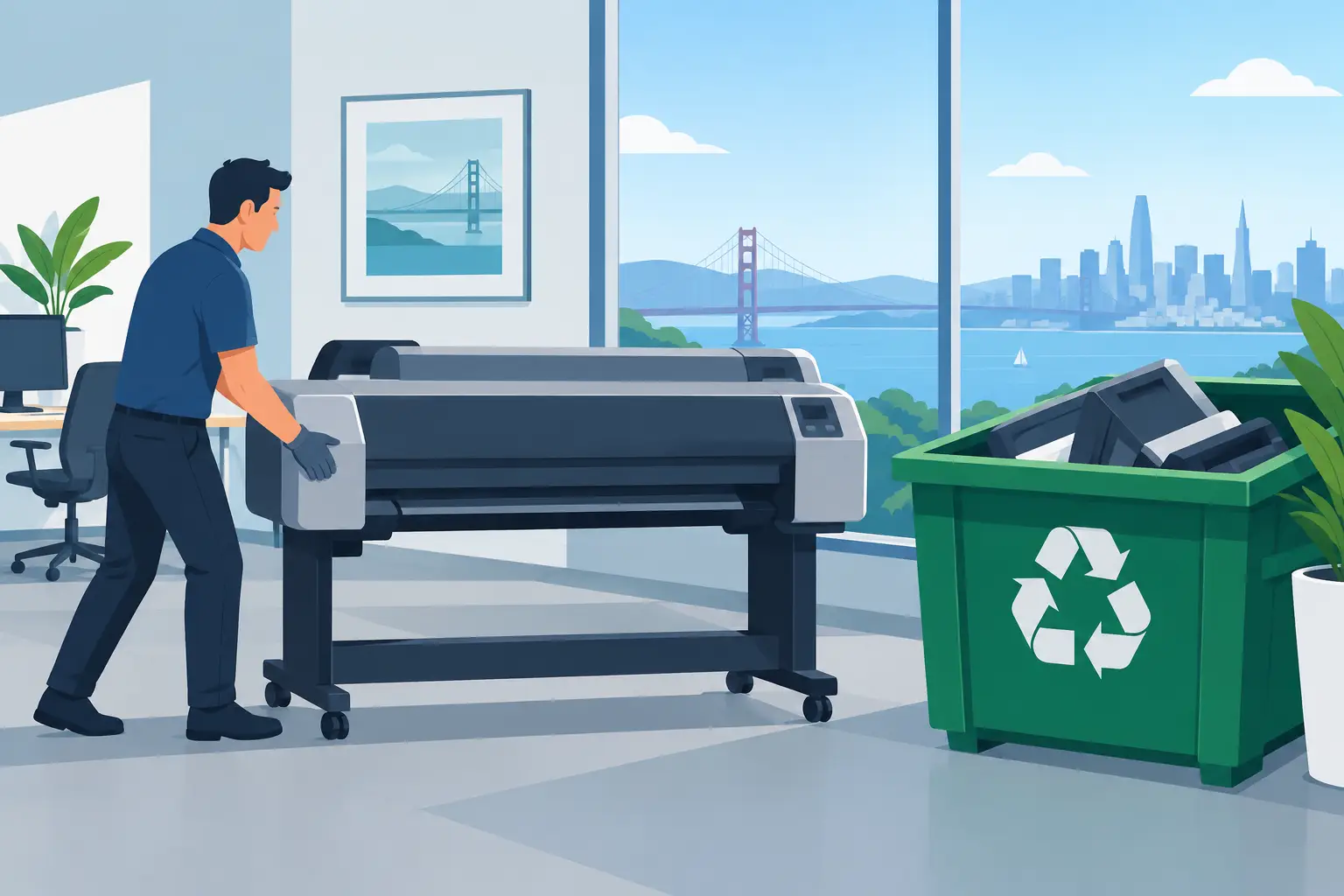
Even then, confirm the provider’s accepted-item rules and any fees for specialized equipment. Large-format printers, copy machines, certain display types, and batteries may require different handling because of size, components, or processing requirements. Clear expectations before pickup prevent surprises later.
When ITAD Is the Better Fit
ITAD is generally the better fit when an organization is replacing a meaningful number of computers or other managed assets. It is also appropriate when the equipment comes from an office closure, a data center refresh, a school technology replacement, a merger, or a department move.
Choose an ITAD-oriented process when your organization needs proof of data destruction, chain-of-custody controls, itemized reporting, or a review of potential resale value. These needs are common in healthcare, finance, legal services, education, government, and any company that manages confidential client or employee data. They also matter to organizations with formal information-security policies, insurance requirements, or internal audit procedures.
A small quantity of old equipment may not justify a complex asset-disposition project. A large deployment may require more planning than a standard recycling pickup. The appropriate level of service depends on volume, device type, data sensitivity, and reporting requirements.
Questions to Settle Before Scheduling Pickup
Before equipment leaves your site, determine who owns the disposition decision. IT, facilities, procurement, and office management often share responsibility, which can create gaps if no one is assigned to approve data destruction or asset release.
Ask whether devices contain internal drives, removable media, SIM cards, backup batteries, or embedded storage. Confirm whether drives should be wiped, physically destroyed, or retained by your organization. If you need certificates or reporting, define the required format and level of detail before pickup.
It is also worth separating equipment by category. Keeping laptops, servers, hard drives, network equipment, monitors, batteries, and general peripherals reasonably organized makes the pickup faster and improves the accuracy of the disposition process. You do not need to create a perfect inventory for every mixed box, but high-risk assets should not disappear into a general pile.
For qualified commercial loads in the San Francisco Bay Area, I Got E-Waste can coordinate pickup and help organizations move obsolete electronics out of offices, campuses, and storage areas without adding another internal logistics project. The key is to identify data-bearing and potentially valuable assets before collection is scheduled.
Build the Decision Around Risk, Not Clutter
A crowded storage room creates urgency, but it should not dictate the disposal method. The oldest equipment may be low-value scrap, while the newest retired laptops may still represent both a data exposure and a financial opportunity. Sorting those categories before pickup protects your organization on both fronts.
Use recycling for material that has reached its true end of life. Use ITAD when the equipment still requires accountability, secure data handling, or value evaluation. A responsible end-of-life plan does not force every device into one category – it gives each asset the handling its condition and risk require.